Best AI Tool Stack in 2026: 8 Tools Compared
We compared the best AI tool stack for everyday work, covering writing, images, coding, meeting notes, search and editing in one clear setup for work in 2026.
- Editor's choice
 ChatGPT
General writing, analysis and ideas
Starts at$20 per monthVisit chatgpt.comFull review - Great alternative
 Claude
Long documents and careful writing
Starts at$20 per monthVisit claude.aiFull review - Also consider
 Perplexity
Research with sources
Starts at$20 per monthVisit perplexity.aiFull review
TL;DR:
- Start with one general chatbot, then add specialist tools only for jobs you do every week.
- ChatGPT or Claude can cover most writing and analysis, while Perplexity is better for research with sources.
- Midjourney covers images, GitHub Copilot covers coding, and Otter.ai covers meeting notes, so each job has one owner.
- Review subscriptions quarterly, since overlapping AI tools are the fastest way to waste money.
Quick comparison
| Tool | Best for | Starts at | Free plan? | |
|---|---|---|---|---|
| ChatGPT | General writing, analysis and ideas | $20 per month | Yes | Visit |
| Claude | Long documents and careful writing | $20 per month | Yes | Visit |
| Perplexity | Research with sources | $20 per month | Yes | Visit |
 Notion AI | Notes, docs and team knowledge | See website | Yes | Visit |
 Midjourney | Image generation with consistent style | $10 per month | No | Visit |
 GitHub Copilot | Coding help inside the editor | $10 per month | Yes | Visit |
 Otter.ai | Meeting notes and transcripts | Free | Yes | Visit |
 Grammarly | Editing and proofreading | Free | Yes | Visit |
The best AI tool stack
This guide treats the best AI tool stack as a set of tools for everyday work: writing, images, coding, meeting notes, search and editing. Each pick below covers one job, so you can build a stack without paying twice for the same task.
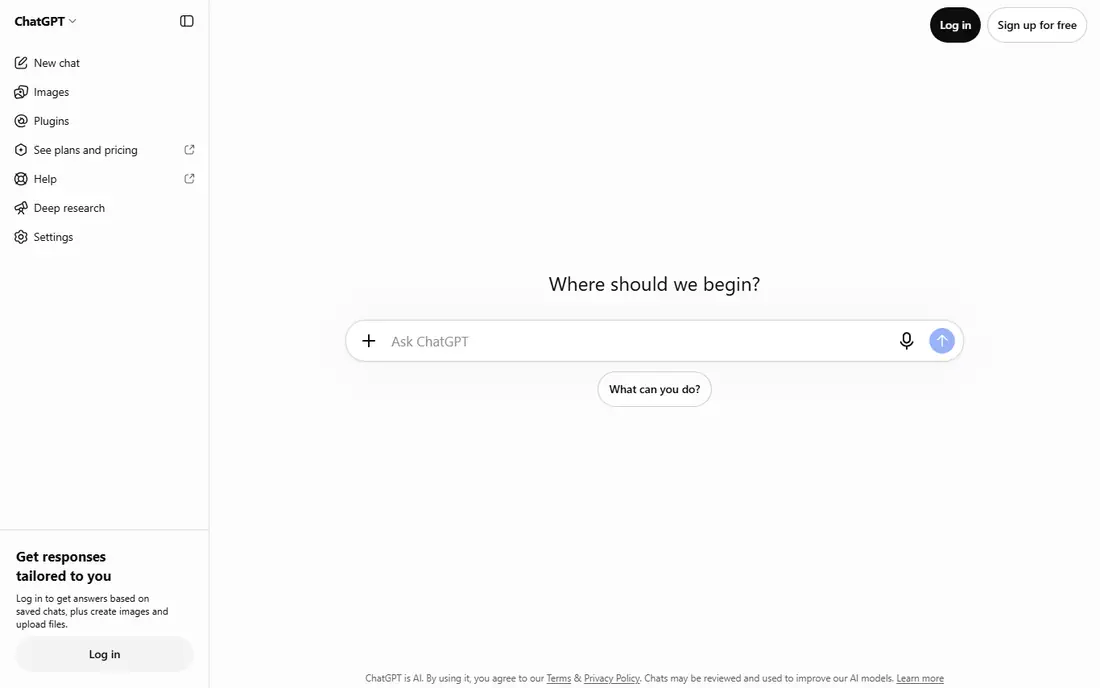
ChatGPT fits the centre of most stacks, as a general assistant for drafting, summarizing, brainstorming and basic analysis. Its strength is range, since one tool can handle emails, outlines, spreadsheet help, simple code and image ideas. That range makes it a good first paid tool, because it covers several jobs before you add specialists.
The catch is accuracy, since outputs can sound confident while containing errors, so facts and figures need checking. Our view is that ChatGPT is the default hub for an everyday AI stack, and the tool to keep if you only pay for one.
- General-purpose chatbot
- Image generation included
- Voice and research modes
- Paid features vary by plan
- Outputs need fact-checking
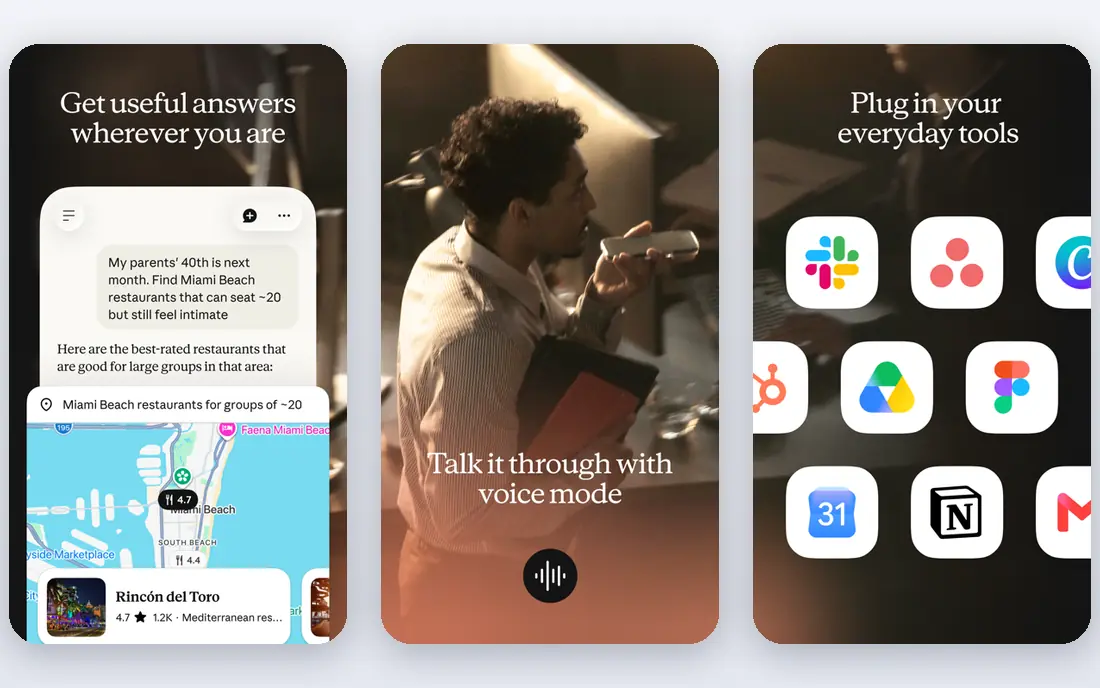
Claude fits writers and analysts who work with long documents, reports and detailed briefs. Its strength is handling longer context and producing clear, structured writing that needs less reshaping. For editing, summarizing and coding help, Claude often feels calmer and more precise than a general chatbot.
The catch is the free limit, since heavy daily use will need a paid plan, and it overlaps heavily with ChatGPT. Our view is that Claude is the best alternative hub, and the right pick if long writing is your main AI job.
- Strong long-document handling
- Clear writing style
- Coding help
- Free use is limited
- Some features need a paid plan
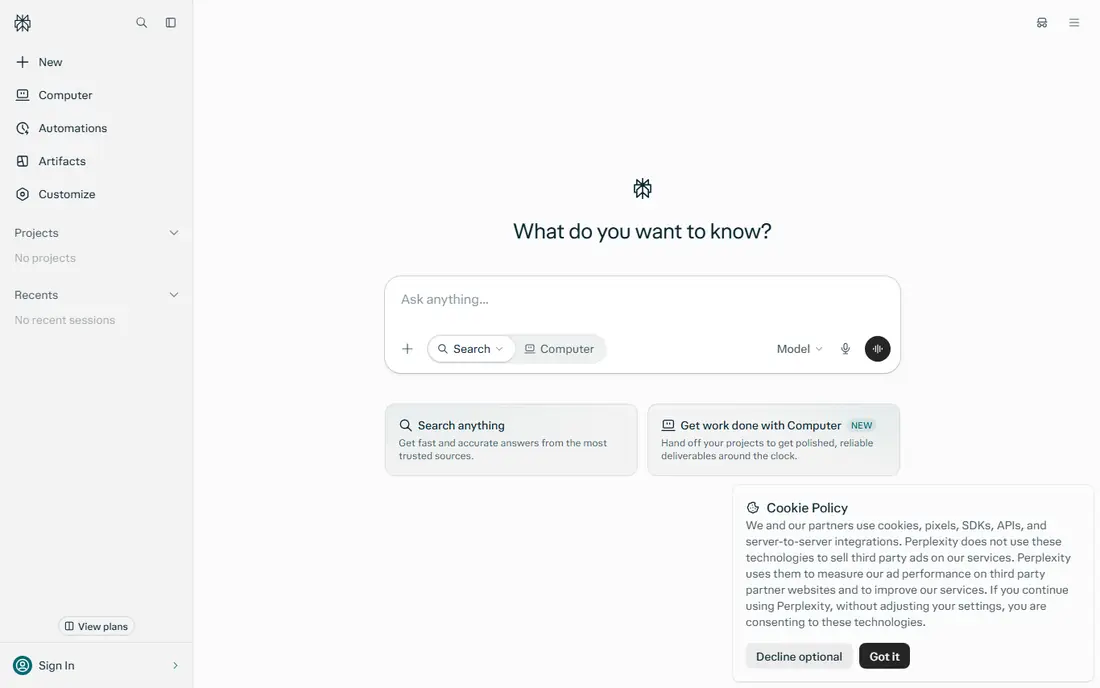
Perplexity fits the research slot in a stack, where you need answers with sources you can open and check. Its strength is cited research, since it shows where an answer came from rather than asking you to trust it blindly. That makes it useful for briefs, market checks and background reading before you write or decide.
The catch is that sources still need checking, since a cited page may not fully support the claim drawn from it. Our view is that Perplexity is worth adding even if you already have a chatbot, because research is a distinct job.
- Answers with cited sources
- Fast research summaries
- Multi-model options on paid plans
- Free Pro searches are limited
- Sources still need checking
Notion AI fits people who already keep notes, docs and projects in Notion and want AI inside that workspace. Its strength is context, since AI can summarize, draft and tidy content where your notes already live. That avoids copying text between a chatbot and a separate notes app, which saves time and reduces version confusion.
The catch is cost structure, since AI sits on top of Notion plans, so it makes most sense for existing Notion users. Our view is that Notion AI is a strong stack addition for Notion households and teams, and a weaker pick if you do not use Notion.
- AI inside notes and docs
- Summaries and drafting
- Team wiki and project tracking
- AI is an add-on to Notion plans
- Best value needs existing Notion use
Midjourney fits the image slot in a stack, for creators who need illustrations, covers and visual ideas with a consistent look. Its strength is style, since its images often look more polished and cohesive than generic chatbot images. That matters for branding, social posts and article covers, where a consistent visual feel builds recognition.
The catch is access, since there is no free tier and the workflow runs mainly through Discord or its web editor. Our view is that Midjourney is the best image pick for creators who publish visuals regularly, while casual users can use chatbot images.
- Distinctive image style
- Strong for branding and illustration
- Active community and prompts
- No free tier
- Works mainly through Discord or its web editor
GitHub Copilot fits developers who want coding help inside their editor, rather than copying code from a chatbot. Its strength is flow, since suggestions appear as you type, with chat help for explaining or fixing code. That can speed up routine code, boilerplate and tests, leaving more time for design and debugging.
The catch is review, since suggested code can contain bugs or outdated patterns, so every suggestion needs checking. Our view is that GitHub Copilot is the clear coding pick for an everyday stack, especially for developers already on GitHub.
- Code suggestions in the editor
- Chat help for code
- Works with common languages
- Suggestions need review
- Free tier is limited for some users
Otter.ai fits the meeting slot in a stack, turning calls and meetings into searchable notes and summaries. Its strength is recall, since you can search a transcript for a decision or action item instead of relying on memory. Summaries help teams share outcomes quickly, especially when not everyone could attend live.
The catch is minutes, since the free plan limits monthly transcription, and noisy audio can reduce accuracy. Our view is that Otter.ai is the best meeting pick for most workers, and worth paying for if meetings fill your week.
- Live transcription
- Meeting summaries
- Searchable transcripts
- Free plan limits monthly minutes
- Accuracy varies with audio quality
Grammarly fits the final editing slot in a stack, catching grammar, clarity and tone issues before work goes out. Its strength is breadth, since it works across browsers, docs and email, so editing follows you rather than living in one app. For client-facing writing, that final pass can prevent small errors that undermine otherwise good work.
The catch is depth, since the free plan covers basics only, and advanced style suggestions need a paid plan. Our view is that Grammarly is a useful final layer for any stack, even if you already use a chatbot for drafting.
- Grammar and clarity checks
- Tone suggestions
- Works across browsers and docs
- Free plan is basic
- Advanced suggestions need a paid plan
How we picked these
We compared official pricing and feature pages for each tool, with attention to free tiers, paid starting prices and how each tool fits a distinct job in an everyday stack. We favoured tools with clear free or low-cost entry points and a specific role, rather than tools that duplicate the same job. We did not claim hands-on testing, and we treated pricing as vendor list pricing to confirm at checkout.
How to build an AI stack without overlap
Give every job one owner
Write down the jobs you do most, such as drafting, research, images, coding, notes and editing, and assign one tool to each job. If two tools cover the same job, keep the one you open most and cancel the other. A smaller stack is easier to learn, cheaper to run and less likely to leave work scattered across apps.
Start free, then pay for the bottleneck
Use free tiers for a month and note which job still feels slow or limited. Pay first for the tool that removes the biggest bottleneck, whether that is meeting notes, coding help or image generation. Adding a paid tool for a job you do rarely is the most common stack mistake.
Check privacy before pasting work content
Read each tool's privacy and data-use terms before pasting client work, internal documents or personal notes. Avoid pasting passwords, private client data or sensitive personal details into any AI tool. For work content, prefer tools with business or team plans that offer clearer data controls.
FAQ
What is the best AI tool stack for everyday work?
A practical everyday stack is a general chatbot for writing and analysis, Perplexity for research, Notion for notes and docs, Midjourney for images, GitHub Copilot for coding, Otter.ai for meetings and Grammarly for editing. Start free where possible, then pay only for the jobs you use weekly.
Do I need both ChatGPT and Claude?
No, most people need only one general chatbot, since ChatGPT and Claude cover similar writing and analysis jobs. Try both free tiers, keep the one whose style and answers you prefer, and spend the saved subscription on a specialist tool for images, coding or meetings instead.
What is the best AI tool stack for students?
Students can start with free tiers for a chatbot, Perplexity for cited research, Notion for notes and Grammarly for editing. Add a paid tool only when a specific course or project demands it, such as coding help or image generation. Keep the stack small so study time is not spent managing subscriptions.
How much does a good AI tool stack cost?
A free-first stack can cost nothing, while a paid stack with one chatbot, one image tool and one meeting tool can run roughly $50 to $70 per month at list prices. The exact total depends on annual billing and which jobs you pay for. Review the stack quarterly and cancel tools you have not opened in a month.
Can one AI tool do everything in a stack?
A general chatbot can draft, summarize, code and generate images at a basic level, but specialist tools usually do their one job better. Use the chatbot for general work, and add specialists only where quality or speed matters for your job. That balance keeps costs down without giving up useful depth.