Best AI Tool for Resume Optimization in 2026: 9 Tools Compared
Compare the best AI tool for resume optimization, from Teal and Rezi to Jobscan and Kickresume, for ATS keywords, scoring, and tailored resumes in 2026.
- Editor's choice
 Teal
Full job search and tailored resumes
Starts at$29 per monthVisit tealhq.comFull review - Great alternative
 Rezi
ATS-focused resume writing
Starts at$29 per monthVisit rezi.aiFull review - Also consider
 Jobscan
Resume versus job posting diagnosis
Starts at$49.95 per monthVisit jobscan.coFull review
TL;DR:
- The best resume tool depends on your bottleneck: Teal suits full job search management, Jobscan suits diagnosis against a posting, and Rezi suits ATS-safe writing.
- A high match score does not guarantee an interview, since hiring managers judge relevance, clarity, and proof of results, not only keywords.
- Free plans vary widely, from Teal unlimited resumes to Jobscan five scans per month, so check download and AI limits before you commit.
- Keep your resume truthful and readable, since AI suggestions that invent skills or roles can hurt you in interviews and background checks.
- Tailor one strong base resume for each role family, then adjust keywords and bullets for each posting, rather than rewriting from scratch every time.
Quick comparison
| Tool | Best for | Starts at | Free plan? | |
|---|---|---|---|---|
| Teal | Full job search and tailored resumes | $29 per month | Yes | Visit |
| Rezi | ATS-focused resume writing | $29 per month | Yes | Visit |
| Jobscan | Resume versus job posting diagnosis | $49.95 per month | Yes | Visit |
 Kickresume | Designed templates and AI drafts | $24 per month | Yes | Visit |
 Enhancv | Visual resumes and content feedback | See website | Free trial | Visit |
 Resume.io | Guided resume building | See website | Yes | Visit |
 Novoresume | Clean one-page resumes | See website | Yes | Visit |
 Zety | Guided writing with examples | See website | Free trial | Visit |
 Resume Worded | Instant resume and LinkedIn feedback | See website | Yes | Visit |
The best AI tools for resume optimization
We compared tools on ATS scoring, keyword matching, AI writing quality, templates, free limits, and pricing clarity. Our pick for most job seekers is Teal, because its free plan covers unlimited resumes and job tracking, while Teal+ adds unlimited keyword matching for active searches.
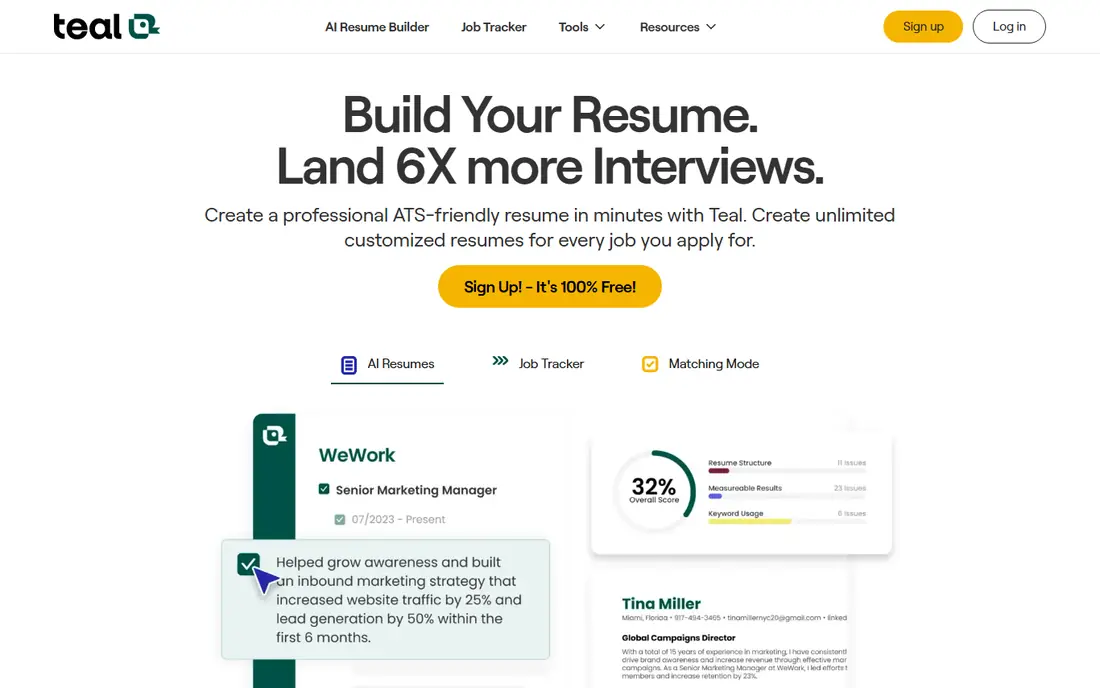
Teal fits active job seekers who apply to many roles and need to stay organized. Its free plan includes unlimited resumes, PDF downloads, and job tracking, plus limited AI credits and basic keyword analysis. The Chrome extension pulls job descriptions from boards, so you can compare your resume with a posting without copying text by hand.
The trade-off is that the most useful AI features sit behind Teal+. Unlimited keyword matching, unlimited AI, and advanced design controls require the paid plan, which costs $29 every 30 days, with weekly and quarterly options. For a short search, the free plan may be enough, while a long search may justify one paid month at a time.
- Unlimited resumes and job tracking on the free plan
- Keyword matching tied to each posting
- Chrome extension for job descriptions
- Unlimited AI rewrites and advanced matching require Teal+
- Weekly and monthly pricing can confuse comparison
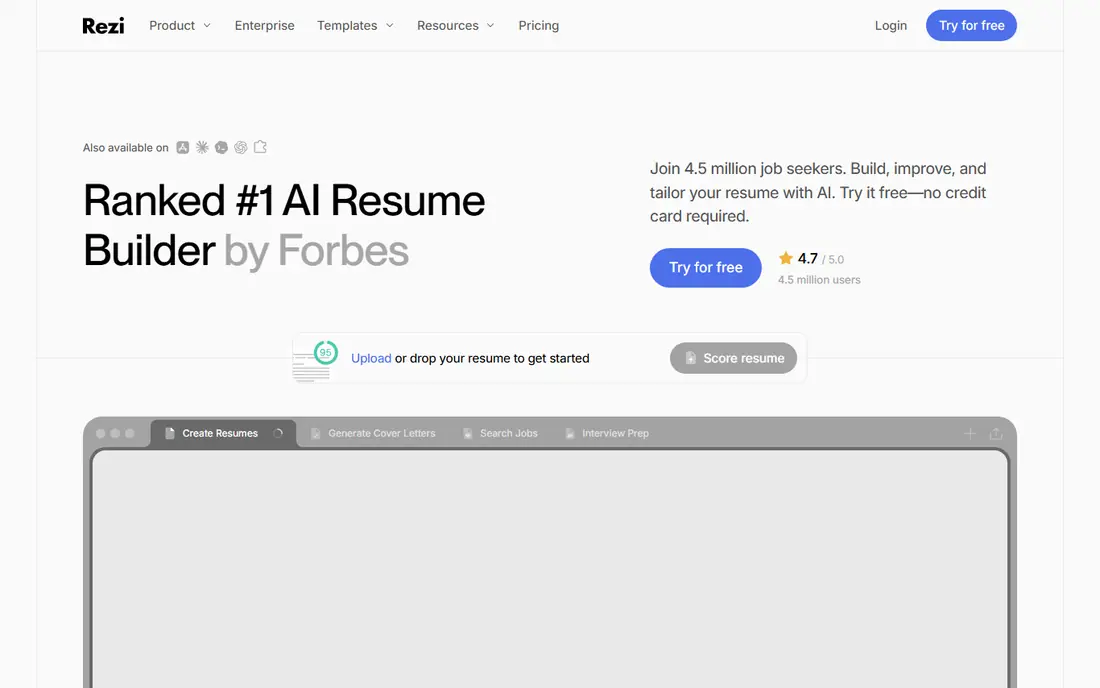
Rezi fits candidates applying through corporate portals where applicant tracking systems parse resumes before a human reads them. Its AI writer drafts and edits content, then scores the resume against structured criteria and suggests keywords from the target role. That scoring helps you see gaps before you submit, rather than after a rejection.
The limit is the free plan. One resume and three downloads suit a single test, but an active search needs Pro at $29 per month or the $149 lifetime plan. The lifetime plan makes sense if you expect several searches over years, while a single search may be cheaper on a monthly plan you cancel promptly.
- Real-time ATS scoring and keyword targeting
- Clean templates that parse well
- Lifetime plan option at $149
- Free plan limits you to one resume and three PDF downloads
- Advanced targeting requires Pro
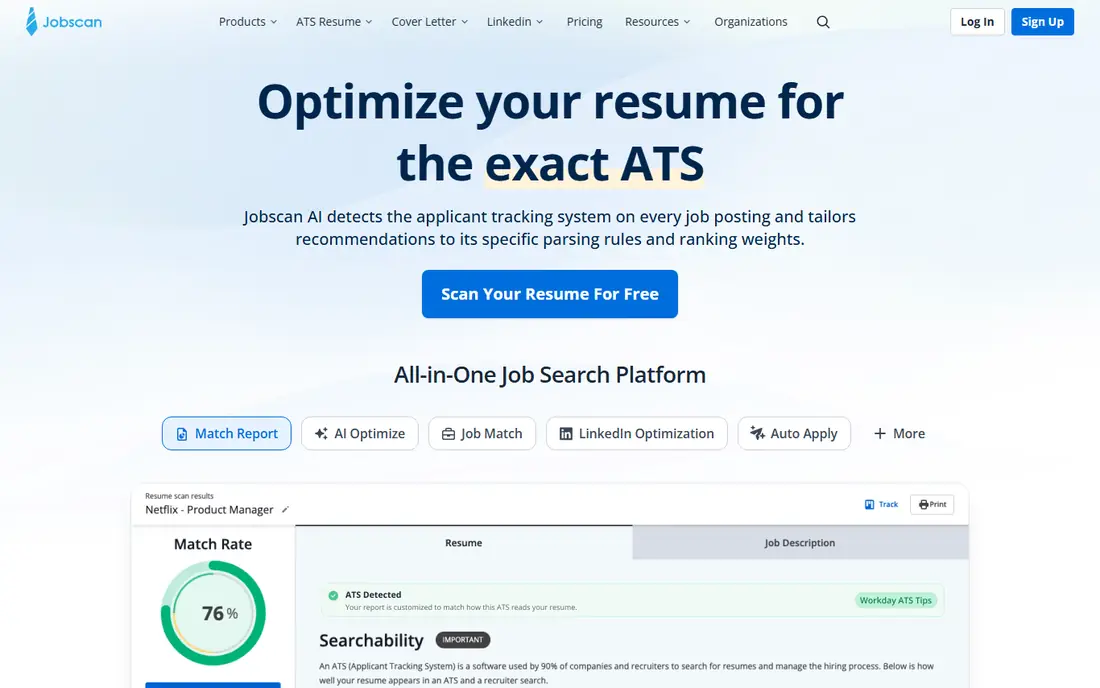
Jobscan fits job seekers who want a diagnosis, not only a builder. Paste a job posting, upload your resume, and Jobscan shows which keywords, skills, and sections match and which are missing, plus formatting issues that can hurt parsing. That detail helps you tailor a resume for a high-value role where a generic version would likely fail.
The honest weakness is price. Premium costs $49.95 per month or $89.95 per quarter after a trial, with five free scans per month on the free plan. Use the free scans for your top roles, and pay for one focused month when you have several strong postings, rather than subscribing for a whole search by default.
- Detailed match rate against a specific posting
- Keyword, skill, and formatting diagnostics
- AI resume coach for guided writing
- Highest monthly price in this list
- Full coaching and optimization require Premium after a trial
Kickresume fits candidates who want a resume that looks polished as well as reads well. Its templates suit creative, marketing, and customer-facing roles where visual presentation matters, while its AI writer can draft bullets from a role and job posting. The Premium ATS checker also helps you test whether a designed layout still parses cleanly.
The catch is that the best templates and full AI access sit behind Premium at $24 per month, with quarterly and yearly options. The free plan keeps four basic templates, which may be enough for a simple resume, but a design-led search will likely need the paid plan. Test the ATS checker on your chosen template before you submit widely.
- Strong designer templates
- AI writer for resumes and cover letters
- ATS checker on Premium
- Free plan limits templates and AI access
- Full customization requires Premium
Enhancv fits candidates who want to stand out in roles where hiring managers read resumes directly, such as design, marketing, and product work. Its layouts let you highlight projects, skills, and achievements in a way that plain templates cannot, while AI feedback flags vague bullets and readability problems. That combination helps a strong record read as strong on the page.
The risk is overdesign for ATS-heavy employers. Columns, graphics, and unusual sections can confuse some parsers, so test a visual resume with an ATS checker such as Jobscan or Rezi before you rely on it for corporate portals. Keep a plain single-column version ready for systems that require simple formatting.
- Distinctive layouts with sections for projects and strengths
- AI feedback on content and readability
- Tailored resume options
- Visual layouts need care for strict ATS parsing
- Pricing varies by billing period and should be checked at checkout
Resume.io fits first-time writers who want step-by-step guidance and ready phrases for each section. Its builder asks about your role and experience, then suggests bullets and layouts you can edit, which reduces blank-page stress. Cover letters and templates for many industries make it a practical all-in-one starter tool.
The honest catch is pricing clarity. The free plan allows text export only, while polished downloads sit behind a trial and subscription, so read trial terms and cancellation steps before you start. Set a reminder to cancel if you only need one resume, and keep a copy of your final file outside the platform.
- Guided builder with pre-written phrases
- Many templates for different industries
- Cover letter builder included
- Free plan exports only as text, so polished PDF downloads require a paid plan or trial
- Trial converts to a subscription if not cancelled
Novoresume fits candidates who need a tight, readable one-page resume, such as early-career professionals and career changers. Its layouts enforce spacing, section order, and length discipline, which helps you cut filler and focus on results. The free plan covers a basic one-page resume, which is enough to test the format.
Senior candidates with long histories may find one page too tight, especially for technical or leadership roles with many projects. In that case, use Novoresume for a concise version and a second tool for a longer master resume, then choose the version that fits each posting.
- Clean one-page layouts that parse well
- Strict formatting that prevents clutter
- One-time purchase options in some plans
- One-page focus limits detail for senior or academic careers
- Advanced templates and features require a paid plan
Zety fits beginners who want examples for every section and a guided path from job title to finished resume. Its wizard suggests phrases by role, which helps when you know your work but struggle to phrase it as achievements. Templates range from plain to modern, so you can match tone to industry.
The trade-off is trial management. A low-cost trial can convert to a recurring subscription, so check the trial length, renewal price, and cancellation steps before you pay. Download your final files promptly, and cancel once your search materials are ready if you do not need ongoing access.
- Guided wizard with thousands of bullet examples
- Strong template range
- Cover letter and resume pairing
- Trial and subscription terms need careful reading
- Free building does not include polished downloads
Resume Worded fits job seekers who already have a resume and want fast, specific feedback before they apply. Its instant review scores content, keywords, and LinkedIn presence, and suggests changes tied to target roles. That quick loop helps you improve a draft in one sitting, without rebuilding it in a new builder.
The limit is that a score is not a job offer. A resume can score well on keywords yet still read poorly to a human, so use Resume Worded for diagnosis, then rewrite bullets with real metrics and clear outcomes. Also confirm current pricing before paying, since paid features are not as clearly published as on Teal or Rezi.
- Instant scoring for resumes and LinkedIn profiles
- Targeted keyword suggestions
- Free review to start
- Full features and pricing are less transparent than rivals
- Scoring is a guide, not a hiring prediction
How we picked these
We compared official pricing pages, free plan limits, ATS and keyword features, and public reviews to judge optimization value rather than template beauty alone. We favored tools with a clear optimization job, such as scoring, matching, or feedback, and we mixed builders, checkers, and full search tools. We also noted trial and subscription terms, since those terms affect real cost for job seekers.
We did not claim hands-on hiring outcomes, and we did not treat a match score as proof of interview success. Prices change often, so we used See website where a vendor does not publish a stable starting price on its main pricing page. Readers should confirm trial terms, cancellation steps, and download limits before paying, and keep a final copy of every resume they submit.
How to optimize a resume without gaming the system
Start with a master resume that lists every role, project, and result, then tailor a shorter version for each role family. Match the language of the posting where it truthfully describes your work, but do not copy phrases for skills you do not have. Hiring managers and background checks will test those claims, and a mismatch hurts more than a lower keyword score.
Keywords, bullets, and formatting
Put the most relevant skills and results in the top third, since both parsers and humans scan quickly. Write bullets as action, result, and scale, such as leading a project that cut onboarding time by a stated amount, rather than listing duties alone. Use a single-column layout, standard headings, and common file formats for ATS portals, and save a designed version only for direct human review.
Tailoring for each posting
Compare your resume with the posting, add missing skills you truly have, and remove irrelevant detail that dilutes focus. Adjust your summary and top bullets first, since those sections carry the most weight. Keep a note of which version you sent to each employer, so interview answers match the resume on file.
Privacy and honesty
Do not upload sensitive data, such as full addresses, ID numbers, or salary history, to a resume tool unless it is required for a specific application. Check each tool privacy policy for data retention and AI training use, and delete drafts you no longer need. If a tool suggests a skill or achievement you did not do, remove it, since honesty matters more than a higher score.
FAQ
Which AI tool is best for resume optimization?
Teal is the best starting point for most job seekers, because its free plan covers unlimited resumes and tracking, while Rezi is the strongest paid pick for ATS scoring. Jobscan is the best diagnostic tool when you need to compare a resume against a specific posting. Choose based on whether your main problem is organization, ATS parsing, or tailoring to one role.
What are the best AI resume optimization tools for ATS?
Rezi, Jobscan, and Teal offer the clearest ATS features, with Rezi scoring content, Jobscan comparing against postings, and Teal matching keywords per role. Novoresume and Kickresume also help if you test their templates with an ATS checker. Always test your final file with a checker before submitting to a corporate portal.
Are AI resume tools free?
Several tools offer free plans, but limits differ. Teal offers unlimited resumes free, Jobscan offers five scans per month free, Rezi offers one resume free, and Kickresume offers four basic templates free. Paid plans add unlimited AI, downloads, and matching, so compare free limits against how many roles you plan to target.
Can AI write my whole resume?
AI can draft and improve bullets, but you must check every claim for accuracy, since AI can invent skills, dates, or results. Use AI for phrasing and keyword suggestions, then edit with your own metrics and context. A resume that sounds generic or contains errors will hurt you more than a plain but accurate resume.
How do I know if my resume passes ATS?
Use a checker such as Jobscan or Rezi, submit a single-column PDF or Word file as the employer requests, and avoid tables, text boxes, graphics, and unusual headings. Check that your contact details, headings, and dates parse correctly in the checker preview. If a section parses badly, simplify the layout and retest before you apply.
Should I use the same resume for every job?
No, tailor your summary, top bullets, and skills for each role family, and adjust keywords for high-value postings. Keep one master resume with full history, then create shorter tailored versions from it. That approach saves time while still showing relevance to each employer.
Sources
https://www.tealhq.com https://www.rezi.ai https://www.jobscan.co https://www.kickresume.com https://enhancv.com https://resume.io https://novoresume.com https://www.zety.com https://resumeworded.com