Best AI Tools for Cyber Security in 2026: 8 Tools Compared
Compare the best ai tool for cyber security for your team, with current pricing, detection strengths and honest limits for 8 leading platforms. Compare.
- Editor's choice
 Darktrace
Network and cloud threat detection
Starts atSee websiteVisit darktrace.comFull review - Great alternative
 CrowdStrike Falcon
Cloud-native endpoint protection
Starts at$59.99 per device per year for Falcon GoVisit crowdstrike.comFull review - Also consider
 SentinelOne Singularity
Autonomous endpoint response
Starts atSee websiteVisit sentinelone.comFull review
TL;DR:
- AI detection now means behaviour and pattern analysis, not just signature matching, so we favoured tools that explain why an alert fired.
- No single product covers every layer, and the strongest setups pair endpoint cover with network or identity detection.
- Quote only pricing is common at enterprise level, so we mark it plainly rather than guessing a price.
- Trial access and managed detection options matter as much as detection claims for small teams.
Quick comparison
| Tool | Best for | Starts at | Free plan? | |
|---|---|---|---|---|
| Darktrace | Network and cloud threat detection | See website | No | Visit |
| CrowdStrike Falcon | Cloud-native endpoint protection | $59.99 per device per year for Falcon Go | Free trial | Visit |
| SentinelOne Singularity | Autonomous endpoint response | See website | Free trial | Visit |
 Palo Alto Networks Cortex XDR | XDR across endpoint, network and cloud | See website | Free trial | Visit |
 Vectra AI | Network detection and response | See website | No | Visit |
 Microsoft Defender for Endpoint | Microsoft 365 estates | $3 per user per month for Defender for Business | Free trial | Visit |
 Cybereason Defense Platform | Attack story and investigation | See website | No | Visit |
 Trend Micro Vision One | Broad multi-layer protection | See website | Free trial | Visit |
The best AI tools for cyber security
We compared official feature pages, pricing pages, app store listings and public documentation for each option below, and we kept only products that are available now and fit the topic directly. Read the shortlist first, then use the buying guide to match one product to your budget and workflow.
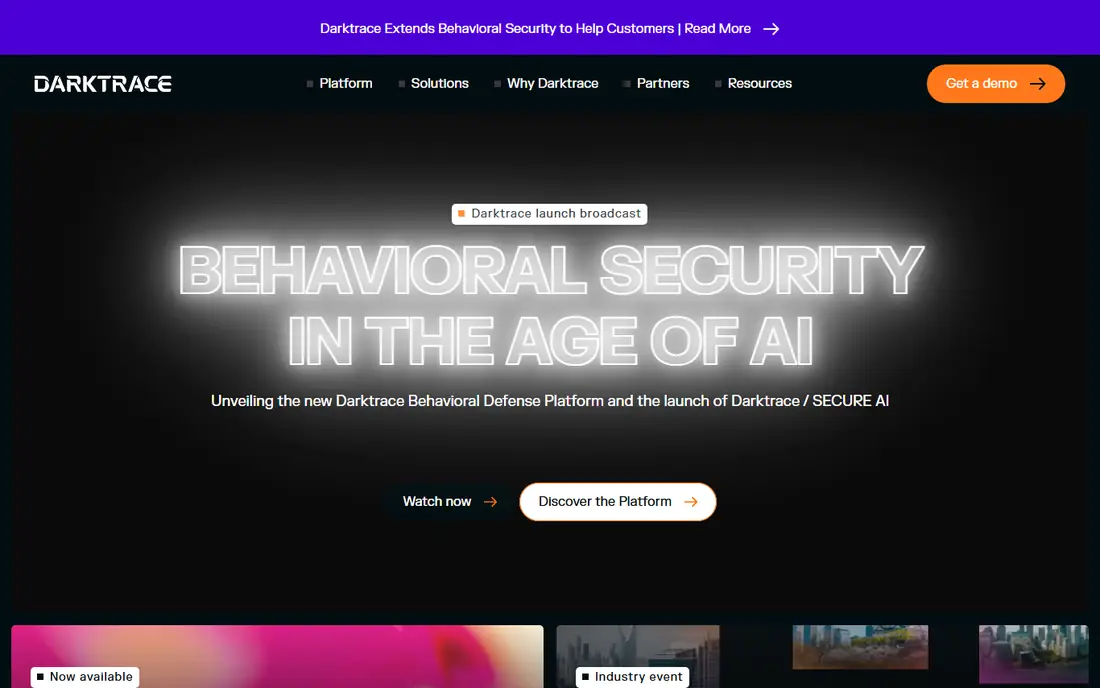
For teams that want network and cloud threat detection without a long setup, Darktrace is a practical first look. Darktrace suits larger organisations that need to spot unusual behaviour across a mixed estate rather than rely on signature lists alone. Its self-learning approach builds a picture of normal activity for users and devices, then flags movement that breaks that pattern, which helps with novel attacks that have no known signature.
Pricing is quote only and the platform is a serious purchase, so smaller teams may find the cost and the onboarding effort hard to justify for a single site. That trade-off does not rule it out, but it does mean you should test it against your own data and team before you sign a longer contract. A short trial or demo with a real use case will tell you more than a sales page can.
- Self-learning detection across network, cloud and email
- Clear attack path views
- Managed response options
- Quote only pricing
- Best suited to larger estates
- Setup needs security expertise
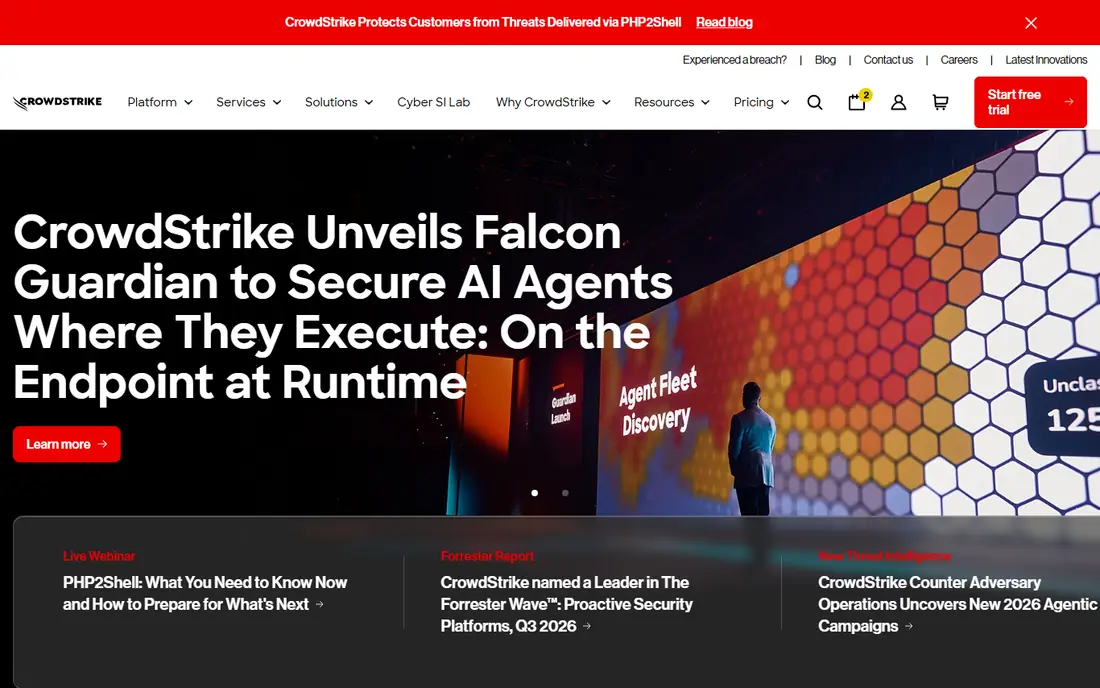
Start with CrowdStrike Falcon if cloud-native endpoint protection is the main job on your list. CrowdStrike Falcon fits teams that want endpoint protection managed from the cloud, with no on-premises server to maintain. The Falcon platform combines antivirus, detection and response and threat intelligence in one agent, and its cloud console makes it easier to hunt across many devices from one place.
The full platform can become costly once you add modules, so we suggest pricing the exact bundle you need rather than assuming the entry tier covers every use case. That trade-off does not rule it out, but it does mean you should test it against your own data and team before you sign a longer contract. A short trial or demo with a real use case will tell you more than a sales page can.
- Lightweight cloud agent
- Strong threat intelligence
- Managed Falcon Complete option
- Higher tiers rise in price quickly
- Smaller teams may not need every module
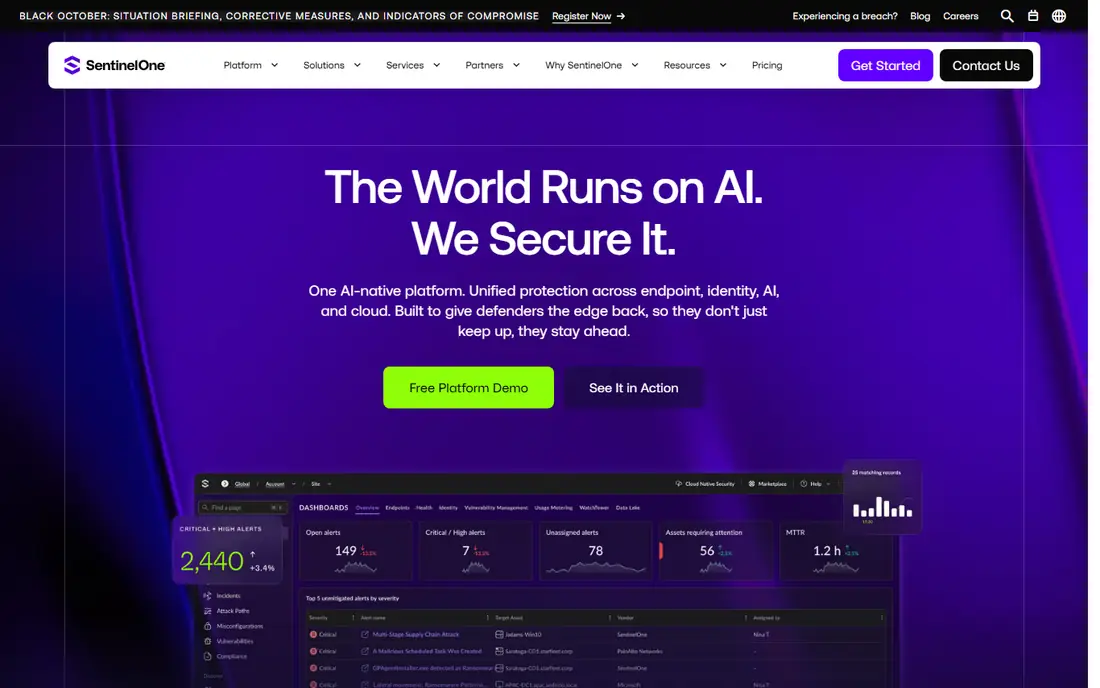
SentinelOne Singularity stands out for buyers who care most about autonomous endpoint response. SentinelOne suits teams that want fast, automatic action on an endpoint, including rollback after ransomware encryption. Its on-device model can act without waiting for a cloud verdict, which is useful on laptops that travel or work offline, and rollback can restore files without a full restore from backup.
Managed detection is not included in every tier, so buyers who want a vendor team watching around the clock should confirm which tier includes that cover. That trade-off does not rule it out, but it does mean you should test it against your own data and team before you sign a longer contract. A short trial or demo with a real use case will tell you more than a sales page can.
- On-device AI detection
- One-click ransomware rollback
- Works offline for core detection
- Published pricing is limited for larger tiers
- Managed service is an add-on
Palo Alto Networks Cortex XDR
Best for: XDR across endpoint, network and cloud
If your shortlist is built around xdr across endpoint, network and cloud, Palo Alto Networks Cortex XDR deserves a close read. Cortex XDR fits organisations that already run Palo Alto firewalls or cloud security and want those signals joined into one investigation. By pulling endpoint, network and cloud telemetry together, it can show an attack as one story instead of separate alerts, which shortens investigation time for a security team.
The quote only model and tiered retention make budgeting harder, so ask for retention and data ingestion costs in writing before you compare it with a per-device rival. That trade-off does not rule it out, but it does mean you should test it against your own data and team before you sign a longer contract. A short trial or demo with a real use case will tell you more than a sales page can.
- Correlates endpoint, network and cloud data
- Strong analytics
- Fits Palo Alto estates
- Quote only
- Licensing can be complex
- Strongest inside its own ecosystem
Buyers who put network detection and response first will find Vectra AI easy to justify. Vectra AI fits teams that already have endpoint tools and need stronger network and identity detection on top. It focuses on attacker behaviour on the network and in cloud and identity systems, then prioritises the signals that look most like a real attack, which helps a small team ignore low value noise.
It is not a full endpoint replacement, so buyers should budget for it alongside endpoint protection rather than instead of it. That trade-off does not rule it out, but it does mean you should test it against your own data and team before you sign a longer contract. A short trial or demo with a real use case will tell you more than a sales page can.
- Attack signal intelligence for network, cloud and identity
- Prioritised alerts
- Identity coverage
- Quote only
- Network focus means endpoint cover must come from elsewhere
Microsoft Defender for Endpoint is the option we point to when microsoft 365 estates keeps coming up in a brief. Defender for Endpoint is the natural first check for any team already paying for Microsoft 365. Because it is built into Windows and tied to Microsoft threat intelligence, deployment is often simpler than adding a separate agent, and automated investigation can contain common threats without manual steps.
Teams on mixed operating systems should test macOS and Linux coverage carefully, since the strongest experience remains on Windows. That trade-off does not rule it out, but it does mean you should test it against your own data and team before you sign a longer contract. A short trial or demo with a real use case will tell you more than a sales page can.
- Built into Windows and Microsoft 365
- Automated investigation and remediation
- Good value in E5
- Deepest value on Windows
- Cross-platform depth varies
- Licensing can confuse buyers
When attack story and investigation matters more than a long feature list, Cybereason Defense Platform fits well. Cybereason suits analysts who want to see a whole attack in one view instead of chasing separate alerts. Its MalOp concept organises related events into a single malicious operation with a timeline and a visual flow, which makes it easier to explain what happened to managers and auditors.
Buyers should confirm the vendor roadmap and support terms, since its market footprint is smaller than the largest endpoint vendors on this list. That trade-off does not rule it out, but it does mean you should test it against your own data and team before you sign a longer contract. A short trial or demo with a real use case will tell you more than a sales page can.
- MalOp view joins an attack into one timeline
- Remote remediation
- Clear visual investigation
- No published pricing
- Smaller vendor footprint than the largest rivals
Consider Trend Micro Vision One early if broad multi-layer protection is where your current tool falls short. Trend Micro Vision One fits organisations that want one vendor across endpoints, email, servers and cloud workloads. That breadth is the main draw, since a single console can cover layers that would otherwise need several contracts, and its attack surface tools add context on exposed assets.
Setup and tuning take real effort, so use the trial on a representative set of devices before you judge speed or alert quality. That trade-off does not rule it out, but it does mean you should test it against your own data and team before you sign a longer contract. A short trial or demo with a real use case will tell you more than a sales page can.
- Endpoint, email, server and cloud cover in one platform
- Attack surface tools
- 30-day trial
- No published pricing
- Console can feel heavy for small teams
How we picked these
We compared official product and pricing pages, trial terms and public documentation for AI driven detection, response and investigation tools. We kept products that are sold today, use machine learning or behaviour analysis as a core part of detection, and fit business or enterprise use rather than consumer antivirus alone. We removed tools that were only a feature inside a wider suite with no clear security product, and we did not accept vendor claims about detection rates without a product description to back them.
How to choose an AI cyber security tool
Start with the layer you are missing
Many buyers already have antivirus and still miss network or identity attacks. Map your estate first, listing endpoints, cloud accounts, email and identity systems, then buy to close the largest gap rather than duplicating cover you already own.
Ask how alerts are prioritised
An AI tool should reduce noise, not move it. Ask for a demo on your own alert types, check how the tool ranks incidents, and confirm what automatic actions it takes without a human approving each step. Automatic isolation and rollback are valuable only if you can control and audit them.
Price the whole contract
Per-device prices rarely tell the full story. Add retention, data ingestion, managed detection and support, and ask whether renewal pricing is capped. A tool that looks cheap in year one can grow quickly once modules and retention are added.
FAQ
What is the best AI tool for cyber security?
There is no single winner for every team. CrowdStrike Falcon and SentinelOne suit endpoint-led buyers, while Darktrace and Vectra AI suit network-led buyers, so the best choice follows the layer where you have the least cover today.
Are AI cyber security tools worth it for small businesses?
They can be, when the tool automates triage that a small team cannot staff around the clock. Defender for Business and Falcon Go are the most accessible entry points here, while enterprise XDR platforms are usually too costly for a very small estate.
Do these tools replace antivirus?
Modern endpoint platforms include antivirus as one layer, but they add behaviour detection, investigation and response on top. Treat antivirus as a baseline, not the whole plan, and keep patching and backups as separate controls.
What is the difference between EDR and XDR?
EDR focuses on endpoints, while XDR joins endpoint, network, cloud and identity signals into one investigation. XDR can shorten investigations, but it often costs more and works best inside one vendor ecosystem.
Can AI tools stop ransomware?
They can detect unusual encryption behaviour and, in some cases, roll back files, but no tool guarantees prevention. Backups, patching, access controls and staff training remain essential alongside any AI detection product.