8 Best AI Software for FP and A Teams in 2026
We compared the best AI software for FP&A for forecasting, budgeting, reporting and scenario planning, plus pricing and free trials, for finance teams in 2026.
- Editor's choice
 Datarails
Excel-based teams that want automated consolidation
Starts atSee websiteVisit datarails.comFull review - Great alternative
 Planful
Growing and enterprise teams needing end-to-end FP and A
Starts atSee websiteVisit planful.comFull review - Also consider
 Cube
Finance teams that want to stay in spreadsheets
Starts atSee websiteVisit cubesoftware.comFull review
TL;DR:
- The best AI software for FP and A is not a chatbot bolted onto a spreadsheet: it consolidates actuals, builds driver-based forecasts, and explains variances in plain language.
- Excel-native tools such as Datarails, Cube, and Vena suit finance teams that want to keep their models, while Anaplan, Planful, and Pigment suit larger connected planning.
- Most enterprise FP and A platforms are quote-based, so shortlist by planning model first and price second, and ask for implementation costs in writing.
- AI features still need human review: forecasts, anomalies, and narrative drafts should be checked against source data before they reach the board.
Quick comparison
| Tool | Best for | Starts at | Free plan? | |
|---|---|---|---|---|
| Datarails | Excel-based teams that want automated consolidation | See website | Free trial | Visit |
| Planful | Growing and enterprise teams needing end-to-end FP and A | See website | No | Visit |
| Cube | Finance teams that want to stay in spreadsheets | See website | Free trial | Visit |
 Pigment | Collaborative planning across finance and operations | See website | Free trial | Visit |
 Anaplan | Large organizations connecting finance and operations | See website | No | Visit |
 Vena | Excel-centric teams that need control and governance | See website | No | Visit |
 Jirav | Smaller and growing teams needing driver-based planning | See website | Free trial | Visit |
 LivePlan | Founders and small businesses writing lender-ready plans | $20 per month | No | Visit |
The best AI software for FP and A
We compared official feature pages, pricing pages, app store listings, and public reviews to find the best AI tools for FP and A for different team sizes. FP and A stands for financial planning and analysis, the work of budgeting, forecasting, reporting, and explaining why results differ from plan. The tools below add AI to that work through automated consolidation, forecasting, anomaly detection, and plain-language variance notes.
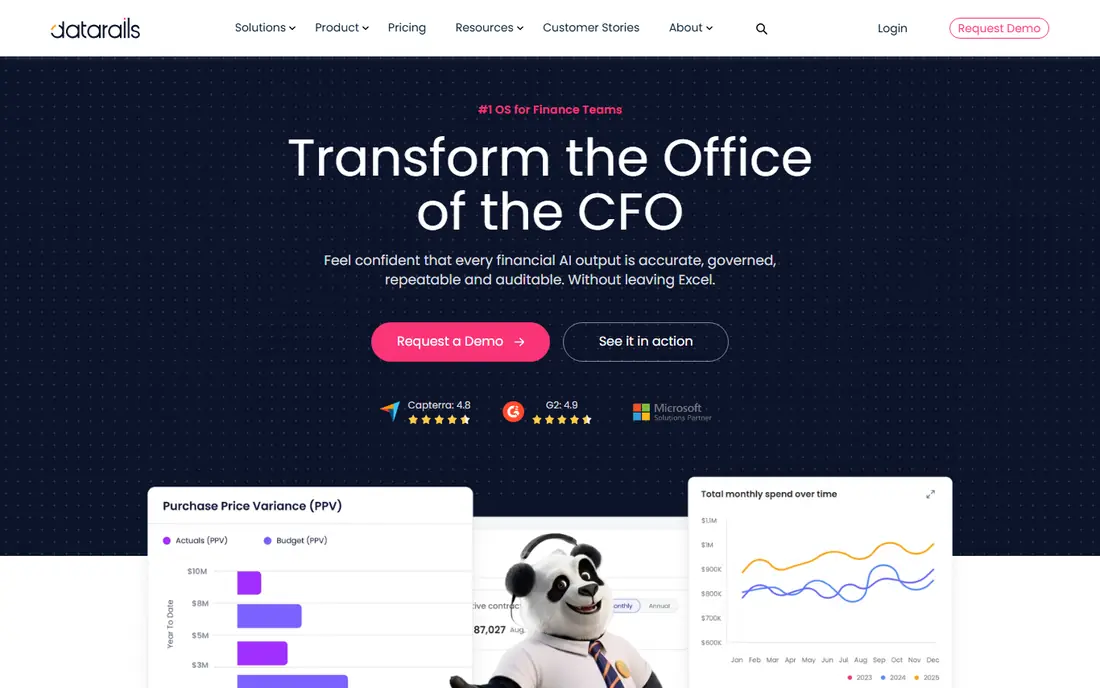
Datarails is built for finance teams that like Excel and dislike copying numbers into it by hand. It pulls actuals from accounting, ERP, and CRM systems into a central database, then lets teams keep building models in Excel with live links back to that data. Reports refresh without re-keying, which cuts month-end close time and reduces the version chaos of emailed spreadsheets. Its AI layer, FP and A Genius, adds conversational answers over that consolidated data, so a CFO can ask why revenue missed plan in a region and get a grounded answer rather than a generic summary. The catch is data hygiene: if your chart of accounts is messy, consolidation will surface that mess quickly. Teams with clean source data get the fastest payoff, while teams still fixing mappings should budget setup time.
- Keeps Excel as the working surface
- Automates data consolidation from accounting and ERP systems
- FP and A Genius answers questions from consolidated data
- Quote-based pricing
- Best value comes after data sources are connected cleanly
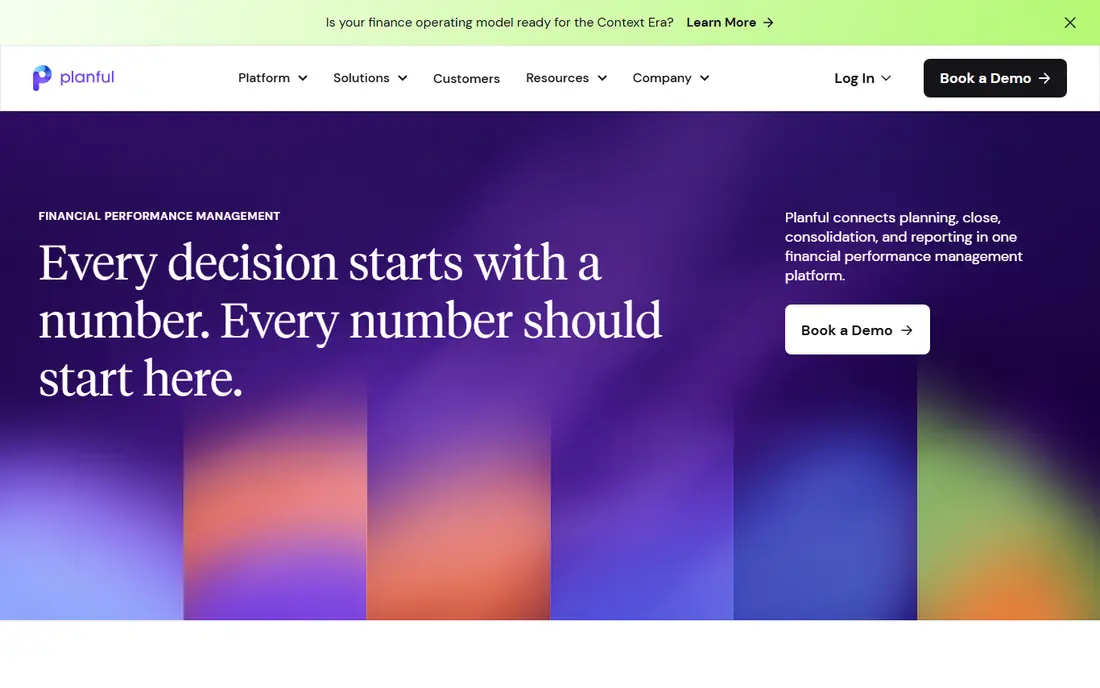
Planful covers the full FP and A cycle, from budget templates and rolling forecasts to close checklists and board reporting. Its AI features help with scenario modeling, so teams can test what happens if hiring slips, pricing changes, or a large deal moves quarters, without rebuilding the model each time. Consolidation support also helps multi-entity companies roll up results with fewer manual adjustments. The platform is broader than a forecasting add-on, so it suits teams that want one system of record for planning rather than several connected spreadsheets. That breadth brings a longer evaluation and rollout than a lightweight tool. If your team is small and only needs a forecast, start with Jirav or LivePlan below. If you need governed planning across departments, Planful is a strong enterprise pick.
- Budgeting, forecasting, close, and reporting in one platform
- AI scenario modeling and consolidation
- Strong workflows and approvals
- Quote-based enterprise pricing
- Implementation takes planning and training
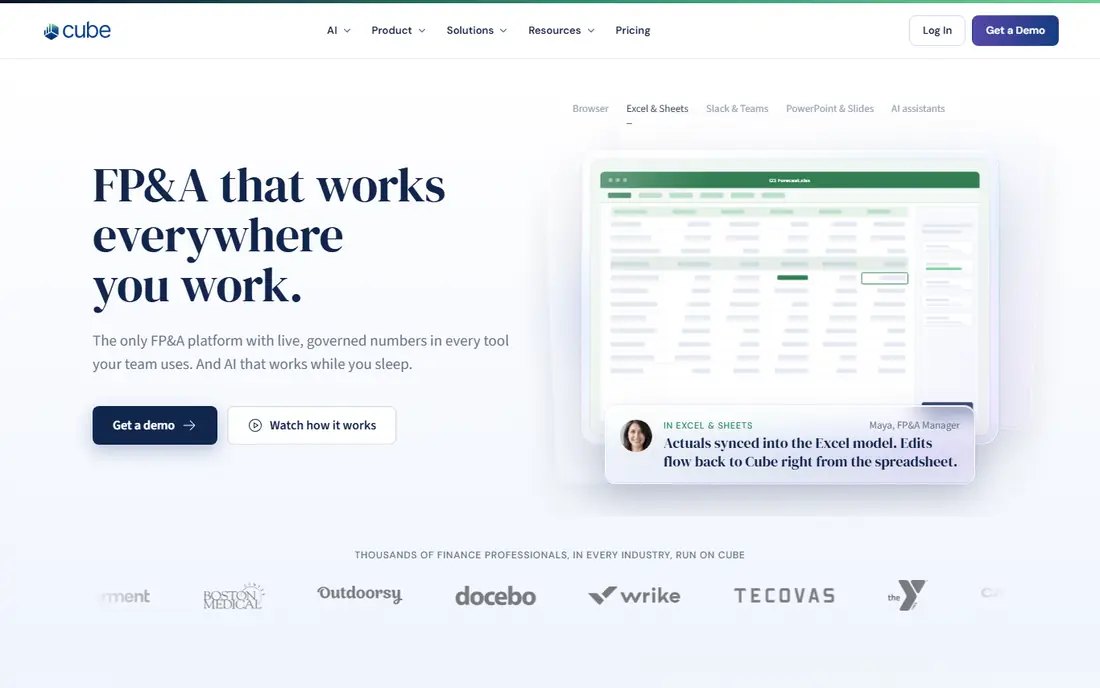
Cube takes a spreadsheet-native approach that many FP and A teams prefer. Instead of forcing everyone into a new modeling language, it connects Excel and Google Sheets to a central planning database, so formulas stay familiar while data stays controlled. When actuals change, linked sheets update, and finance keeps one version of the truth instead of ten versions in inboxes. That approach works best for teams that already model well in spreadsheets and want governance without losing speed. Teams that want a fully visual, no-spreadsheet planning canvas may prefer Pigment or Anaplan. For spreadsheet-first teams, Cube is often the easiest enterprise FP and A tool to adopt, because the learning curve is about process, not about a new interface.
- Live sync to Excel and Google Sheets
- Central source of truth with spreadsheet flexibility
- Good for driver-based models
- Quote-based pricing across tiers
- Some advanced planning sits on higher tiers
Pigment is designed for planning that crosses teams. Finance can build the core model, while sales, operations, and HR adjust their own drivers in the same workspace, with changes flowing through to headcount, revenue, and cash flow. Multi-scenario forecasting is central here, so leaders can compare base, upside, and downside cases side by side instead of debating which spreadsheet is current. The visual, collaborative style suits companies where planning is a shared exercise rather than a finance-only task. The trade-off is that die-hard Excel modelers may miss some spreadsheet habits, and enterprise pricing is quoted rather than published. If your biggest planning pain is coordination across departments, Pigment solves that pain directly. If your pain is only consolidation, an Excel-native tool may be cheaper.
- Multi-scenario forecasting in a visual workspace
- Strong collaboration for cross-functional plans
- AI-assisted modeling and analysis
- Quote-based enterprise pricing
- Less Excel-native than Datarails or Cube
Anaplan is the enterprise connected-planning standard for a reason. It handles large, multi-dimensional models that link finance with supply chain, workforce, and sales planning in real time, so a change in one area flows through the whole plan. AI-assisted forecasting and scenario tools sit on top of that engine, which helps large teams test assumptions at a scale spreadsheets cannot handle reliably. The platform rewards investment. Model building is a skill, and organizations that succeed with Anaplan usually have dedicated model builders or partners. Smaller teams will find it heavier and more expensive than they need. For large, complex organizations where planning touches many functions, that investment pays off in consistency. For a single finance team, a lighter FP and A tool will move faster.
- Highly scalable connected planning models
- Real-time calculations across large models
- Strong for enterprise-wide scenarios
- Quote-based pricing
- Needs skilled model builders to get full value
Vena keeps Excel at the center while adding the control that shared spreadsheets lack. Teams build budgets, forecasts, and reports in Excel, but data flows through a central database with workflows, permissions, and version control. That combination appeals to finance leaders who trust Excel models but need to prove who changed what, and when, for audit and review. AI features in Vena focus on automation and insight within that Excel workflow, rather than replacing the model itself. The result is less disruption for teams that already run on Excel, at the cost of a fuller platform change for teams that want to leave Excel behind. If your auditors, board, or CFO expect Excel-based models with governance, Vena fits that expectation well.
- Excel-native planning with a central database
- Workflows, approvals, and audit trails
- Good for regulated and mid-market finance teams
- Quote-based pricing
- Desktop Excel habits can slow cloud adoption for some teams
Jirav is a good middle step between a founder planning tool and an enterprise FP and A suite. It supports driver-based budgeting, so headcount, revenue, and expenses link to the drivers that actually move them, and it produces connected profit and loss, balance sheet, and cash flow forecasts. Scenario planning lets a growing team test hiring or fundraising timing without rebuilding formulas. Setup is faster than with Anaplan or Planful, which matters for a finance team of one or two people. The limit is enterprise scale: very large, multi-entity consolidation and complex operational planning will eventually need a larger platform. For startups and scale-ups that have outgrown spreadsheet forecasts but are not ready for enterprise pricing, Jirav is a practical fit.
- Driver-based budgeting and three-statement forecasting
- Clear Starter and Pro tiers for growing teams
- Faster setup than enterprise suites
- Less depth for very large multi-entity planning
- Some integrations sit on higher tiers
LivePlan is not an enterprise FP and A suite, and we include it because many small businesses ask for AI planning tools with a very different job in mind: a credible plan for a bank, investor, or partner. It guides you through narrative and financials together, keeps profit and loss, balance sheet, and cash flow consistent, and adds AI help for market research and drafting. Plan-versus-actual dashboards then track performance against that plan. The honest limit is depth. Complex driver models, multi-entity consolidation, and departmental planning belong in the suites above. For a founder who needs believable numbers fast, LivePlan is the most direct answer on this list, and its published pricing makes budgeting simple. Use it to plan and raise, then graduate to Jirav or a larger FP and A platform when the business outgrows it.
- Guided business plan builder with connected forecasts
- AI-assisted research and plan drafting
- Plan versus actual dashboards with QuickBooks and Xero sync
- Lighter FP and A depth than dedicated suites
- No free plan, though a money-back guarantee applies
How we picked these
We compared official feature pages, pricing pages, app store listings, and public reviews, and we kept only tools that are sold today for FP and A work, with AI features described on the vendor site rather than only in marketing claims. We favored tools that consolidate actuals, support driver-based or scenario forecasting, and connect to accounting or ERP systems. Where pricing is not published, we wrote See website instead of repeating third-party estimates as vendor prices.
What to check before you buy
Start with your planning model, not the AI demo
List your drivers, entities, and approval steps first, then test whether the tool models them cleanly. A strong AI summary cannot fix a planning model that does not match how your business works.
Ask what the AI actually reads
Good FP and A AI reads your consolidated actuals and plan data. Ask whether answers cite source figures, whether forecasts show assumptions, and whether you can audit a number back to its source.
Budget for implementation, not just the license
Enterprise FP and A tools need data mapping, model building, and training. Ask for a written implementation estimate and timeline, and confirm whether that cost is included in the quote.
Keep a human in the loop for board numbers
Use AI for drafts, anomalies, and first-pass forecasts, then have finance review assumptions and variances before numbers go to leadership. That review step is what keeps AI helpful instead of risky.
FAQ
What is the best AI software for FP and A?
For Excel-based teams, Datarails, Cube, and Vena are the best starting points. For connected enterprise planning, Anaplan, Planful, and Pigment lead. Smaller teams should shortlist Jirav, which balances driver-based forecasting with faster setup.
What are the best AI tools for FP and A for startups?
Jirav and LivePlan fit startups best, depending on the job. Jirav suits a growing finance team that needs driver-based forecasts, while LivePlan suits a founder who needs a lender-ready plan with connected financials.
What are the best FP and A AI tools for scenario planning?
Pigment, Anaplan, and Planful are strongest for multi-scenario planning, because they let teams compare base, upside, and downside cases in one model. Cube and Jirav also support scenarios, with a lighter setup.
How much does AI FP and A software cost?
Enterprise FP and A platforms are mostly quote-based, and total cost includes implementation and training. LivePlan is the exception here, with published pricing from $20 per month, while Jirav publishes annual tier pricing on its site.
Can AI replace a financial analyst?
No, AI speeds up consolidation, forecasting, and first drafts, but analysts still own assumptions, judgment, and review. The best use of these tools is to cut manual data work so analysts can spend more time on decisions.
Does FP and A software work with QuickBooks and Xero?
Many tools on this list connect to QuickBooks, Xero, NetSuite, and other accounting systems, though the depth of each connection varies by tier. Confirm your exact accounting system and sync frequency during a trial before you buy.