Best AI Presentation Tools No Coding in 2026: 8 Tools Compared
Find the best ai presentation tools no coding for 2026, with prompt-to-deck builders, smart layouts and exports that need no design or code skills first.
- Editor's choice
 Gamma
anyone who wants the fastest prompt-to-deck result with no coding
Starts atFreeVisit gamma.appFull review - Great alternative
 Beautiful.ai
teams who want polished slides without design skills
Starts atSee websiteVisit beautiful.aiFull review - Also consider
 Canva
creators who want presentations plus other visuals in one no-code tool
Starts atFreeVisit canva.comFull review
TL;DR:
- Gamma is the fastest no-code route from a prompt to a presentable deck, with editable cards and web sharing.
- Beautiful.ai and Pitch suit teams that need consistent layouts and shared editing without design skills.
- Canva is the broadest no-code design platform, because one account also covers social graphics, documents and videos.
- Export quality varies, so always test PPTX and PDF output before a client or class deadline.
Quick comparison
| Tool | Best for | Starts at | Free plan? | |
|---|---|---|---|---|
| Gamma | anyone who wants the fastest prompt-to-deck result with no coding | Free | Yes | Visit |
| Beautiful.ai | teams who want polished slides without design skills | See website | Free trial | Visit |
| Canva | creators who want presentations plus other visuals in one no-code tool | Free | Yes | Visit |
 Pitch | teams who want shared editing and viewer analytics with no coding | Free | Yes | Visit |
 Tome | storytellers who want a narrative deck with no design work | Free | Yes | Visit |
 SlidesAI | Google Slides users who want no-code AI inside a familiar app | Free | Yes | Visit |
 Decktopus | users who want interactive decks and lead forms with no coding | See website | Free trial | Visit |
 Plus AI | PowerPoint and Google Slides users who want AI inside their existing files | See website | Free trial | Visit |
The best AI presentation tools no coding
No-code presentation tools let you type a prompt or paste notes and get a designed deck, without touching code, design software or complex settings. The best ones also let you edit text, images and layout in plain language, then export to PPTX or PDF. The tools below are ranked for ease of use first, with honest notes on free limits and export quality.
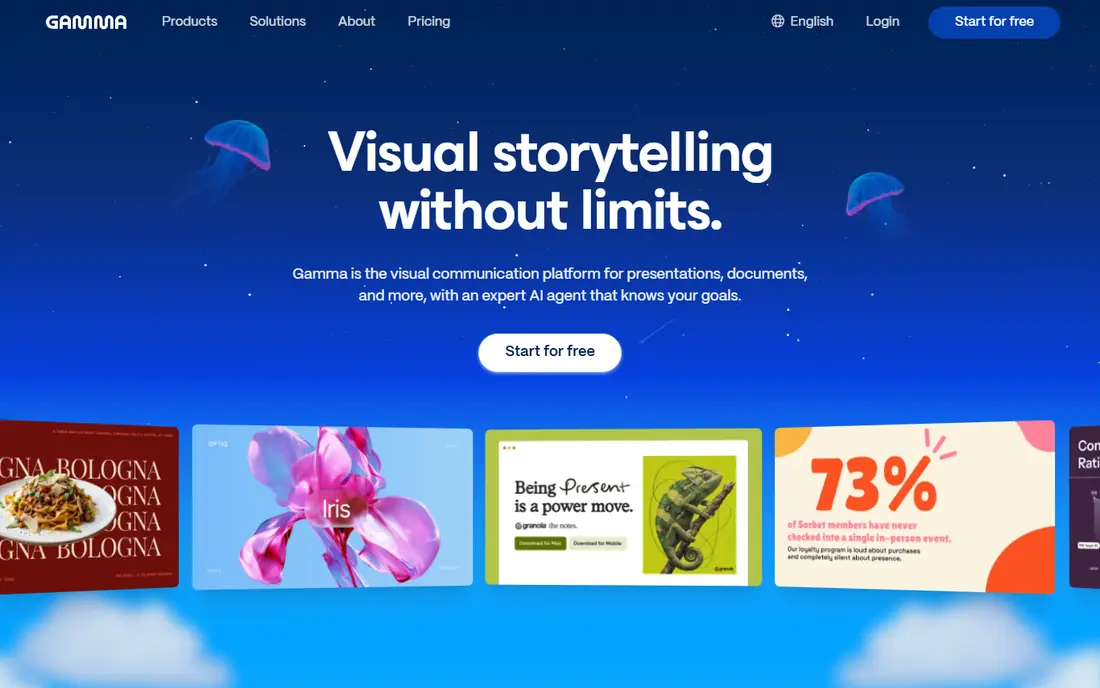
Gamma is the clearest no-code winner for speed, because you type a topic, paste notes or upload a document, and get a structured deck with visuals and notes in minutes. Editing stays simple, with cards you can reorder, rewrite and restyle, plus embeds and analytics on web decks, which suits a pitch, a lesson or a team update that needs to look modern fast.
It fits a solo user or small team that wants a polished first draft without learning design tools, and that is happy to refine text after generation. The catch is free credit limits and export polish, so use credits for real decks, and check any PPTX export for spacing or font changes before you send it out.
- Prompt-to-deck generation
- Editable cards
- PPTX, PDF and web export
- Free credits are limited
- PPTX export may need layout cleanup

Beautiful.ai takes the design worry out of slide building, because its smart slides adjust spacing, text size and image placement as you add content. You pick a template, add your points, and the slide stays balanced, which helps a team where no one has design training but every deck must look consistent.
It fits a business team, consultant or student group that presents to clients or managers and needs PPTX files that match brand colours and fonts. The catch is price and rigidity, because there is no lasting free tier for most users, and the same rules that keep slides tidy can make an unusual layout hard to build.
- Smart slides that reflow as you edit
- Template library
- PPTX export
- No lasting free plan
- Layout rules can limit creative freedom
Canva
Best for: creators who want presentations plus other visuals in one no-code tool
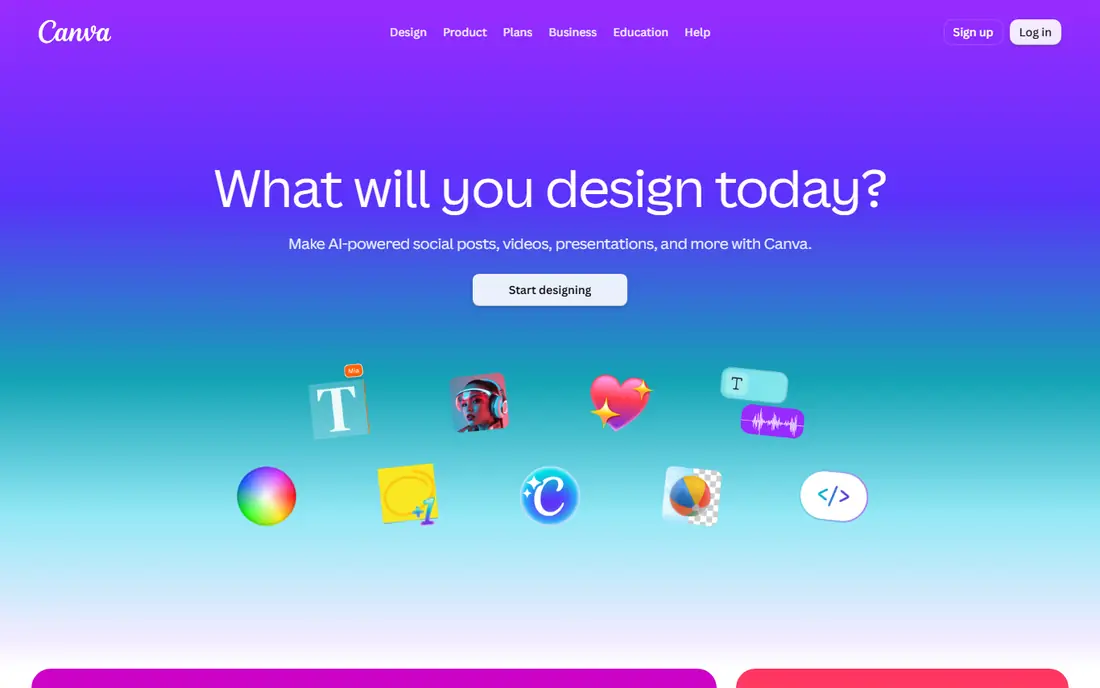
Canva is the broadest no-code choice, because one account covers presentations, social posts, posters, documents and short videos, all with drag-and-drop editing. Its Magic Design tools can build a deck from a prompt, then you can swap templates, images and brand colours without code, and export to PPTX or PDF for sharing.
It fits a small business, teacher or creator who makes many kinds of visuals and does not want a separate tool for each format. The catch is depth, because Canva is a general design platform rather than a slide-only tool, so very long, data-heavy decks may be easier to manage in a dedicated presentation app.
- Magic Design AI
- Huge template library
- PPTX, PDF and video export
- AI features are limited on free plan
- Large decks can feel less slide-native
Pitch is built for team decks, with shared editing, comments and viewer analytics that show which slides people actually spend time on. You can start from a template or a prompt, build slides with drag-and-drop blocks, share a link, and export to PPTX or PDF, which suits sales, product and marketing teams.
It fits a team that co-edits decks often and wants to see how a client or investor moves through a presentation after it is sent. The catch is plan limits, because the free plan covers only part of the feature set, and a team used to PowerPoint may need a short period to learn Pitch layouts.
- Collaborative editing
- Templates
- Slide analytics and PPTX export
- Free plan limits features
- Learning the editor takes a short time
Tome focuses on story first, which helps a user who knows the message but struggles to turn it into a clear slide order. You enter a topic or outline, Tome builds a narrative flow with visuals, and you edit pages in plain language, without touching layout code or design settings.
It fits a founder pitch, a project story or a class talk where the arc matters, and where a web link is an acceptable way to share the deck. The catch is export, because a web-first deck may shift after PPTX export, so test the file early, and save free generations for decks you will actually use.
- Narrative deck generation
- Prompt-to-page flow
- Web sharing
- Free tier is limited
- PPTX export needs review
SlidesAI is the gentlest no-code option for Google users, because it adds AI generation inside Google Slides, an editor many people already know. You paste text or a topic, pick a theme, and get editable slides in the same file, so sharing, commenting and presenting stay in Google Workspace.
It fits a student, teacher or small team that must work in Google Slides and does not want to learn a new presentation platform. The catch is generation limits, because the free plan covers only a few decks, so write and polish your source text first, then generate once.
- Google Slides add-on
- Text-to-slide generation
- Theme controls
- Limited to Google Slides workflow
- Free plan limits generations
Decktopus
Best for: users who want interactive decks and lead forms with no coding
Decktopus adds interactivity to no-code decks, with forms, audio narration and embedded elements that a standard slide file cannot offer. You generate a deck from a prompt, customise it with drag-and-drop blocks, add a form or call to action, and share a web link, which suits a sales leave-behind or a lead capture deck.
It fits a marketer or founder who wants a deck that also collects responses, rather than a static file to email. The catch is format, because Decktopus is web-first, so a team that must deliver a native PPTX file for editing may prefer Gamma, Beautiful.ai or Pitch.
- AI deck generation
- Interactive forms and audio
- Web and PDF export
- Less suited to classic PPTX workflows
- Paid plans for full features
Plus AI
Best for: PowerPoint and Google Slides users who want AI inside their existing files
Plus AI is the no-code bridge for people who refuse to leave PowerPoint or Google Slides, because it works as an add-in inside those editors. You can generate a new deck from a prompt, turn a document into slides, or rewrite an existing deck, all while keeping native text boxes and shapes editable.
It fits a professional who must deliver PPTX or Google Slides files, works from existing reports, and wants AI help without a new platform. The catch is the short trial and source quality, because a vague or messy source document produces a vague deck, so clean up the source before generation.
- Add-ins for PowerPoint and Google Slides
- Prompt and document to deck
- Native editing
- Trial is short
- Output quality depends on source document quality
How we picked these
We compared official feature pages, pricing notes, export formats and editing workflows for each tool, plus public reviews from 2026. We gave weight to true no-code setup, plain-language editing, PPTX and PDF export, and free tier usefulness. We did not claim hands-on design testing, and we left out tools that required code, API setup or a design background to produce a usable deck.
How to choose a no-code AI presentation tool that fits your workflow
Match the tool to the delivery format
If the audience needs a PPTX file, choose a tool with clean PPTX export. If a web link is fine, a web-first tool like Gamma or Decktopus may offer more interactivity.
Test editing, not just generation
Generate a deck, then try to change a headline, swap an image and fix a factual error. A tool that makes editing hard will slow you down more than a fast first draft helps.
Check free limits before a deadline
Free credits, generation counts and watermark rules vary widely. Run a full test deck on the free tier, including export, before you rely on it for a paid client or graded work.
Keep facts in your hands
AI decks can invent statistics, dates or claims. Check every fact, quote and number against a source you trust, and remove anything you cannot verify.
FAQ
Do I need coding skills to use these tools?
No. All eight tools work through prompts, templates and drag-and-drop editing. You type or paste content, choose a theme, and edit slides in plain language, with no code required.
Which no-code tool is best for beginners?
Gamma is the fastest for most beginners, because a prompt produces a full deck quickly and editing is simple. Canva is a good alternative if you also need social graphics and other visuals.
Can I export to PowerPoint?
Most tools on this list export to PPTX, including Gamma, Beautiful.ai, Canva, Pitch and Plus AI. Export quality varies, so check fonts, spacing and images in PowerPoint before delivery.
Are there free no-code presentation tools?
Yes. Gamma, Canva, Pitch, Tome and SlidesAI all offer a free tier, but AI generations and exports are limited. A paid plan is usually needed for regular professional use.
Will AI decks look the same as everyone else?
They can, if you accept the first draft unchanged. Change the theme, rewrite key slides in your own words, add your own examples and images, and the deck will look and read as your own work.