Best AI Presentation Design Tools in 2026: 8 Tools Compared
Find the best AI presentation design tools in 2026 with 8 tools compared for prompt-to-deck creation, smart layouts, branding and export options for work.

- Editor's choice
 Gamma
Fast prompt-to-deck drafts
Starts atFreeVisit gamma.appFull review - Great alternative
 Beautiful.ai
Consistent team layouts
Starts at$14.50 per monthVisit beautiful.aiFull review - Also consider
 Tome
Narrative, page-style decks
Starts atSee websiteVisit tome.appFull review
TL;DR:
- Gamma is our pick for most people who want a fast prompt-to-deck draft, thanks to its free credits and clean web decks.
- Beautiful.ai suits teams that want consistent layouts, while Canva suits presenters who want templates plus AI help.
- Tome, Pitch, and Prezi each suit a different talk style, from narrative pages to team decks and zooming stories.
- SlidesAI and Decktopus are useful when you already have text or a Google Slides workflow and want a quick design pass.
- Always check the AI output for errors, since generated text can invent facts, dates, and figures that look confident.
Quick comparison
| Tool | Best for | Starts at | Free plan? | |
|---|---|---|---|---|
| Gamma | Fast prompt-to-deck drafts | Free | Yes | Visit |
| Beautiful.ai | Consistent team layouts | $14.50 per month | Free trial | Visit |
| Tome | Narrative, page-style decks | See website | Yes | Visit |
 Canva | Templates plus AI design | Free | Yes | Visit |
 Prezi | AI zooming presentations | Free | Yes | Visit |
 Pitch | Team AI decks | Free | Yes | Visit |
 SlidesAI | Google Slides AI design | See website | Yes | Visit |
 Decktopus | Quick business decks | See website | Yes | Visit |
The best AI presentation design tools
AI presentation tools promise a first draft in minutes, but the quality of that draft varies a lot. The eight tools below cover prompt-to-deck generation, auto-layout, and template-based AI help, so you can pick the workflow that fits your talk and your editing time.
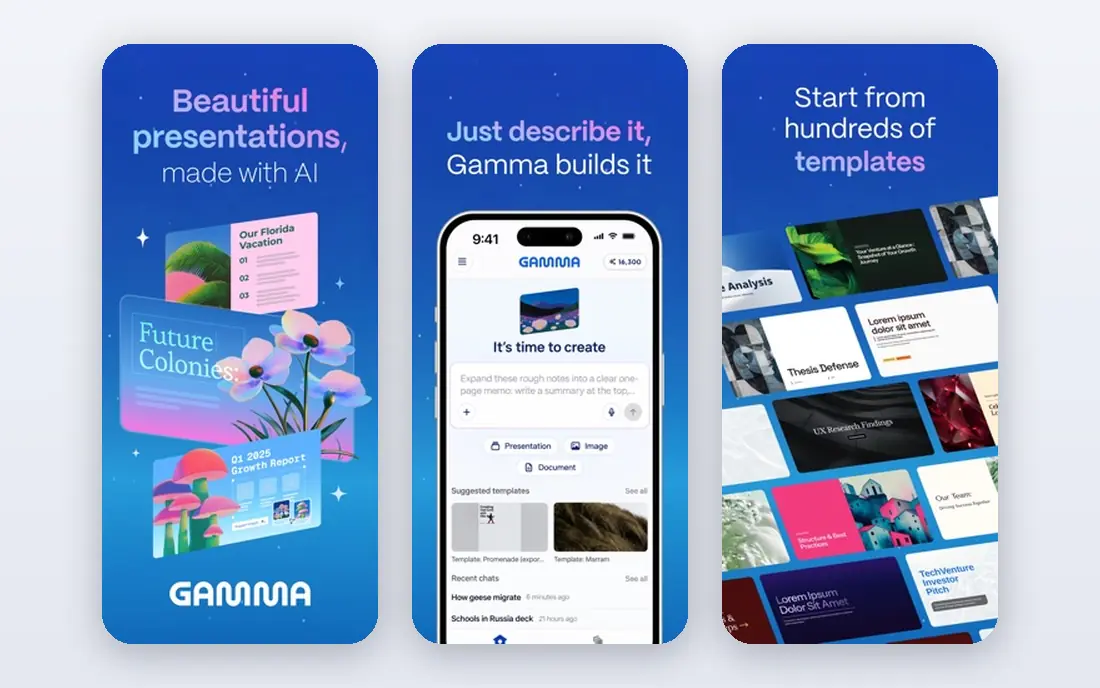
Gamma is the easiest AI deck tool to try. Type a topic or paste an outline, and Gamma builds a set of cards with text, images, and layout in minutes, which you can then edit, reorder, and share as a web link or export. That speed makes it ideal for a first draft, a class talk, or an internal update where the structure matters more than pixel-perfect slides.
The credit system is the main limit. The free plan starts with 400 one-time credits, and paid plans refresh monthly, with Plus listed at $12 per month on monthly billing or about $9 per month billed annually. PowerPoint export works, but complex decks may need tidying after export, so keep Gamma as a drafting tool and finish important client decks in PowerPoint or Google Slides.
- Fast generation from a prompt, outline, or document
- Clean web-native decks
- Free starter credits for testing
- Credit system limits heavy use
- PowerPoint export can need cleanup
- Branding appears on free output
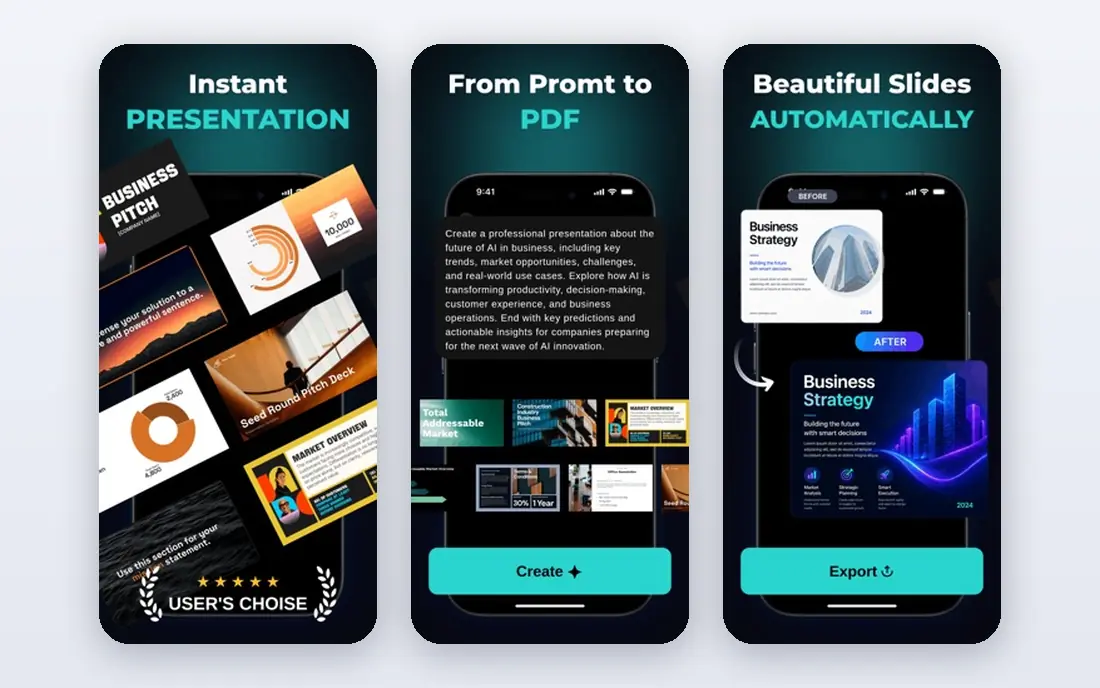
Beautiful.ai uses AI differently from Gamma. Instead of generating a whole deck from one prompt, it helps you write and design slide by slide, while Smart Slides adjust the layout as you add text or images. That approach suits consultants and teams who want every deck to look consistent, without spending an hour aligning boxes.
Pro is listed at $14.50 per month billed annually, with a $45 per month single-presentation option for short projects, and there is a 14-day trial but no permanent free plan. If you want wild, creative layouts, Canva or Gamma will feel freer. If you want a deck that stays clean through many edits, Beautiful.ai is the more disciplined choice.
- Smart Slides keep layouts tidy as you edit
- AI helps draft and rewrite slide content
- PowerPoint import and export
- No permanent free plan
- Monthly billing is far higher than annual billing
- Less free-form creativity than Canva

Tome builds presentations as scrolling pages rather than strict slides, which suits a story, a proposal, or a product narrative. AI generation can draft the structure and text, and you can embed images, video, and live content without fighting a slide grid. For a pitch that reads like a document, that format feels natural.
The page style is also the risk. An audience expecting a classic slide deck may find the flow unfamiliar, and exporting to PowerPoint is less central than in Gamma or Beautiful.ai. Use Tome when the deck will be read online or presented as a narrative, and use a slide tool when you need a standard file for a conference or client meeting.
- Page-style layout suits storytelling and proposals
- AI can draft text and images from a prompt
- Easy web sharing
- Less like classic slides, which can confuse some audiences
- Export options are more limited than PowerPoint tools
- Pricing varies by plan
Canva adds AI to a familiar design editor, rather than replacing the editor with a prompt box. You can start from a template, use AI tools to write or rewrite text, generate images, and resize a deck, then adjust every element by hand. That control helps when the AI draft is close but not quite right, which is common.
Pro at $18 per month for one person on monthly billing adds premium templates, a larger asset library, and more AI uses, while the free plan covers many basic decks. The downside is sameness: popular templates appear in many decks, so change colours, images, and wording to make the result your own. Canva is best when you want AI help inside a full design tool, not a fully automatic deck.
- Huge template library plus AI text and image tools
- Easy editing for non-designers
- Free plan covers many decks
- AI output can look generic without editing
- Pro costs $18 per month on monthly billing
- Less precise slide control than PowerPoint
Prezi AI combines prompt-to-deck generation with the classic Prezi canvas. You can start from a prompt or an uploaded document, and Prezi lays out the talk as a map you zoom through, rather than a flat slide sequence. That structure suits keynotes, lessons, and pitches where the connections between ideas matter as much as each point alone.
Free Basic access includes AI credits but keeps presentations public, so it is not right for confidential work. Standard is listed at $7 per month billed annually, with Plus at $19 per month billed annually for unlimited AI generation and PDF export. Keep the zooming calm and purposeful, since constant movement can pull attention away from your message.
- AI builds decks on a zooming canvas
- Distinctive narrative structure
- Video presentation mode for remote talks
- Free plan makes presentations public
- Paid plans are billed annually in most cases
- Zooming can distract if overused
Pitch brings AI into a team deck workflow. Its AI agent can draft a deck from a prompt or document, and the team can then edit, comment, and brand it inside a shared workspace. That combination suits sales and marketing teams who need many decks that still look like they came from one company.
The free plan includes a limited set of one-time AI credits and up to five members, which is enough to test the workflow. Paid plans add more AI credits, PowerPoint export, and advanced sharing controls, so check export needs before building a large library. For a solo presenter, Gamma or Canva may be faster. For a team, Pitch adds structure that a solo tool lacks.
- AI agent helps draft decks inside team workspaces
- Strong brand and template controls
- Real-time collaboration
- PowerPoint export is on paid plans
- AI credits are limited on the free plan
- Smaller template range than Canva
SlidesAI is the simplest AI option if you already live in Google Slides. Paste text or an outline, choose a theme, and SlidesAI builds a set of slides inside Google Slides, where you can then edit, share, and present as usual. That workflow avoids learning a new editor or exporting between tools, which saves time for classroom and office decks.
The trade-off is design range. SlidesAI focuses on turning text into clean slides, not on building interactive web decks or complex brand systems, and its output still needs a human edit for accuracy and flow. Check the current free limits and paid plans on the official site, since they change often. For Google Workspace users who want a quick design pass, it is a practical add-on.
- Works inside Google Slides as an add-on
- Turns pasted text into designed slides
- Good for teachers and Google Workspace users
- Design range is narrower than full deck tools
- Output needs editing for complex topics
- Pricing and limits vary by plan
Decktopus aims at business users who need a decent deck fast. Enter a topic, answer a few prompts, and the tool builds a structured deck with suggested layouts, images, and talking points. That guided flow helps when you know the message but not the structure, such as a startup pitch or a quarterly update.
The library is smaller than Canva, and the best export and branding features sit on paid plans, so check those limits before you rely on it for client work. As with every AI deck tool, check every fact, figure, and claim in the draft, since AI text can sound confident while being wrong. Decktopus is best as a fast starting point, not a finished deck.
- Fast AI deck creation from a topic or outline
- Business-focused templates
- Simple editing and sharing
- Smaller community and template range than Canva
- Export and branding options depend on the plan
- AI text still needs fact-checking
How we picked these
We compared official feature pages, pricing pages, and export options, and we checked which AI presentation tools are actively maintained in 2026. We favoured tools with a working free plan or trial, a clear editing workflow after generation, and a way to share or export the result. We did not claim hands-on testing we did not do, and we left out tools that only generate images or text without building a deck.
How to get a good deck from an AI tool
Start with a clear prompt. State the audience, the goal, the number of slides, and the key points in order, before you mention style. A prompt that says who the deck is for and what action you want will produce a better structure than a prompt that only names a topic.
Next, treat the first draft as a rough outline, not a final deck. Read every slide for errors, cut slides that repeat the same point, and rewrite any sentence that sounds vague. AI tools are good at structure and layout, but they cannot know your data, your client, or your story, so your edits are where the value appears.
Then check design and readability. Keep one idea per slide, use large text, and check contrast on the screen you will present from. Replace generic stock images with your own photos, charts, or product screenshots where possible, since those details make a deck feel real.
Finally, check export early. If the final deck must be a PowerPoint file, export a test version before you spend hours editing, and fix layout shifts while you still have time. Save a PDF backup as well, so a venue computer or a missing font cannot stop your talk.
FAQ
What are the best AI design tools for presentations?
Gamma, Beautiful.ai, and Canva are our top picks, each for a different workflow. Gamma is best for a fast prompt-to-deck draft, Beautiful.ai is best for consistent team layouts, and Canva is best when you want AI help inside a full template editor. Try the free plan or trial in each, and keep the tool whose editing workflow feels fastest for your real decks.
What is the best AI app for presentation design?
Gamma is our pick for most people, thanks to its free starter credits, quick generation, and clean web decks. Beautiful.ai is a better pick if layout consistency matters more than speed, while Pitch suits teams that need brand control. The best app is the one that gives you a draft you can edit quickly, not the one with the longest feature list.
What are the best AI tools for presentation design on a budget?
Gamma, Canva, Prezi, and Pitch all offer free plans that cover basic AI deck creation, and SlidesAI offers a free tier inside Google Slides. Free plans usually limit credits, branding, or export, so test them on a real deck before you pay. For occasional decks, a free plan plus manual editing is often enough, and a paid plan only makes sense for weekly use.
Can AI presentation tools replace PowerPoint?
AI tools can replace the first draft, but they do not fully replace PowerPoint for formal business decks. PowerPoint still offers the widest compatibility, the most precise formatting, and the file format many clients expect. A good workflow is to draft in Gamma, Beautiful.ai, or Canva, then finish and export the final version in PowerPoint or Google Slides.
Are AI-generated presentations accurate?
Not always, and you should check every fact, date, figure, and quote in an AI draft before you present it. AI tools can invent details that sound plausible, especially on niche topics, recent events, or company data. Use your own sources for numbers and claims, keep citations in your notes, and remove any slide you cannot verify.
How do I choose between Gamma and Beautiful.ai?
Choose Gamma if you want a fast first draft from a prompt and a web-native deck you can share with a link. Choose Beautiful.ai if you want slide-by-slide control and layouts that stay tidy as you edit, especially for team decks. Both export to PowerPoint, so test each on the same topic and keep the one whose draft needs less fixing.