Best AI Presentation Design Tools No Coding in 2026: 8 Tools Compared
We compared the best ai presentation design tools no coding for prompt to deck creation, brand control, exports and pricing, so non designers can build well.
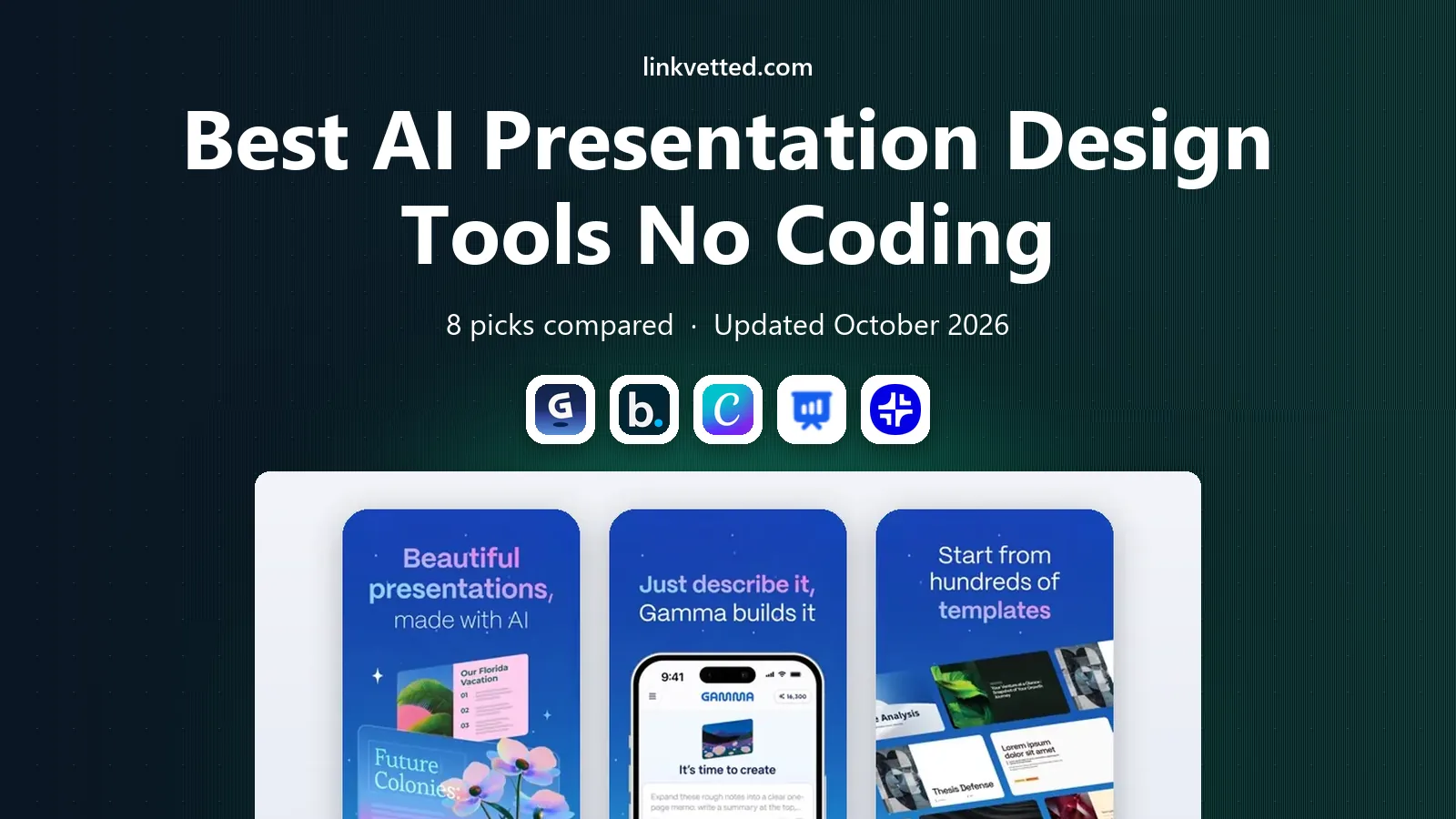
- Editor's choice
 Gamma
Fast prompt to deck creation
Starts at$9 per seat per monthVisit gamma.appFull review - Great alternative
 Beautiful.ai
Brand controlled business decks
Starts at$12 per monthVisit beautiful.aiFull review - Also consider
 Canva
Design heavy decks with templates
Starts at$15 per monthVisit canva.comFull review
TL;DR:
- Gamma is the fastest prompt to deck option for most non designers, with a useful free tier.
- Beautiful.ai and Pitch suit teams that need brand control and collaboration on sales decks.
- SlidesAI and Plus AI are best when you must stay inside Google Slides or PowerPoint.
- Credit limits matter more than monthly price, so test a real deck before choosing a plan.
- Every AI deck still needs a human check for facts, branding and layout before it is shared.
Quick comparison
| Tool | Best for | Starts at | Free plan? | |
|---|---|---|---|---|
| Gamma | Fast prompt to deck creation | $9 per seat per month | Yes | Visit |
| Beautiful.ai | Brand controlled business decks | $12 per month | Free trial | Visit |
| Canva | Design heavy decks with templates | $15 per month | Yes | Visit |
 SlidesAI | Text to slides in Google Slides | $8 per month | Yes | Visit |
 Plus AI | AI slides inside PowerPoint and Slides | $10 per user per month | Free trial | Visit |
 Pitch | Team collaboration on pitch decks | $13 per month | Yes | Visit |
 Decktopus | Guided decks for non designers | $15 per month | Yes | Visit |
 Presentations.ai | Branded decks from prompts | See website | Yes | Visit |
The best ai presentation design tools no coding
No coding presentation tools promise the same thing: type a topic, get a deck that looks designed. The difference lies in how much control you keep, how clean the export is, and how the tool handles your brand. The picks below cover fast solo creation, team sales decks and work inside tools you already use.

Gamma is the tool to try first if you have never designed a deck. You enter a prompt or paste an outline, edit the outline before generation, and get a modern, scrollable deck in minutes. Cards, charts and images are arranged for you, which removes the blank slide problem that slows many non designers.
A free tier offers signup credits and up to 10 slides per prompt, while Plus starts at $9 per seat per month on annual billing and Pro at $18. The main limits are credits and presenter features: Gamma decks are made for web viewing and async sharing, not for a classic presenter setup. For pitch and sales decks shared as links, with analytics on which slides were viewed, Gamma is hard to beat.
- Very fast prompt to deck workflow
- Web based decks with analytics
- Exports to PDF, PowerPoint and Google Slides
- No traditional presenter mode with timer and hidden notes
- Credit limits shape how many decks you can make
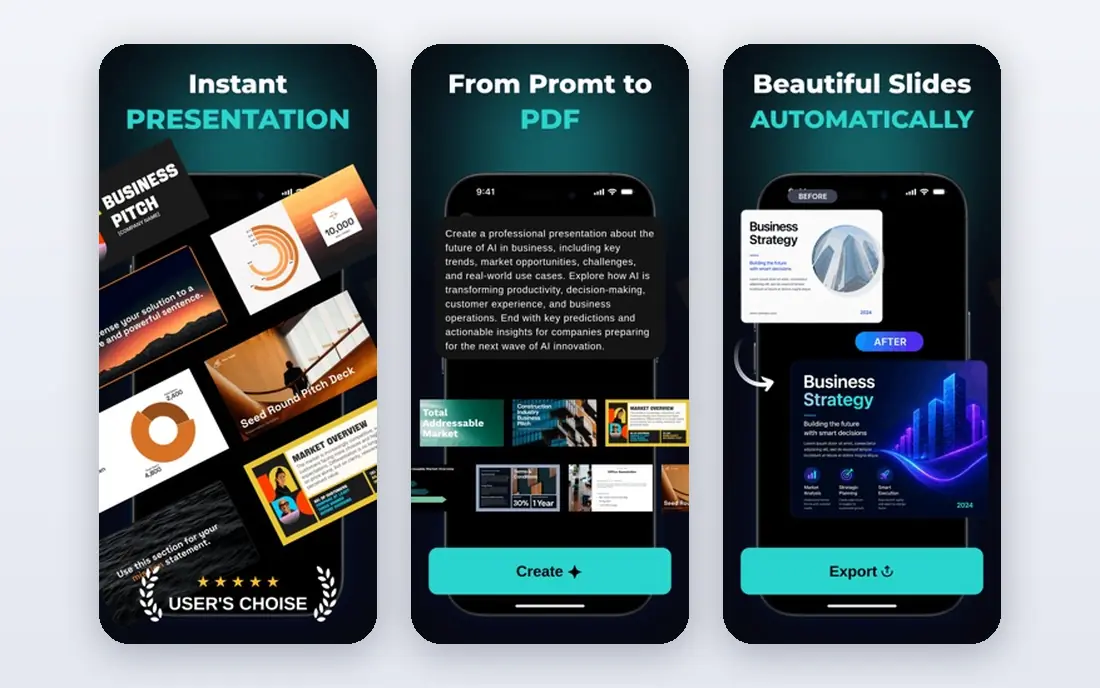
Beautiful.ai is built for business decks that must stay on brand. Its smart slides adjust layout, spacing and type as you add a team member, a chart or another bullet, so slides rarely end up with overlapping text or awkward gaps. That auto layout is the reason many corporate teams prefer it to a freeform design tool.
Pro pricing starts around $12 per month, with a trial for testing. The trade off is creative freedom: you work within smart slide templates, which keeps decks consistent but limits unusual layouts. If your main need is a set of clean, consistent decks for sales, board or training use, Beautiful.ai is a strong pick.
- Smart slides that reflow as you add content
- Strong brand controls
- Clean PowerPoint and Google Slides exports
- Less freeform than a blank canvas tool
- Entry price is higher than some rivals
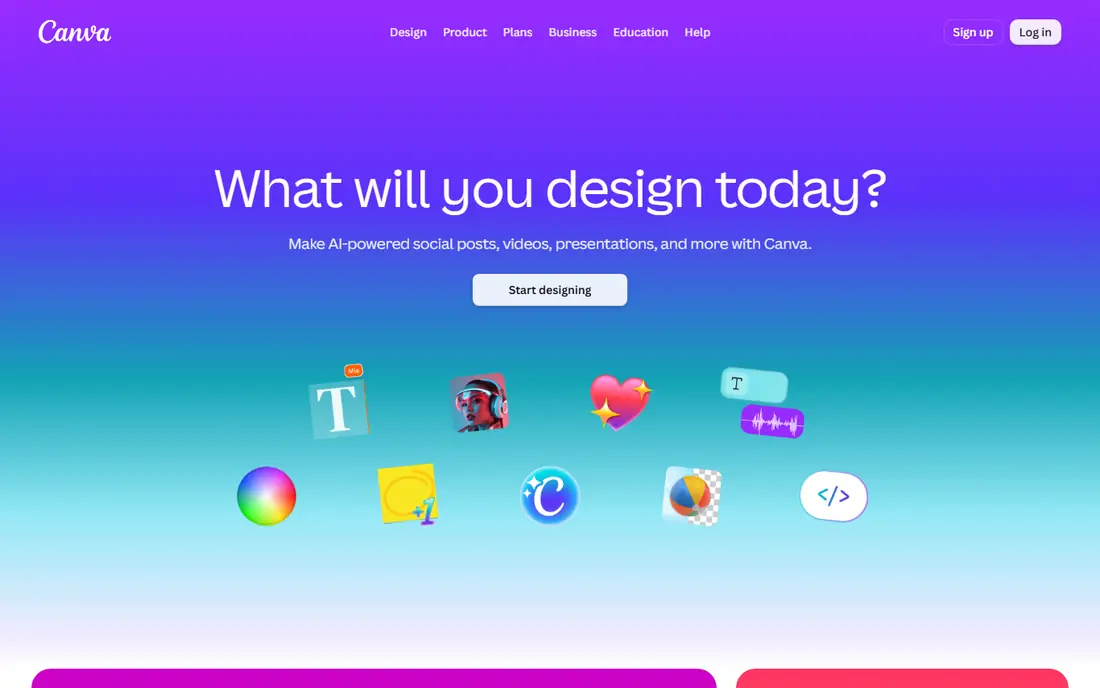
Canva is the general design tool that many non designers already know, and its Magic Design features now help draft presentations from a prompt. Its strength is breadth: templates, stock photos, icons, charts and brand kits in one place, plus easy exports to PDF, PowerPoint and video formats. If you also make social graphics and documents, Canva covers more than a deck only tool.
A free plan covers basic use, while Pro starts at $15 per month. The drawback is focus: Canva is not as opinionated about deck structure as Gamma or Beautiful.ai, so you may spend more time choosing templates. For visual decks where assets and brand consistency matter, Canva remains a practical all rounder.
- Huge template and stock library
- Brand kit controls on Pro
- Exports to many formats including video
- AI generation is one feature among many, not a dedicated deck engine
- Large library can feel busy
SlidesAI is the simplest option for Google Workspace users. Paste text or a topic, choose a style, and it creates slides inside Google Slides that you can then edit with familiar tools. That matters in schools and small businesses where Google Slides is already the standard and a new platform would add friction.
Paid plans start around $8 per month on annual billing, with a free tier for testing. The limitation is design range: SlidesAI is excellent at turning text into a clean deck, but it does not offer the same brand governance or analytics as larger tools. If Google Slides is your home base, SlidesAI is the lowest friction AI upgrade.
- Works directly inside Google Slides
- Turns pasted text into slides quickly
- Simple pricing for solo users
- Design control is more limited than dedicated deck tools
- Best only if you already use Google Slides
Plus AI takes the opposite approach to Gamma: instead of asking you to move to a new platform, it adds AI generation inside PowerPoint and Google Slides. You can generate a deck, rewrite a slide or refresh a layout without leaving the app your company already uses. Exports stay editable, which matters when a colleague needs to change a chart or a figure.
Pricing starts at $10 per user per month on annual billing, with a trial. The catch is dependence on the host app: if your team does not standardise on PowerPoint or Google Slides, Plus AI loses part of its appeal. For corporate teams tied to those tools, it is one of the cleanest no coding options.
- Works inside PowerPoint and Google Slides
- Keeps text editable after export
- Good for corporate decks
- Requires the host app, so it is not a standalone deck platform
- Trial limits need checking
Pitch is the team pick on this list. Several people can work on a deck at once, leave comments, and share tracked links that show which slides a prospect viewed. That combination suits sales and fundraising teams that iterate on a deck together and need to know whether a prospect actually opened it.
A free plan covers basic team use, while Plus starts around $13 per month on annual billing. The trade off is AI depth: Pitch offers AI help, but its core strength is collaboration rather than prompt to deck speed. If your deck is a team effort, Pitch is worth trying before a solo focused tool.
- Real time collaboration and tracked links
- Free plan for small teams
- Analytics on viewer engagement
- AI features are less central than in Gamma
- Paid plans needed for fuller analytics and team controls
Decktopus guides non designers with questions about audience, goal and content, then builds a deck from the answers. That guided flow helps people who do not know where to start, and it adds features Gamma lacks, such as a presenter mode, lead capture forms and slide analytics. For sales decks that also collect leads, those extras matter.
Pro pricing is listed at $15 per month on annual billing, with a limited free allowance. The credit system, where a deck costs a set number of credits, needs checking before you plan a month of decks. If you want guidance plus presenter controls, Decktopus is a strong alternative to Gamma.
- Guided questions walk you through deck creation
- Lead capture forms inside decks
- Presenter mode and analytics
- Credit system needs careful reading
- Free allowance is limited compared with Gamma
Presentations.ai focuses on turning a prompt or a document into a branded deck with little manual design work. You set brand colours and fonts once, then generate decks that follow those rules, which saves time for teams that produce many similar decks. Sharing and export options cover the common formats teams need.
A free tier lets you test generation, while paid pricing should be confirmed on the vendor site, since plans and limits have changed over time. The limitation is community size: it does not have Canva's huge template library. For teams that value speed and brand consistency over template variety, it is a solid option.
- Fast branded deck generation from prompts or documents
- Brand controls for teams
- Simple sharing options
- Pricing details should be confirmed at checkout
- Smaller template community than Canva
How we picked these
We compared official pricing pages, feature descriptions and public comparisons for AI presentation tools that are live in October 2026 and require no coding. We looked for prompt to deck generation, brand controls, exports to PowerPoint or PDF, and a free tier or trial. We included tools for solo creators, teams and users tied to Google Slides or PowerPoint, rather than only the fastest generator.
How to choose without wasting credits
Credits are the hidden cost in this category. A tool can look cheap per month and still run out of credits after a few decks, especially if you regenerate slides many times. Test with a real deck, not a demo topic, and count how many credits it used.
Match the tool to the deliverable
If the deck will be shared as a link, pick a web first tool such as Gamma or Pitch. If it must be a PowerPoint file for a corporate template, pick Beautiful.ai, Plus AI or SlidesAI. If it will be presented live with notes and a timer, check presenter mode before you pay, since not every tool offers it.
Check brand and export quality
Set your brand colours, fonts and logo, generate a test deck, and export it to the format your audience will use. Open that export in PowerPoint or Google Slides and check fonts, charts and images. An AI deck that looks good in the web viewer but breaks on export will cost you time later.
Edit before you share
AI decks often include filler slides, generic claims or outdated facts. Cut weak slides, verify every number, and rewrite the opening and closing in your own words. A short, accurate deck beats a long, generic one, even when the longer deck looks polished.
FAQ
Do I need design skills to use these tools?
No, that is the point of this category. You provide a topic, outline or document, and the tool handles layout, colours and basic charts. You still need to check facts, tighten the story and adjust branding, but you do not need to design slides from a blank canvas.
Which AI presentation tool is best for beginners?
Gamma is our pick for most beginners, thanks to fast generation and a free tier. Decktopus is a good second choice if you want guided questions and a presenter mode. Try both with the same topic, since the best fit depends on whether you prefer speed or guidance.
Can I export AI decks to PowerPoint?
Yes, most tools on this list export to PowerPoint, PDF or Google Slides. Export quality varies, so test with a real deck and open the file in the app your audience uses. Check fonts, charts and image placement, since web previews can hide export problems.
Do these tools work without coding?
Yes, all of the tools in this list are made for non technical users. You work with prompts, outlines and editors, not code. Some tools offer an API for developers, but that is optional and not needed for normal deck creation.
How do AI presentation credits work?
Most tools give you a monthly or one time credit allowance, and each generation or edit uses some credits. A full deck costs more than a single slide edit, and longer decks cost more than short ones. Check the credit cost per deck on the pricing page before choosing annual billing.
Will an AI deck look generic?
It can, if you accept the first draft unchanged. To avoid that, edit the outline before generation, use your own brand assets, replace stock images where they matter, and cut filler slides. A short pass by a human makes a large difference to how original a deck feels.