Best AI Platform for Educators in 2026: 9 Tools Compared
We compared the best AI platform for educators on lesson planning, feedback, differentiation, and student safety to help teachers pick the right tool.

- Editor's choice
 MagicSchool AI
Broad teacher toolkit
Starts at$8.33 per monthVisit magicschool.aiFull review - Great alternative
 Brisk Teaching
Feedback inside Google Docs
Starts atSee websiteVisit briskteaching.comFull review - Also consider
 Khanmigo
Free teacher tools and tutoring
Starts atFreeVisit khanacademy.orgFull review
TL;DR:
- MagicSchool AI is our pick for most teachers, thanks to its broad toolkit and genuinely usable free plan.
- Brisk Teaching is best for feedback inside Google Docs, while Khanmigo is best for free teacher tools tied to Khan Academy content.
- Diffit leads for leveled reading, and Eduaide leads for pedagogy framed planning, so match the tool to the task rather than buying one tool for all.
- Student safety matters more than feature count: check data use, age rules, and district approval before any student facing use.
- AI drafts still need teacher review, since outputs can contain errors, bias, or content that does not fit your class.
Quick comparison
| Tool | Best for | Starts at | Free plan? | |
|---|---|---|---|---|
| MagicSchool AI | Broad teacher toolkit | $8.33 per month | Yes | Visit |
| Brisk Teaching | Feedback inside Google Docs | See website | Yes | Visit |
| Khanmigo | Free teacher tools and tutoring | Free | Yes | Visit |
 Diffit | Leveled reading and differentiation | $14.99 per month | Yes | Visit |
 Eduaide.AI | Pedagogy framed planning | $5.99 per month | Yes | Visit |
 Curipod | Live interactive lessons | See website | Yes | Visit |
 SchoolAI | Student spaces with teacher control | See website | Free trial | Visit |
 Education Copilot | Fast standards aligned drafts | $9 per month | Yes | Visit |
 Canva for Education | Visual lessons and classroom materials | Free | Yes | Visit |
The best AI platforms for educators
We compared official pricing pages, feature lists, and privacy statements for AI tools built for teachers. Prices below are monthly rates where vendors list them, and school or district plans are usually quote based.

MagicSchool AI is the best AI tool for educators who want one place for planning, grading support, and classroom documents. Its tools cover lesson plans, unit plans, rubrics, quizzes, writing feedback, report card comments, and differentiation, all framed for grade and subject. The free plan covers a normal week of planning for many teachers, which makes it easy to test before paying.
The size of the library is both a strength and a weakness. New users can feel lost among dozens of tools, so start with three or four that match your weekly tasks. For student facing use, check your district policy and MagicSchool's student controls, since teacher tools and student tools have different privacy rules.
- More than 80 teacher tools
- Lesson plans, rubrics, and feedback in one place
- Free plan for individual teachers
- Large tool library takes time to learn
- Advanced district features need an enterprise plan
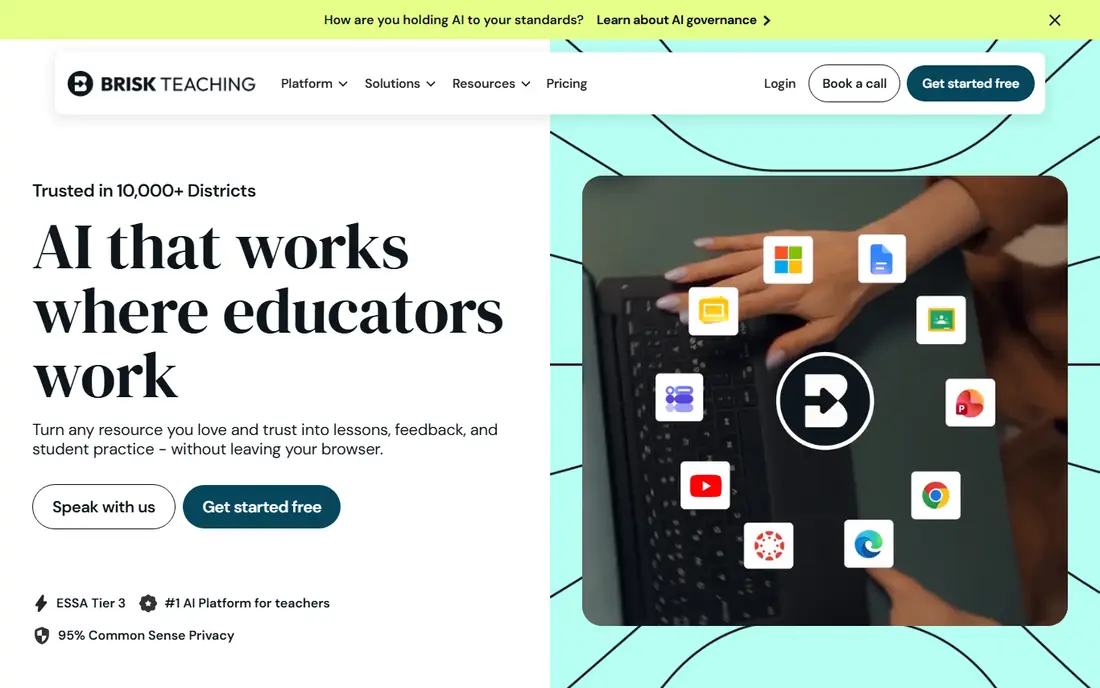
Brisk Teaching is a browser extension that lives where teachers already work, which is why it feels different from a separate dashboard tool. Highlight text in a Doc and Brisk can level it, quiz it, or give feedback against a rubric without copying text between windows. For teachers grading in Google Classroom, that saved context adds up fast.
Brisk is less useful if your school does not use Google Workspace, since its core value sits inside Docs and Slides. Its free plan includes many tools with daily limits, so most teachers can judge it in a real grading week before paying for a Pro plan or a school plan.
- Works inside Google Docs, Slides, and PDFs
- Rubric based feedback
- Fast differentiation of existing text
- Needs Google Workspace or a supported browser setup
- Paid individual pricing varies by plan
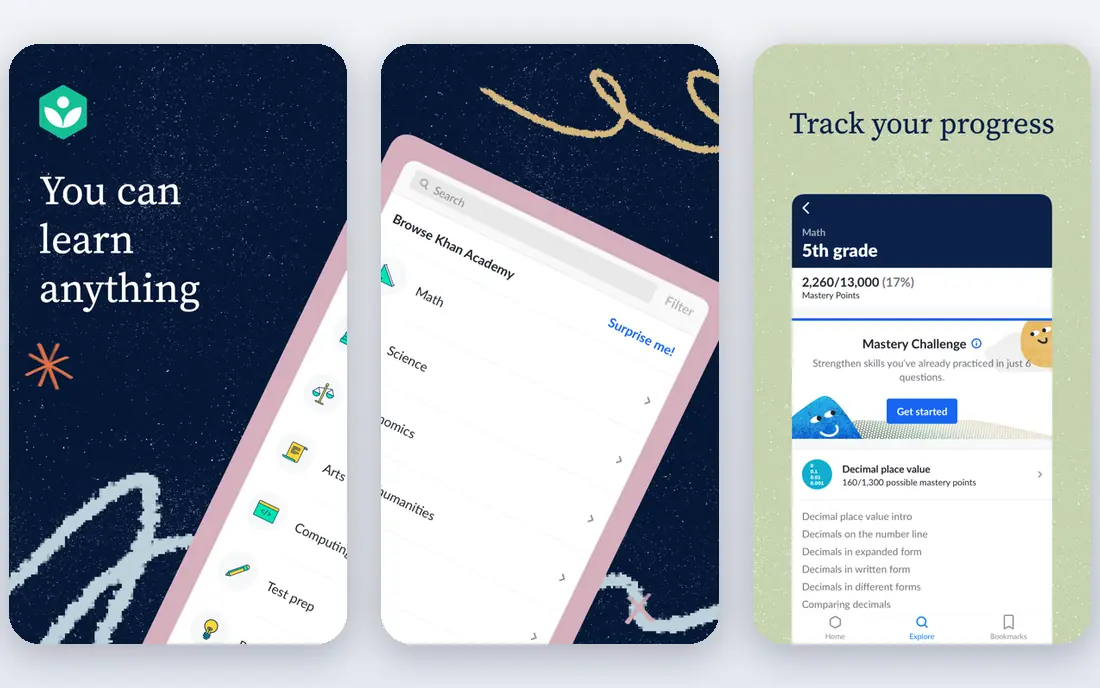
Khanmigo, from Khan Academy, is the best AI tool for educators who want a free, nonprofit backed option. Teacher tools help with lesson planning, exit tickets, and administrative drafts, while the student tutor guides learners with questions rather than giving answers directly. That tutoring style fits classrooms where understanding matters more than a quick answer.
Student access is the limit to check. Teacher tools are free in the United States, but student tutoring often runs through a district purchase. If you teach outside the United States, confirm availability and pricing for your region before planning a unit around Khanmigo.
- Free for teachers in the United States
- Tied to Khan Academy lessons
- Socratic tutoring style for students
- Student access depends on district purchase in many cases
- Less broad than a general teacher toolkit
Diffit answers a specific classroom problem well: one topic, many reading levels. Paste a topic or a text and Diffit returns a passage at a chosen level, plus vocabulary support and questions. Teachers working with mixed ability classes or multilingual learners save real prep time, and the output is ready to print or share.
Diffit is not a full planning platform, so pair it with MagicSchool or Brisk for lesson plans and feedback. If differentiation is your main bottleneck, Diffit is worth its price. If you rarely need leveled text, a broader toolkit will give you more value.
- Fast leveled passages
- Vocabulary and questions included
- Strong for multilingual learners
- Narrower than a full toolkit
- Premium reading levels sit on paid plans
Eduaide.AI stands out for teachers who plan by pedagogy, not just by topic. Its tools reference frameworks such as backward design and universal design for learning, and it offers many resource types, from graphic organizers to games. The Pro plan is priced below most rivals, which makes it an easy second tool for a teacher who already uses MagicSchool.
The free plan limits monthly generations, so heavy users will hit the cap. Eduaide is also less known than MagicSchool, which can matter for district approval. If your district needs a familiar vendor name, check approval first, but on features and price Eduaide is strong.
- Resources framed by pedagogy models
- Many resource types
- Low priced Pro plan
- Smaller brand than MagicSchool
- Free plan has monthly generation limits
Curipod turns a lesson into a live experience where students write, respond, and receive feedback during class. Teachers can build interactive decks quickly, run polls and open responses, and use AI feedback to keep writing practice moving. For engagement and formative checks, it beats a static slide deck.
Curipod needs devices for students to get the full benefit, so it suits classrooms with reliable device access. Individual pricing is less clear than MagicSchool, since school and district plans dominate. Try the free tier with one live lesson before asking your school to buy it.
- Live lessons with student responses
- AI feedback during class
- Engaging for writing practice
- School and district pricing is quote based
- Needs student devices for full value
SchoolAI is built for schools that want students to use AI inside controlled spaces, rather than on open chatbots. Teachers create spaces with set instructions, monitor student work, and use assistant tools for planning and feedback. That control model appeals to districts that must meet privacy rules and keep student data inside approved systems.
SchoolAI is heavier to set up than a personal teacher tool, and pricing runs through school or district plans. Individual teachers may find MagicSchool faster to start. For a school rolling out student AI use across classes, SchoolAI's controls are a real advantage.
- Teacher controlled student spaces
- Mission and assistant tools
- District focused controls
- Pricing is quote based
- Setup takes more time than a single teacher tool
Education Copilot focuses on speed: give it a topic and grade, and it returns a lesson plan, handout, or assessment draft in a clean format. Teachers who need a solid first draft fast, then edit it themselves, will like its simplicity. It avoids the sprawling dashboard problem that larger toolkits can create.
Its tool set is smaller than MagicSchool or Eduaide, so it works best as a drafting aid rather than a full platform. If you want one tool for planning, feedback, and student work, look elsewhere. If you want fast, editable drafts, Education Copilot delivers.
- Quick lesson plans and handouts
- Standards aligned templates
- Simple interface
- Smaller tool set than MagicSchool
- Less student facing functionality
Canva for Education is free for verified K-12 teachers, and it is the best AI tool for educators who need visual materials fast. Its AI features help with slides, posters, worksheets, and presentations, and its template library saves design time. For a classroom display, a parent handout, or a student project, Canva is hard to beat.
Canva will not plan a unit, grade work, or level a reading passage the way the other tools here do. Treat it as a complement: plan in MagicSchool or Eduaide, then design the student facing materials in Canva. That pairing covers both pedagogy and presentation.
- Free for verified K-12 teachers
- Strong design tools
- AI features for slides and worksheets
- Not a lesson planning or grading platform
- AI features are design focused
How we picked these
We compared official pricing pages, feature lists, and privacy statements for AI tools built for educators and active in 2026. We favored tools with free teacher plans or trials, clear education privacy commitments, and real classroom tasks such as planning, feedback, and differentiation. We did not test these tools with students, and district approval should be confirmed before any student facing use.
Using AI safely in the classroom
AI can cut prep time, but it does not replace teacher judgment. Review every AI draft for accuracy, bias, and age fit before it reaches students, and keep student names and sensitive data out of tools that are not district approved. Teach students that AI can be wrong, and show them how to check a claim rather than copying an answer.
Choose tools your district can approve
Ask your district about data processing agreements, student data rules, and age limits before you adopt a tool for student use. Teacher only tools carry lower risk than student facing tools, but even teacher drafts should avoid entering student personal data. When in doubt, use the tool for planning and keep student work inside approved systems.
Keep the teacher in the loop
Use AI for first drafts, feedback starters, and differentiation, then edit with your knowledge of your class. A lesson that fits a generic class may miss your students' reading levels, interests, and prior knowledge. The best results come when AI handles the routine drafting and you handle the judgment calls about what to teach and how.
FAQ
What is the best AI platform for educators?
MagicSchool AI is the best AI platform for educators for most teachers, thanks to its broad toolkit and usable free plan. Brisk Teaching is best for feedback inside Google Docs, and Khanmigo is best for free teacher tools. The right pick depends on whether you need planning, feedback, differentiation, or live lessons most.
Which AI tool is best for educators on a free plan?
MagicSchool AI, Brisk Teaching, Khanmigo, and Eduaide all offer free plans that teachers can use in a real week. Khanmigo is free for teachers in the United States, while MagicSchool and Brisk offer free tiers with usage limits. Test two free plans side by side before paying for any of them.
What is the best AI tool for educators for lesson planning?
MagicSchool AI and Eduaide.AI are the best AI tools for educators for lesson planning, since both cover plans, rubrics, and assessments in one place. Eduaide frames resources by pedagogy models, while MagicSchool offers more tools overall. Education Copilot is a good choice for fast single drafts.
Is it safe to use AI tools with students?
Student use is safe only inside district approved tools with clear data rules and teacher oversight. Check the vendor's privacy statement, your district policy, and age rules before any student facing use. Never enter student personal data into a tool that lacks a data processing agreement with your school.
Can AI replace lesson planning?
No. AI can draft plans, questions, and feedback quickly, but teachers must review accuracy, fit, and bias before use. A plan that looks polished can still miss your standards, your students' levels, or your classroom context. Use AI to save drafting time, then apply your professional judgment to the result.