Best AI Photo Generator Apps in 2026: 10 Apps Compared
Best AI photo generator apps compared for 2026, from Midjourney and ChatGPT Images to Firefly, Leonardo, Ideogram, and free open source options. For creators.

- Editor's choice
 Midjourney
Artistic and cinematic images
Starts at$10 per monthVisit midjourney.comFull review - Great alternative
 ChatGPT Images
Chat based image creation and editing
Starts atSee websiteVisit chatgpt.comFull review - Also consider
 Adobe Firefly
Commercially safe images
Starts at$9.99 per monthVisit firefly.adobe.comFull review
TL;DR:
- Midjourney still leads for artistic, cinematic images, while ChatGPT Images leads for easy editing in plain language.
- Adobe Firefly is the safest pick for commercial work, thanks to commercially safe training data and Adobe indemnification on eligible plans.
- Ideogram leads for readable text in posters and logos, and Leonardo leads for game art and high volume production.
- Free tiers are useful for testing, but check commercial rights and privacy, since some free images are public by default.
- Always check the current plan and credit limits before a large project, since AI pricing and caps change often.
Quick comparison
| Tool | Best for | Starts at | Free plan? | |
|---|---|---|---|---|
| Midjourney | Artistic and cinematic images | $10 per month | No | Visit |
| ChatGPT Images | Chat based image creation and editing | See website | Yes | Visit |
| Adobe Firefly | Commercially safe images | $9.99 per month | Yes | Visit |
 Leonardo AI | Game art and production volume | $12 per month | Yes | Visit |
 Ideogram | Readable text in images | See website | Yes | Visit |
 DreamStudio | Open model image generation | See website | Yes | Visit |
 Recraft | Vector and brand design | See website | Yes | Visit |
 Canva AI | Design plus AI images | See website | Yes | Visit |
 NightCafe | Community and easy generation | See website | Yes | Visit |
 Playground | Casual and hobby generation | See website | Yes | Visit |
The best AI photo generator apps
AI photo generators turn a text prompt into an image, and the best ones differ in style, text accuracy, commercial rights, and cost. The apps below cover artistic work, commercial design, game art, and casual use, so you can pick by the job rather than by hype alone.
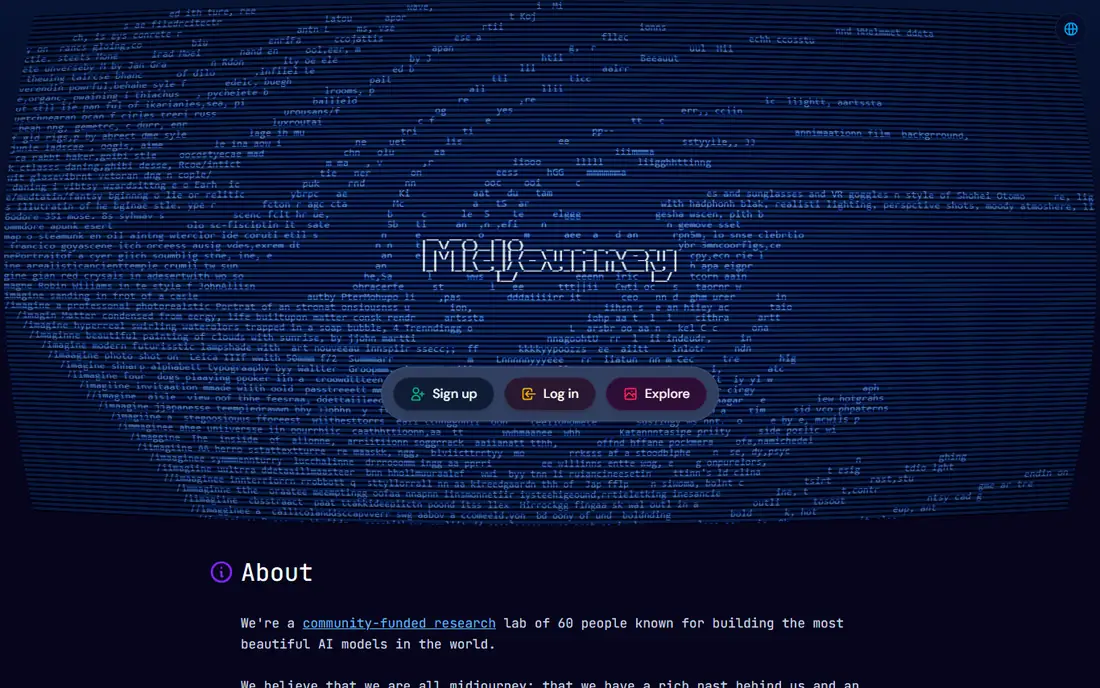
Midjourney remains the tool most creators picture when they think of AI art. Its images have a distinctive, cinematic look, with strong lighting, colour, and detail that suit concept art, mood boards, editorial illustration, and campaign hero images. The web editor has made it easier to use than the early Discord only days, though Discord remains part of the workflow for many users.
There is no free plan, with Basic starting at $10 per month, and Fast GPU time is metered by plan. Companies with over $1 million in annual revenue need Pro or Mega plans for commercial use under Midjourney terms, so check those terms before client work. If the look of the image matters most, Midjourney is still our pick.
- Distinctive artistic style
- Strong lighting and detail
- Web and Discord workflows
- No free plan
- Fast GPU time is metered
- Large companies need higher plans for commercial use
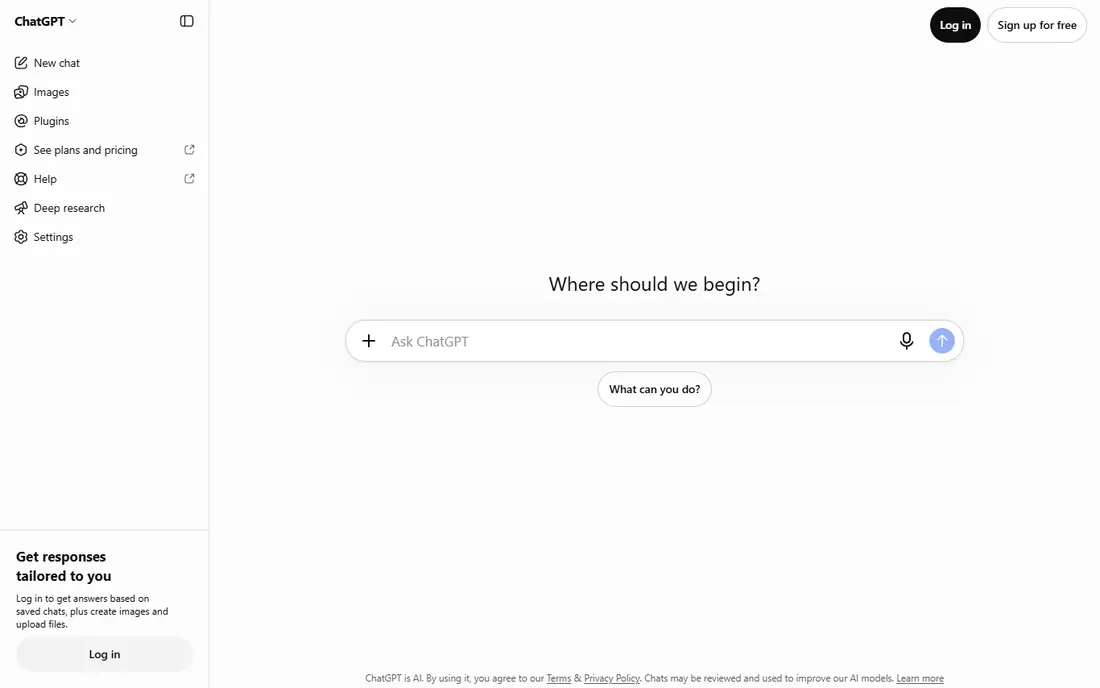
ChatGPT Images lets you describe an image, see a result, and then ask for changes in plain language, such as a different background, a new angle, or a simpler style. That conversational loop is its main advantage, since you do not need to learn prompt syntax or a new editor to iterate. It suits social posts, blog images, mockups, and quick edits to an existing image.
Free use is limited, and caps vary with demand, so heavy users will need a paid ChatGPT plan. Results can feel generic if prompts are vague, so add details about subject, setting, lighting, and style. For everyday image work inside a tool you may already pay for, ChatGPT Images is hard to beat for convenience.
- Create and edit images in plain language
- Easy revisions in chat
- Good prompt following
- Caps vary with demand and plan
- Style can feel generic without detailed prompts
- Commercial terms need checking per plan

Adobe Firefly is built for commercial work. Its models are trained on licensed Adobe Stock content and public domain material, and Adobe offers indemnification for Firefly generated images on eligible plans, which reduces legal risk for client and brand work. Integration with Photoshop, Express, and Illustrator means generated images can move straight into a design workflow.
The model range is narrower than open source rivals, and generative credits limit how many images you can make per month on lower plans. Firefly Standard starts at $9.99 per month, with a limited free tier for testing. If you publish images for a business, Firefly is the safest pick on this list.
- Trained on licensed content
- Adobe indemnification on eligible plans
- Strong Photoshop and Express integration
- Model choice is narrower than open rivals
- Credit limits apply
- Best value inside Adobe workflows
Leonardo AI is a production focused generator popular with game developers, product designers, and creators who need many images. The free plan gives daily tokens, paid plans start at $12 per month, and users can train custom models on their own style. That combination suits character art, environments, textures, and product mockups at volume.
Token costs vary by model and settings, so new users need time to learn the system. Free creations are public, and private generation needs a paid plan, so do not test client work on the free tier. For high volume, style consistent production, Leonardo is a strong choice.
- Free daily tokens
- Custom model training
- Strong for game assets and product mockups
- Token maths takes learning
- Free creations are public
- Private generation needs a paid plan
Ideogram stands out for one job that most generators still struggle with, which is readable text inside an image. Posters, logos, social graphics, and ads with headlines come out far cleaner here than in many rivals, which makes Ideogram a practical tool for marketing design, not just art. The interface is simple, and paid plans add priority credits and private options.
Free tier images may be public, so avoid client or unreleased work on the free plan. Paid plans start with monthly or annual billing, so check the current price before you commit. If your images need words that people can actually read, Ideogram should be near the top of your list.
- Best in class text rendering for posters and logos
- Commercial use on paid plans
- Simple interface
- Free images are public and cannot be deleted in some cases
- Credit limits apply
- Less artistic range than Midjourney
DreamStudio is Stability AI hosted service for Stable Diffusion image generation, and it suits users who want open model flexibility without setting up their own hardware. You buy credits, enter a prompt, adjust style and size, and generate images in a clean web interface. It is a good way to test Stable Diffusion models and custom styles.
Model quality varies by version, and commercial use depends on the licence for the specific model you use, so read those terms for client work. DreamStudio is less of a full design suite than Canva or Firefly, but for open model experimentation, it is a straightforward and affordable starting point.
- Access to Stable Diffusion models
- Credit based pricing
- Good for experimentation and custom styles
- Interface is simpler than full suites
- Model quality varies by version
- Commercial terms depend on model licence
Recraft is different from most generators on this list, because it can produce editable vector graphics, not just flat raster images. That matters for logos, icons, and illustrations that need resizing, colour changes, and clean edges for print and web. Brand style controls help teams keep output consistent across many assets.
Free tier terms need care, since free creations may be public and may not carry commercial rights, so use a paid plan for client work. Photo realism is weaker than Midjourney or ChatGPT Images, so Recraft is best for design assets rather than photographic scenes. For brand design, it is a distinctive and useful tool.
- Editable vector output
- Brand consistent styles
- Good for icons and illustrations
- Free creations are public with no commercial rights in some cases
- Raster photo realism trails rivals
- Credit system takes learning
Canva AI puts image generation inside a design tool most people already know. You can generate an image, drop it into a social post, presentation, or flyer, add text and brand colours, and export for print or social in one place. That end to end flow saves time for small businesses, teachers, and social managers who need finished designs, not just raw images.
AI usage limits apply, and heavy generation may need extra credits or an AI pass, so check the current limits for your plan. Image quality, especially for artistic or photographic work, trails Midjourney and Firefly. If the finished design matters more than the raw image, Canva AI is a practical pick.
- AI images inside a full design editor
- Templates and brand kits
- Easy social and print export
- AI usage limits on free and Pro plans
- Heavy AI use may need an AI pass
- Image quality trails specialist tools
NightCafe is a friendly, community led generator that lets beginners try several models in one place without installing software. Daily free credits let you test prompts, join challenges, and browse community galleries for ideas. That social, low pressure setup suits hobby users, students, and anyone trying AI images for the first time.
Free credits run out fast for heavy use, and advanced controls are thinner than in Leonardo or Midjourney. For casual creation, gifts, and learning what AI images can do, NightCafe is an enjoyable starting point. For client work, move to Firefly, Midjourney, or a paid plan with clear commercial rights.
- Easy interface for beginners
- Multiple models in one place
- Community challenges and galleries
- Free credits are limited
- Advanced controls are thinner than specialist tools
- Some models need payment
Playground is a simple, casual generator for quick experiments, social images, and hobby projects. The interface is easy to learn, prompts work in plain language, and the free tier lets you test ideas without a subscription. It suits users who generate images occasionally and do not need advanced model controls.
Free limits and commercial terms need checking before business use, and quality varies by model and prompt detail. Think of Playground as a low stakes way to learn AI generation, with Midjourney, Firefly, or Leonardo as the step up when quality, rights, or volume matter more.
- Free tier for casual use
- Simple prompt interface
- Good for quick experiments
- Free limits apply
- Commercial terms need checking
- Output quality varies by model
How we picked these
We compared official feature pages, pricing pages, terms of use, and public reviews for AI image generators that are actively maintained in 2026. We favoured tools with a clear strength, whether artistic quality, text accuracy, commercial safety, vector output, or ease of use, and we noted free tier limits and commercial rights honestly. We did not claim hands on testing, and we based comparisons on vendor documentation and public feedback.
How to choose an AI photo generator
Start with the job, not the model
A poster with text, a game asset, a client hero image, and a social post need different tools. Ideogram suits text, Leonardo suits game art, Firefly suits commercial work, and Midjourney suits artistic images. Pick by the output you need most often.
Check commercial rights before client work
Free tiers often restrict commercial use or make images public. For paid client work, use a paid plan with clear commercial terms, such as Firefly with indemnification on eligible plans, or a paid Midjourney, Leonardo, or Ideogram plan. Keep a record of the plan and terms for each project.
Test with your own prompts
Run the same five prompts through two or three tools before you pay. Include a portrait, a product scene, a poster with text, and a style you use often. The tool that handles your real prompts best is the right tool, regardless of general rankings.
Watch credit and cap changes
AI pricing changes fast, with credits, tokens, and GPU time all used by different vendors. Check the current plan page before a large project, and avoid buying a year of credits for a tool you have only tested for a day.
FAQ
What is the best AI photo generator app overall?
Midjourney is our pick for artistic quality, while ChatGPT Images is the easiest for everyday creation and editing in chat. Adobe Firefly is the best pick for commercial work, thanks to licensed training data and indemnification on eligible plans. Choose by whether look, ease, or legal safety matters most to you.
Can I use AI generated images commercially?
Usually yes on paid plans, but check the terms for each tool. Adobe Firefly offers indemnification on eligible plans, while free tiers of some tools restrict commercial use or keep images public. For client work, use a paid plan, read the current terms, and keep a record of your licence.
Which AI generator is best for text in images?
Ideogram is the strongest pick for readable text in posters, logos, and ads. ChatGPT Images and Firefly have also improved text rendering, but Ideogram remains the most reliable for headline text in our comparison. Test your exact headline before committing to a tool for a campaign.
Is there a good free AI photo generator?
Yes, for testing and casual use. Leonardo, Ideogram, Firefly, Canva AI, NightCafe, and Playground all have free tiers or free credits. Free images may be public or restricted for commercial use, so use free tiers to learn and test, and pay when the work is for a client or a brand.
Do AI generators replace photographers and designers?
No, they change part of the workflow. AI tools are strong for concepts, mockups, illustrations, and quick social images, but they still struggle with exact likeness, brand consistency, and real world accuracy. Photographers and designers remain essential for client shoots, brand systems, and work where accuracy and rights matter.
How do I write a good prompt for AI images?
Be specific about subject, setting, lighting, style, and composition, and add what to avoid. Start simple, review the result, then change one element at a time. Save prompts that work well, since a good prompt library saves more time than any single tool feature.