Best AI Logo Generator Tools in 2026: 8 Tools Compared
Compare the best ai logo generator tools for small businesses, from one-time logo buys to full brand kits, with current prices and file options in 2026.
- Editor's choice
 Looka
Full brand kits for small businesses
Starts at$20 one-timeVisit looka.comFull review - Great alternative
 Brandmark
One-time logo purchase
Starts at$25 one-timeVisit brandmark.ioFull review - Also consider
 LogoAI
Quick brand kits on a budget
Starts at$29 one-timeVisit logoai.comFull review
TL;DR:
- Looka is our pick for most small businesses because it pairs guided logo creation with a full brand kit.
- Brandmark and LogoAI suit buyers who want to pay once and own the files, with no monthly bill.
- Canva and Adobe Express are the best value if you already need a wider design tool for social posts and documents.
- Vector files matter more than a pretty preview, so check SVG or EPS access before you pay.
- Free design previews are common, but downloads and high-resolution files are usually paid.
Quick comparison
| Tool | Best for | Starts at | Free plan? | |
|---|---|---|---|---|
| Looka | Full brand kits for small businesses | $20 one-time | Yes | Visit |
| Brandmark | One-time logo purchase | $25 one-time | Yes | Visit |
| LogoAI | Quick brand kits on a budget | $29 one-time | Yes | Visit |
 Canva | All-in-one design for small teams | Free | Yes | Visit |
 Adobe Express | Adobe users and quick edits | Free | Yes | Visit |
 Tailor Brands | Logo plus business setup | $3.99 per month | No | Visit |
 Recraft | Editable vector logos | $12 per month | Yes | Visit |
 Hatchful by Shopify | Free logos for new shops | Free | Yes | Visit |
The best ai logo generator tools
A good logo tool should give you a mark you can use on a website, a business card, and a social profile without paying again for each size. The eight tools below cover one-time buys, subscriptions, and genuinely free options.
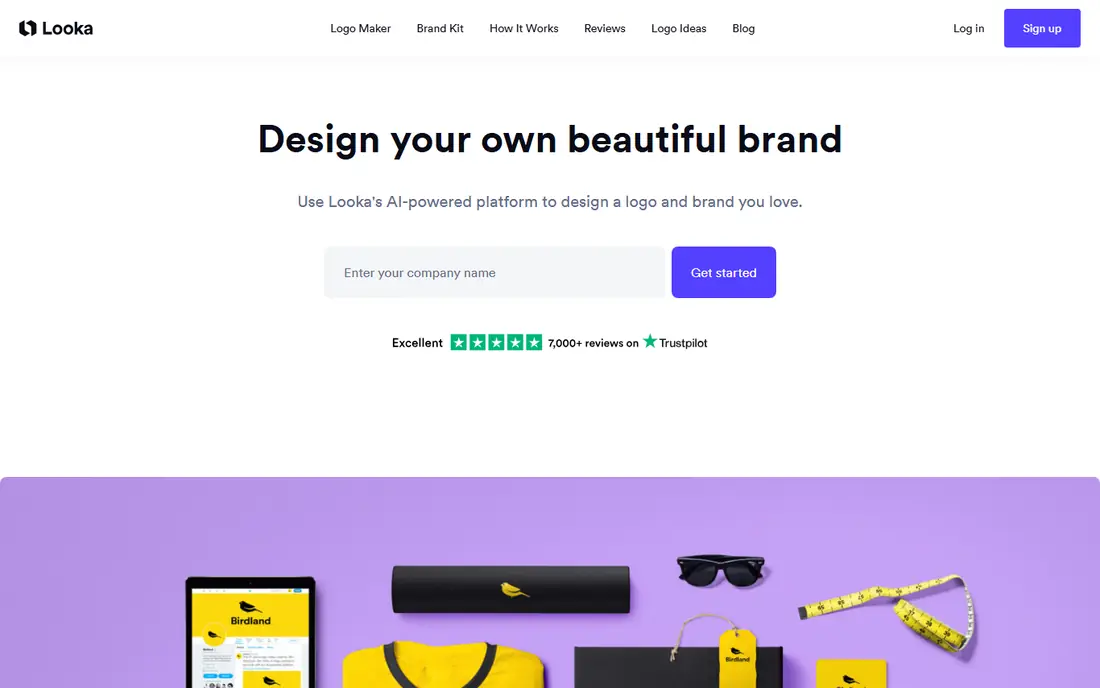
Looka starts with your industry, style preferences, and company name, then shows a wide set of logo concepts you can refine by color, font, and layout. That guided flow helps people who do not have a design background, because the choices stay narrow enough to finish in one sitting. The result tends to look clean and businesslike rather than experimental, which suits shops, consultants, and service firms.
The brand kit is where Looka earns its place at the top of this list. It includes templates for social posts, business cards, letterheads, and other everyday items, all tied to the same colors and fonts. If you only need one logo file, the basic package may be enough, but check whether it includes the vector formats your printer or web designer will ask for. The annual brand kit adds cost, so it makes most sense for a business that will use the templates often.
- Guided design process
- Large brand kit library
- Vector files on higher plans
- Best files cost more than the basic package
- Brand kit is an annual subscription
Brandmark has a more design-led feel than many logo tools, with marks that often look less generic and more considered. You enter a business name and a few keywords, then browse concepts and adjust colors and layouts. For a tech startup or a creative service, that extra distinctiveness can matter, since a forgettable logo is easy to overlook in a crowded feed.
The one-time pricing is the main draw. You pay for a package, download your files, and you are done, with no monthly charge hanging over a logo you rarely change. Higher tiers add a brand guide and social assets, which are worth considering if you plan to hand the brand to a designer or a printer later. The trade-off is a smaller template library for day-to-day marketing than you get from a subscription brand kit.
- Pay once, no subscription
- Distinctive logo styles
- Brand guide on higher tiers
- Fewer marketing templates than Looka
- No built-in website builder
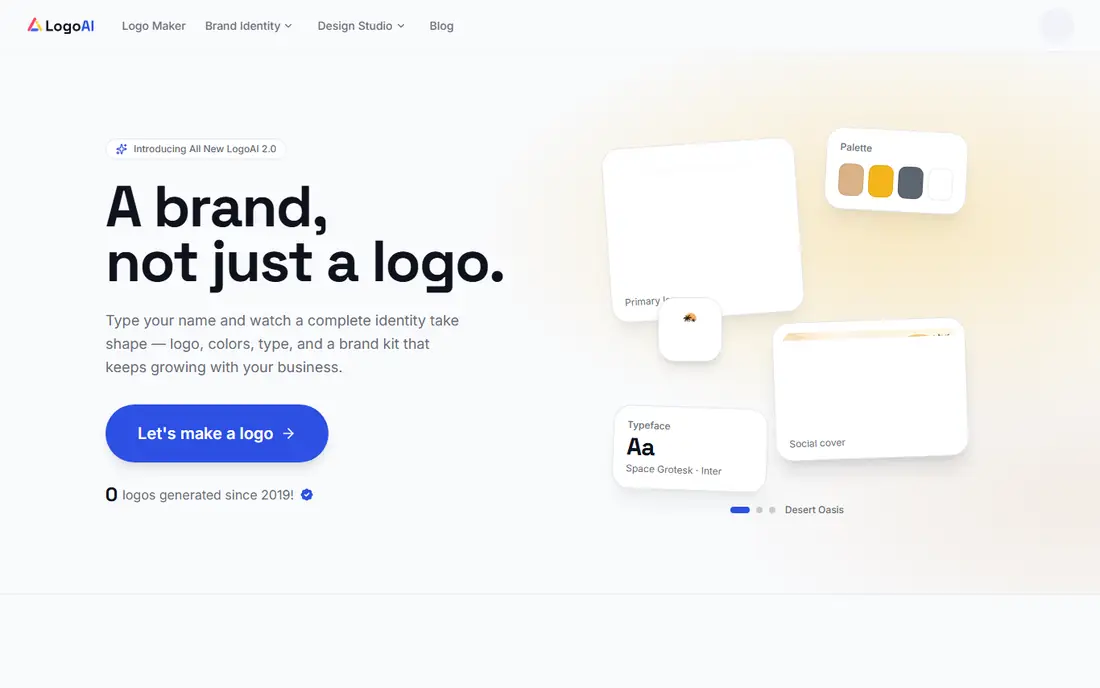
LogoAI is built for speed. You type a name, pick an industry, and get a set of logo options with matching color palettes and fonts in minutes. It is a good fit for a side project, a new product line, or a business that needs a presentable identity this week rather than a months-long branding project. The interface stays simple, and you can preview several directions before you commit.
The packages are easy to understand, with higher tiers adding vector files and brand guidelines. That clarity helps when you are comparing total cost, since some tools hide the useful files behind a subscription. The honest catch is that LogoAI logos can look familiar, because they draw on common patterns. If your brand needs a truly original mark, use LogoAI as a starting point and get a designer to refine it later.
- Fast generation
- Clear one-time packages
- Brand guidelines on higher tiers
- Output can feel template-driven
- Limited free downloads
Canva is not only a logo tool, and that is its strength. You can create a logo, then use the same account to make social posts, flyers, presentations, and a simple website. For a small team that already lives in Canva, that shared workflow saves time and keeps colors and fonts consistent across everything you publish. The logo maker itself uses prompts and templates, so it works best when you have a rough idea of the style you want.
The free tier covers a lot of everyday design, which makes Canva a low-risk place to start. Paid plans add brand kit controls, background removal, and vector-style exports for many assets, so check the current plan details before you rely on a specific file type. Canva logos can also feel less distinctive than those from a dedicated logo tool, so spend time customizing fonts and spacing rather than accepting the first template unchanged.
- Huge template library
- Easy social and print design
- Free tier is genuinely useful
- Logo creation is less guided than dedicated tools
- Vector export needs a paid plan
Adobe Express gives you a polished design tool with a free tier that is useful for more than logos. You can generate a logo idea, refine it with text and shape tools, and then build matching social graphics and flyers. People who already use Adobe products will find the layout familiar, and the templates tend to look professional without much fiddling. It is a sensible choice for a business that wants decent design across many formats.
The limits show up when you compare it with a dedicated logo generator. Adobe Express does not guide you through logo choices in the same structured way, and the best features sit behind the Premium plan. Still, if you value a single tool for logos, posts, and short videos, the free tier is a strong starting point. Export your logo in the largest size available and keep a copy of the fonts and colors you used.
- Free tier with real editing tools
- Strong template quality
- Ties into Adobe tools
- Premium features need a paid plan
- Logo options are less specialized
Tailor Brands suits a founder who is starting a business from scratch and wants branding, a website, and business formation help in one account. The logo tool asks about your industry and style, then builds a mark and a matching set of brand assets. From there you can move to a domain, a simple website, and other startup steps without switching tools. That bundled path can save a lot of early admin time.
The catch is the subscription. If you only need a logo, a one-time purchase elsewhere will usually cost less in the long run. Tailor Brands makes sense when you will actually use the wider bundle, especially in the first year of a new business. Read the plan terms closely, since business formation and compliance add-ons can add costs beyond the headline monthly price.
- Bundles logo, website, and business tools
- Guided setup
- Useful for new US businesses
- Subscription model
- Logo alone costs more over time than a one-time buy
Recraft stands out because it creates true vector artwork rather than a flat image that you later have to trace. That matters if you plan to resize a logo for a shop sign, a vehicle wrap, or a large banner, since vectors stay sharp at any size. Designers will like the style controls and the ability to edit paths, colors, and shapes after generation, which brings the tool closer to a normal design workflow.
Beginners may find Recraft less hand-holding than Looka or Brandmark, because it assumes some comfort with design terms and file formats. The free tier lets you test the quality and the vector workflow before paying, which we recommend. If you are not a designer, pair Recraft with a freelancer for final cleanup, and you will still get a flexible file set that lasts longer than a single PNG.
- Native vector output
- Detailed style controls
- Good for designers
- Learning curve for beginners
- Best features need a paid plan
Hatchful is the simplest option here, and the price is hard to argue with. You pick an industry and a visual style, enter your business name, and download a logo with a set of social media sizes. For a new online shop, a market stall, or a test product, that is often all you need to look credible on day one. The Shopify link also makes it easy to carry the logo into a store.
The limits are clear. Customization is shallow compared with paid tools, and the templates are widely used, so your logo may resemble others in your niche. Treat Hatchful as a free starting point, not a final brand identity for a business you plan to grow for years. When sales pick up, revisit one of the paid tools above or hire a designer to build on the style you liked.
- Completely free
- Fast and simple
- Social assets included
- Limited customization
- Logos can look generic
How we picked these
We compared official feature pages, pricing pages, and app store listings for tools that create logos from a name and a few prompts, and we kept only tools that are live and usable in 2026. We favored tools with clear file downloads, honest pricing, and a real free preview or free tier, and we mixed one-time buys with subscriptions so readers with different budgets can compare fairly. We did not claim hands-on testing, and we checked that each tool covers logo creation as a core feature rather than a minor add-on.
What to check before you pay
File formats and ownership
Ask for SVG, EPS, or PDF vector files if you plan to print the logo or resize it often. A PNG alone works for a website and social profiles, but it will blur when enlarged. Read the license terms too, so you know whether you own the mark and can use it on products, packaging, and ads without extra fees.
Brand consistency
A logo is only the start. Pick a tool that lets you save your exact colors, fonts, and spacing, and that gives you templates for the places you actually publish. A consistent set of assets looks more professional than a single strong logo paired with random social graphics.
Trademark and uniqueness
AI tools can produce similar marks for different businesses, so search for similar names and logos in your market before you print anything. If your brand will carry real value, a trademark search and a designer review are worth the cost. For a low-risk side project, a quick search and a distinctive color choice are usually enough.
FAQ
Are the best ai logo generator apps the same as the tools in this guide?
Many of the same tools work in a browser and on mobile, and most logo work is easier on a larger screen where you can compare layouts side by side. If you need to design on a phone, Canva and Adobe Express have the most polished mobile apps in this list, while Looka, Brandmark, and LogoAI are best used in a browser.
Can I use an AI logo for my business legally?
In most cases you can use a logo you paid for under the tool's license, but the terms vary by package, so read them before you buy. Some free tiers limit commercial use, and some tools do not guarantee that your mark is unique. Keep your receipt and license, and consider a trademark search if the brand matters to your business.
Do I need vector files?
You need them if you plan to print large items, work with a designer, or resize the logo often. For a website, social profiles, and email signatures, high-resolution PNG files are usually enough. When in doubt, buy the package that includes vectors, since you cannot create a true vector from a small PNG later.
Is a free logo good enough to start?
Yes, for a new shop, a test product, or a hobby business, a free logo from Hatchful or a free Canva design can look perfectly credible. Upgrade when you need unique files, a brand kit, or a mark that will appear on packaging and signage. A free logo should not stop you from launching.
How much should a small business spend on a logo?
A one-time spend of 20 to 65 dollars covers most tools in this guide and gives you usable files. A brand kit subscription adds an annual cost, which makes sense only if you will use the templates regularly. Spending more does not always mean a better logo, so judge the preview quality and the file package, not the price alone.