Best AI LMS Platform in 2026: 8 Platforms Compared
Compare the best ai lms platform options for course creation, personalisation, and skills tracking, with pricing notes for training teams of all sizes.
- Editor's choice
 Docebo
Enterprise personalised learning
Starts atSee websiteVisit docebo.comFull review - Great alternative
 TalentLMS
Fast small-team training
Starts at$119 per monthVisit talentlms.comFull review - Also consider
 360Learning
Collaborative course authoring
Starts at$8 per user per monthVisit 360learning.comFull review
TL;DR:
- Docebo and Cornerstone suit large enterprises with complex audiences.
- TalentLMS and 360Learning suit smaller and mid-size teams that need fast setup.
- Absorb and LearnUpon suit mid-market teams needing portals and reporting.
- Check AI credit limits and content ownership before you sign.
Quick comparison
| Tool | Best for | Starts at | Free plan? | |
|---|---|---|---|---|
| Docebo | Enterprise personalised learning | See website | Free trial | Visit |
| TalentLMS | Fast small-team training | $119 per month | Yes | Visit |
| 360Learning | Collaborative course authoring | $8 per user per month | Free trial | Visit |
 Absorb LMS | Mid-market compliance and growth | See website | Free trial | Visit |
 Cornerstone | Enterprise talent and learning | See website | Free trial | Visit |
 LearnUpon | Multi-portal training delivery | See website | Free trial | Visit |
 CYPHER Learning | Adaptive and gamified learning | See website | Free trial | Visit |
 Sana | AI-driven knowledge learning | $13 per license per month | Free trial | Visit |
The best AI LMS platforms
We favoured LMS tools where AI does useful work, such as course drafting, translation, recommendations, and skills mapping, not just a chatbot add-on.
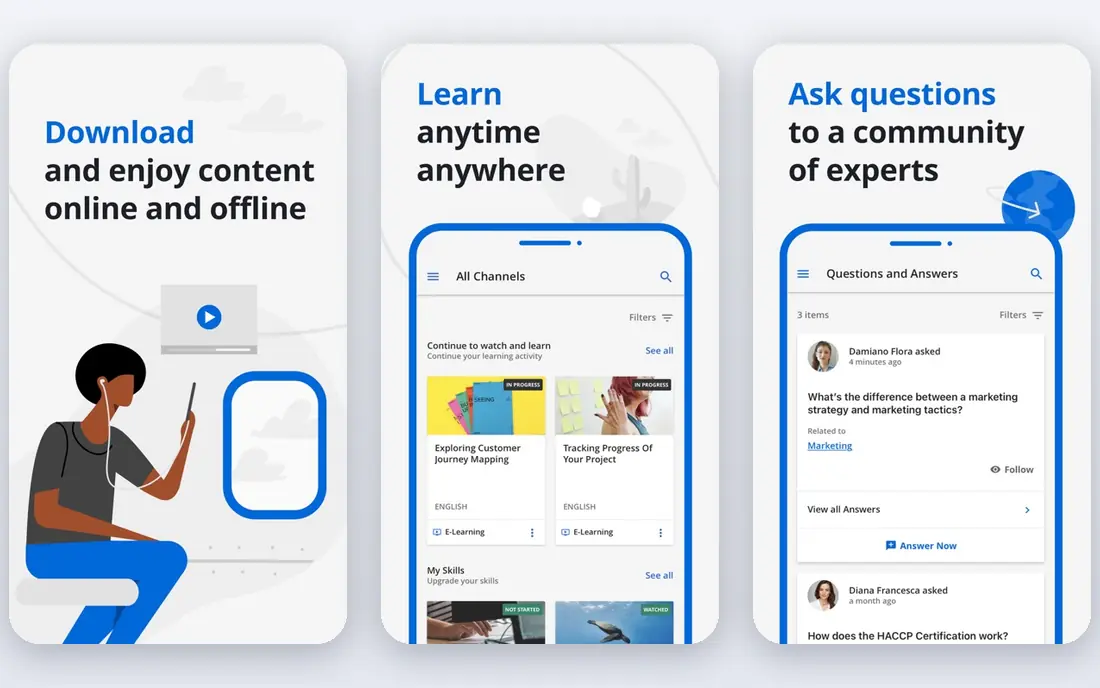
For teams that need enterprise personalised learning, Docebo stands out because it is built for large teams that need personalised learning at scale. its AI recommendations and modular setup help global firms serve staff, partners, and customers from one platform That combination makes it a clear fit for the use case in its best-for line, rather than a general tool that happens to cover the topic in passing. We compared its official feature pages and pricing notes against the other options here, and it held up on the core job, even where some advanced features sit on higher tiers.
The honest catch is that smaller teams may find cost and configuration heavier than a simpler LMS Ask for a trial or a guided demo on your own data before you commit, and check contract terms, support hours, and any usage limits that could change the total cost. If that catch touches a daily workflow for your team, weigh the next option on this list before you decide.
- AI content and recommendations
- Multi-audience portals
- Broad integrations
- Quote-based pricing
- Setup needs planning for large estates
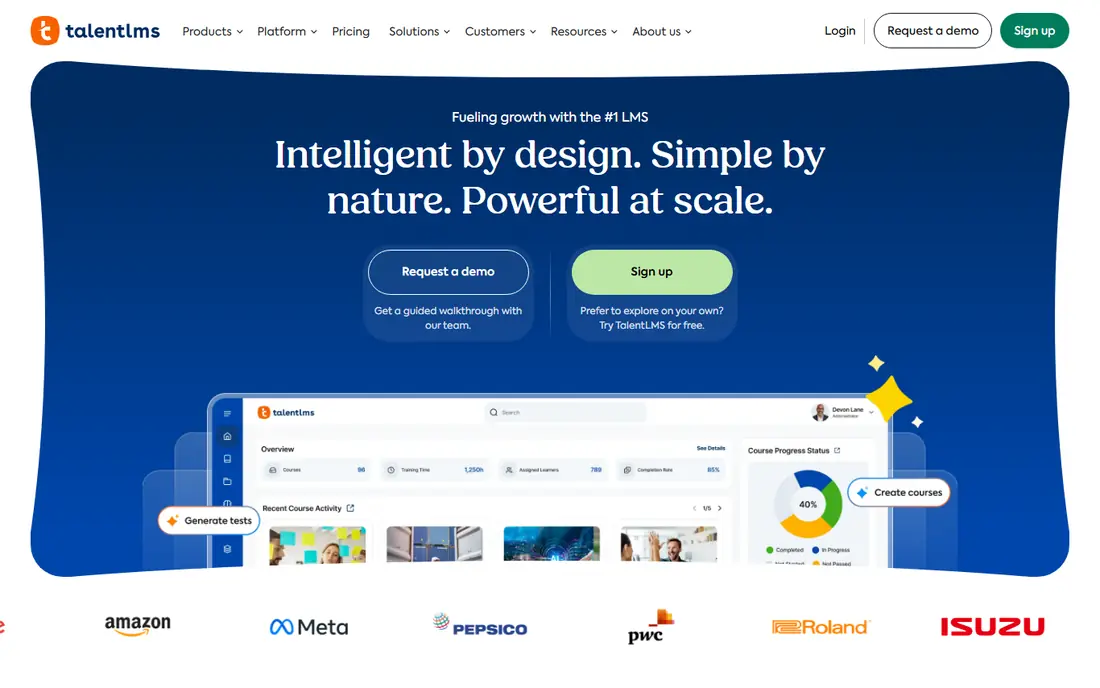
If fast small-team training is your main job to solve, TalentLMS is worth a close look, since it helps small teams launch training without a long project. its simple course builder and AI drafting tools shorten the path from idea to published course That combination makes it a clear fit for the use case in its best-for line, rather than a general tool that happens to cover the topic in passing. We compared its official feature pages and pricing notes against the other options here, and it held up on the core job, even where some advanced features sit on higher tiers.
The honest catch is that large enterprises with complex portals may need a more scalable platform Ask for a trial or a guided demo on your own data before you commit, and check contract terms, support hours, and any usage limits that could change the total cost. If that catch touches a daily workflow for your team, weigh the next option on this list before you decide.
- Easy setup
- AI course creation
- Gamification and certifications
- Free plan is limited to five users
- Advanced reporting needs higher tiers

We place 360Learning here for buyers focused on collaborative course authoring, because it turns training into a collaborative effort, not only top-down courses. its co-authoring tools help subject experts create and update courses with learning teams That combination makes it a clear fit for the use case in its best-for line, rather than a general tool that happens to cover the topic in passing. We compared its official feature pages and pricing notes against the other options here, and it held up on the core job, even where some advanced features sit on higher tiers.
The honest catch is that teams wanting strict central control may need to set clear authoring rules Ask for a trial or a guided demo on your own data before you commit, and check contract terms, support hours, and any usage limits that could change the total cost. If that catch touches a daily workflow for your team, weigh the next option on this list before you decide.
- Peer authoring
- AI feedback and course help
- Skills mapping
- Per-user pricing grows with large audiences
- Some admin features need higher tiers
Absorb LMS suits organisations where mid-market compliance and growth matters most, and it suits mid-market teams that need a clean learner experience and solid reporting. its reporting and multi-language support help firms train staff across regions That combination makes it a clear fit for the use case in its best-for line, rather than a general tool that happens to cover the topic in passing. We compared its official feature pages and pricing notes against the other options here, and it held up on the core job, even where some advanced features sit on higher tiers.
The honest catch is that very small teams may prefer a lower-priced, simpler LMS Ask for a trial or a guided demo on your own data before you commit, and check contract terms, support hours, and any usage limits that could change the total cost. If that catch touches a daily workflow for your team, weigh the next option on this list before you decide.
- Intuitive interface
- Multi-language support
- E-commerce options
- Quote-based pricing
- Onboarding takes planning
When enterprise talent and learning is the deciding factor, Cornerstone deserves a demo, because it joins learning with broader talent and performance tools. its skills mapping helps large employers track gaps and plan development at scale That combination makes it a clear fit for the use case in its best-for line, rather than a general tool that happens to cover the topic in passing. We compared its official feature pages and pricing notes against the other options here, and it held up on the core job, even where some advanced features sit on higher tiers.
The honest catch is that smaller teams will find the scope and cost larger than they need Ask for a trial or a guided demo on your own data before you commit, and check contract terms, support hours, and any usage limits that could change the total cost. If that catch touches a daily workflow for your team, weigh the next option on this list before you decide.
- Skills graph and compliance tracking
- Talent links
- Large content options
- Enterprise pricing
- Implementation is a major project
Buyers who rank multi-portal training delivery first will find a lot to like in LearnUpon, since it is built for firms that train staff, partners, and customers separately. its portal model keeps each audience experience clean while admins manage everything centrally That combination makes it a clear fit for the use case in its best-for line, rather than a general tool that happens to cover the topic in passing. We compared its official feature pages and pricing notes against the other options here, and it held up on the core job, even where some advanced features sit on higher tiers.
The honest catch is that tiny teams may hit minimum user requirements, so check eligibility early Ask for a trial or a guided demo on your own data before you commit, and check contract terms, support hours, and any usage limits that could change the total cost. If that catch touches a daily workflow for your team, weigh the next option on this list before you decide.
- Multiple portals for audiences
- Automation
- Strong support reputation
- Quote-based pricing
- Minimum user counts apply on some products
For a practical shortlist built around adaptive and gamified learning, CYPHER Learning earns its place because it focuses on adaptive learning that adjusts to learner progress. its gamification and adaptive features can help engagement for skills training That combination makes it a clear fit for the use case in its best-for line, rather than a general tool that happens to cover the topic in passing. We compared its official feature pages and pricing notes against the other options here, and it held up on the core job, even where some advanced features sit on higher tiers.
The honest catch is that teams needing deep enterprise HR integrations should test those links in a trial Ask for a trial or a guided demo on your own data before you commit, and check contract terms, support hours, and any usage limits that could change the total cost. If that catch touches a daily workflow for your team, weigh the next option on this list before you decide.
- Adaptive paths
- AI course tools
- Gamification
- Pricing is quote-based
- Some features vary by edition
If you are weighing options mainly on ai-driven knowledge learning, start with Sana, because it brings AI search and adaptive learning together for knowledge-heavy teams. its AI tools help learners find answers and follow personalised paths, not only complete courses That combination makes it a clear fit for the use case in its best-for line, rather than a general tool that happens to cover the topic in passing. We compared its official feature pages and pricing notes against the other options here, and it held up on the core job, even where some advanced features sit on higher tiers.
The honest catch is that firms needing long-established LMS compliance tooling should compare it with larger rivals Ask for a trial or a guided demo on your own data before you commit, and check contract terms, support hours, and any usage limits that could change the total cost. If that catch touches a daily workflow for your team, weigh the next option on this list before you decide.
- Adaptive learning
- AI content and search
- Modern interface
- Newer enterprise footprint
- Some integrations are limited
How we picked these
We compared official product pages, pricing pages, documentation, and public reviews for tools that exist and work in October 2026, and we kept only products that truly fit the topic. We favoured tools with clear documentation, current pricing or a clear quote route, and a track record of serving real teams, and we noted where pricing depends on seats, usage, or contract size. We did not claim hands-on testing we did not do, and we checked that each website below is the product's own official homepage.
How to choose an AI LMS platform
Start with the job you need done each week, not the longest feature list. For AI LMS platforms, write down who will use the tool daily, what data it must connect to, and what a good result looks like after 90 days. That short brief will rule out several options at once, because some tools are built for large teams with dedicated admins while others are built for small teams that need a fast start. Next, test the parts that matter most in a trial: setup time, import quality, permission controls, and reporting. Ask how pricing changes as seats, volume, or data grow, and ask what support is included on the plan you would actually buy. Finally, check security and data handling in plain terms, including single sign-on, audit logs, data location, and export options. Test AI output on your own material, since generic course drafts often need heavy editing for regulated or technical topics. A tool that is easy to leave, with data you can export, is usually a safer long-term choice than a tool that locks your history inside one system.
FAQ
What is the best lms software with ai?
The best lms software with ai depends on audience size and use case. Docebo suits enterprise personalisation, TalentLMS suits fast small-team setup, and 360Learning suits collaborative authoring.
What are the best lms platforms with ai for compliance training?
Compliance teams often choose Absorb, Cornerstone, or LearnUpon, because they offer certification tracking, reporting, and multi-audience portals.
How does AI help in an LMS?
AI can draft courses from documents, translate content, recommend next courses, map skills, and flag outdated material, which saves admin time when outputs are reviewed by a human.
How much does an AI LMS cost?
TalentLMS paid plans start at about $119 per month in some guides, 360Learning starts at about $8 per user per month, and enterprise platforms such as Docebo and Cornerstone are quote-based. Confirm current pricing on each vendor site.
Can AI replace instructional designers?
No, not for quality training. AI speeds drafting and admin, but subject experts should still review accuracy, tone, and assessment quality before courses go live.