Best AI ITSM Tools in 2026: 8 Tools Compared
Searching for the best ai itsm tools? We compare 8 AI-powered service management platforms on automation, agents, pricing, and which team size each fits.
- Editor's choice
 ServiceNow
Large enterprise ITSM
Starts atSee websiteVisit servicenow.comFull review - Great alternative
 Freshservice
Fast mid-market AI value
Starts at$19 per agent per monthVisit freshworks.comFull review - Also consider
 Jira Service Management
Dev and Atlassian teams
Starts atSee websiteVisit atlassian.comFull review
TL;DR:
- AI ITSM tools auto-classify tickets, suggest fixes, and deflect common requests to self-service, cutting resolution time for routine work.
- ServiceNow leads for enterprises, Freshservice and Jira Service Management offer the best value for mid-market teams, and Moveworks leads for conversational self-service.
- Most enterprise ITSM pricing is quote-based, so compare AI features by tier, not just the platform name.
- AI agents work best when the knowledge base is current: clean, accurate help articles matter more than model choice.
Quick comparison
| Tool | Best for | Starts at | Free plan? | |
|---|---|---|---|---|
| ServiceNow | Large enterprise ITSM | See website | No | Visit |
| Freshservice | Fast mid-market AI value | $19 per agent per month | No | Visit |
| Jira Service Management | Dev and Atlassian teams | See website | Yes | Visit |
 BMC Helix | Enterprise automation | See website | No | Visit |
 SysAid | AI across ticket lifecycle | See website | No | Visit |
 Moveworks | Conversational self-service | See website | No | Visit |
 Aisera | Autonomous ITSM agents | See website | No | Visit |
 eesel AI | Adding AI to existing ITSM | $299 per month | No | Visit |
The best AI ITSM tools
IT service management covers incidents, requests, problems, changes, and assets. AI adds classification, suggested resolutions, virtual agents, and predictive routing on top of that core. The eight tools below show the main ways AI is applied to ITSM today.

ServiceNow is the enterprise standard for ITSM, combining incident, problem, change, and asset management with a central configuration database. Its Now Assist generative AI features help agents summarize cases, draft responses, and find relevant knowledge, while virtual agents deflect common requests. Predictive routing and workflow automation tie the whole platform together.
The cost and complexity are real. Pricing is quote-based and implementation often needs specialist help, especially for large organizations. For enterprises that need one platform for IT and wider business workflows, ServiceNow remains the most complete choice.
- Unified ITSM platform with CMDB
- Now Assist generative AI
- Deep automation and workflow depth
- Quote-based enterprise pricing
- Implementation can be long and complex
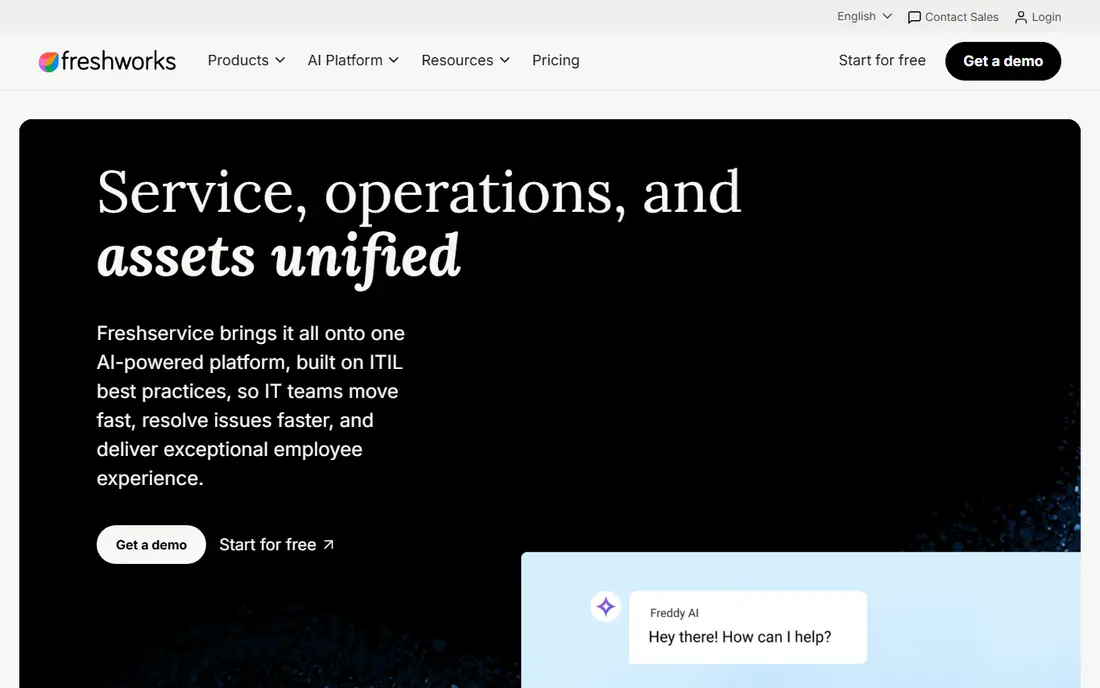
Freshservice, from Freshworks, is the fastest route to AI-powered ITSM for mid-market teams. Freddy AI provides a virtual agent, copilot assistance for agents, and insights for managers, with auto-triage and smart suggestions that reduce manual ticket sorting. Plans start at $19 per agent per month, and setup is notably quicker than enterprise platforms.
There is no permanent free plan, only a trial, and the most advanced AI features sit on higher tiers. For teams that want modern ITSM with AI value in weeks rather than months, Freshservice is our pick for most mid-market buyers.
- Freddy AI agent and copilot
- Modern interface
- Fast setup
- Strong automation
- No free plan, trial only
- AI depth varies by tier
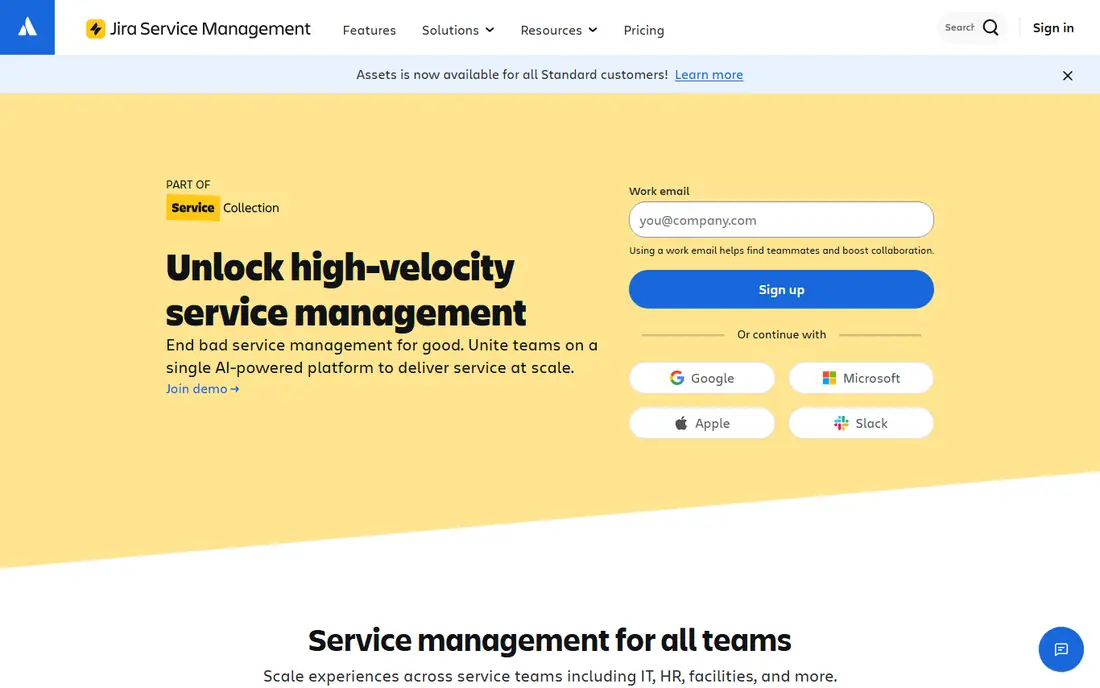
Jira Service Management suits organizations already using Jira Software and Confluence. It connects service requests directly to development work, so an incident can become a tracked engineering task without switching tools. Atlassian Intelligence adds AI assistance, and a virtual agent handles common requests. A free tier for up to three agents makes it easy to start.
Outside the Atlassian ecosystem, some of that value fades, and teams using other tools may prefer a standalone platform. For dev-heavy organizations, though, the integration advantage is hard to beat, and the free tier lowers the cost of trying it.
- Deep Jira and Confluence integration
- Virtual agent and Atlassian Intelligence
- Free tier for small teams
- Best value inside the Atlassian ecosystem
- AI features vary by plan
BMC Helix ITSM targets enterprises with heavy automation needs, combining service management with cognitive automation and AIOps features that predict and prevent incidents. HelixGPT agents add conversational assistance for employees and agents. For large IT operations with complex infrastructure, that automation depth matters.
Pricing is quote-based and the platform can be complex to administer, which suits organizations with dedicated ITSM staff. Smaller teams will likely find Freshservice or Jira simpler. For enterprises that prioritize automation at scale, BMC Helix is a strong contender.
- Cognitive automation and AIOps
- Predictive incident handling
- Enterprise scale
- Quote-based pricing
- Setup and admin can be complex
SysAid applies AI across the ticket lifecycle, from classification and routing to agent guidance and resolution suggestions, including emotion detection to flag frustrated users. Built-in asset management and Microsoft integrations make it practical for IT teams running Windows-heavy estates. It has a long track record in mid-market ITSM.
Pricing is quote-based, and the interface feels less modern than Freshservice or Jira. For teams that want AI help at every ticket stage without an enterprise platform, SysAid offers a balanced, proven option.
- AI guidance through the whole ticket lifecycle
- Asset management included
- Microsoft integrations
- Quote-based pricing
- Interface feels less modern than newer rivals
Moveworks focuses on conversational AI that lets employees resolve requests by chatting, rather than filing tickets. It automates common workflows such as password resets, software access, and HR-adjacent IT tasks, and it integrates with ServiceNow, Jira, Slack, and Workday. For enterprises drowning in routine requests, deflection rates are the key metric.
It is an enterprise-priced layer that usually sits over an existing ITSM platform, not a full replacement for one. That makes it a second purchase for many teams. If self-service deflection is your main goal, Moveworks is the leader in that specific job.
- Strong conversational AI for employees
- Workflow automation
- Integrates with ServiceNow and Jira
- Quote-based enterprise pricing
- Works best layered over an existing ITSM platform
Aisera builds autonomous AI agents for ITSM that aim to resolve requests without human help, using unsupervised learning from past tickets and knowledge articles. It integrates with ServiceNow, Salesforce, Zendesk, and other platforms, so it can sit across an existing support stack. For organizations with high ticket volumes and repetitive requests, autonomy is the appeal.
Pricing is quote-based, and results depend heavily on the quality of your knowledge base and ticket history. Teams with messy or outdated help content should clean that first. For mature support operations chasing higher auto-resolution, Aisera is worth evaluating.
- Agentic AI for autonomous resolution
- Unsupervised learning from tickets
- Broad integrations
- Quote-based pricing
- Needs good knowledge data to perform well
Eesel AI takes a different approach: instead of replacing your ITSM tool, it adds an AI agent, copilot, and triage layer on top of Zendesk, Jira, Freshdesk, ServiceNow, Slack, and Teams. Pricing starts at $299 per month for 500 credits. That suits teams that like their current platform but want AI features without a migration.
It is not a full ITSM replacement, so you still need a ticketing system underneath. Credit-based pricing also needs watching for high-volume teams. For teams that want AI quickly without ripping out existing tools, eesel is a pragmatic choice.
- Adds AI agent, copilot, and triage to tools you already use
- Works with Zendesk, Jira, Freshdesk, and ServiceNow
- Credit-based pricing
- Not a full ITSM platform
- Credit limits affect high-volume teams
How we picked these
We compared official product pages and 2026 AI ITSM comparisons, favoring platforms with real AI features such as auto-classification, virtual agents, or copilot assistance, plus a track record in ITSM. We did not claim hands-on testing. Where pricing was quote-based, we said so, and where a free tier existed, we noted its limits.
How to choose an AI ITSM tool
Start with your current stack. If you run Jira, Jira Service Management is the natural fit. If you run ServiceNow, Now Assist and Moveworks extend it. If you run nothing, Freshservice gives the fastest start. Next, test AI on your real tickets, not vendor demos: feed the tool your top 50 request types and see how many it classifies and deflects correctly.
Then check the knowledge base. AI agents answer from your help articles, so outdated or missing articles cap every tool's value. Budget time to clean and expand that content during implementation. Finally, measure what matters: first-response time, resolution time, deflection rate, and agent time saved on routine work. Report those numbers, not AI feature counts, to justify the spend.
Deployment tips that save trouble
Pilot with one team or request type before rolling out company-wide. Keep a human escalation path obvious in every AI interaction, so frustrated users can reach an agent fast. Review AI answers weekly at first, and feed corrections back into the knowledge base. That loop is what turns a promising pilot into a reliable service.
FAQ
What is AI ITSM?
AI ITSM means IT service management software that uses AI to classify tickets, suggest fixes, route work, and answer common requests through virtual agents. It builds on classic ITSM, which covers incidents, requests, problems, changes, and assets. The goal is faster resolution and less manual sorting.
Will AI replace IT support agents?
No, for most teams. AI handles repetitive requests and drafts, freeing agents for complex incidents, projects, and relationship work. Human agents remain essential for ambiguous problems, major incidents, and sensitive situations. The best tools make agents faster, not redundant.
How much do AI ITSM tools cost?
Prices range from $19 per agent per month for Freshservice to quote-based enterprise pricing for ServiceNow, BMC Helix, Moveworks, and Aisera. Add-on AI layers such as eesel AI start around $299 per month. Always confirm which AI features sit in each tier.
Do I need a knowledge base for AI ITSM to work?
Yes. Virtual agents and copilots draw answers from your help articles and past tickets. A thin or outdated knowledge base limits every AI feature, no matter how good the model is. Clean and expand help content as part of any AI ITSM rollout.
What is the difference between a virtual agent and a copilot?
A virtual agent talks directly to employees and tries to resolve requests without a human. A copilot assists human agents by drafting replies, summarizing cases, and suggesting fixes. Many platforms offer both, and they serve different stages of the support process.
Can small teams use AI ITSM tools?
Yes. Freshservice and Jira Service Management both suit smaller teams, and Jira offers a free tier for up to three agents. Start with one AI feature, such as auto-triage or a virtual agent for password resets, and expand once you see results.
Sources
- https://www.servicenow.com
- https://www.freshworks.com/freshservice/
- https://www.atlassian.com/software/jira/service-management
- https://www.bmc.com
- https://www.sysaid.com
- https://www.moveworks.com
- https://www.aisera.com
- https://www.eesel.ai
- https://www.techno-pulse.com/2026/06/best-ai-itsm-tools-in-2026-servicenow.html
- https://www.eesel.ai/blog/best-ai-for-itsm