8 Best AI CRM Software for Smarter Sales, Service and Follow-Up
We compared the best ai crm software on AI scoring, forecasting, automation and pricing, using vendor pages, docs and public reviews for this list today.
- Editor's choice
 Salesforce
Enterprise AI CRM at scale
Starts at$25 per monthVisit salesforce.comFull review - Great alternative
 HubSpot
All-in-one sales and marketing AI
Starts atFreeVisit hubspot.comFull review - Also consider
 Zoho CRM
Value AI CRM with broad features
Starts at$14 per monthVisit zoho.comFull review
TL;DR:
- The best AI CRM is the one your team will actually use daily, not the one with the longest AI feature list.
- AI scoring, forecasting and next-step suggestions help most when contact and deal data are clean and up to date.
- Many AI features sit on mid-tier or higher plans, so check which plan includes the AI tools you need before you compare prices.
- Start with one workflow, such as lead scoring or follow-up drafts, and measure time saved before expanding AI across the team.
Quick comparison
| Tool | Best for | Starts at | Free plan? | |
|---|---|---|---|---|
| Salesforce | Enterprise AI CRM at scale | $25 per month | Free trial | Visit |
| HubSpot | All-in-one sales and marketing AI | Free | Yes | Visit |
| Zoho CRM | Value AI CRM with broad features | $14 per month | Yes | Visit |
 Pipedrive | Pipeline-focused AI assistance | $14 per month | Free trial | Visit |
 Freshsales | AI insights for smaller sales teams | $9 per month | Yes | Visit |
 Attio | Modern AI CRM for fast teams | See website | Free trial | Visit |
 Close | AI-assisted calling and follow-up | See website | Free trial | Visit |
 monday Sales CRM | Visual AI workflows | $12 per month | Free trial | Visit |
The best ai crm software
We compared official feature and pricing pages, documentation and public reviews for CRM platforms that offer built-in AI features such as lead scoring, forecasting, summarising, drafting and workflow automation. We focused on tools available in October 2026, and we note where AI features need a higher plan or an add-on.
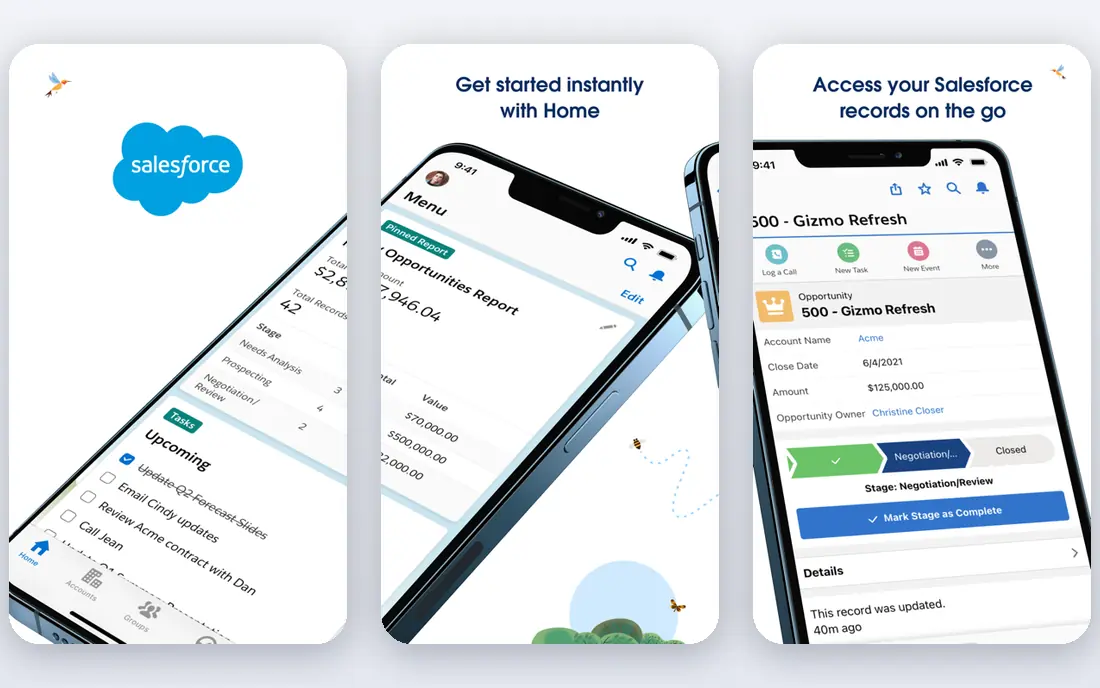
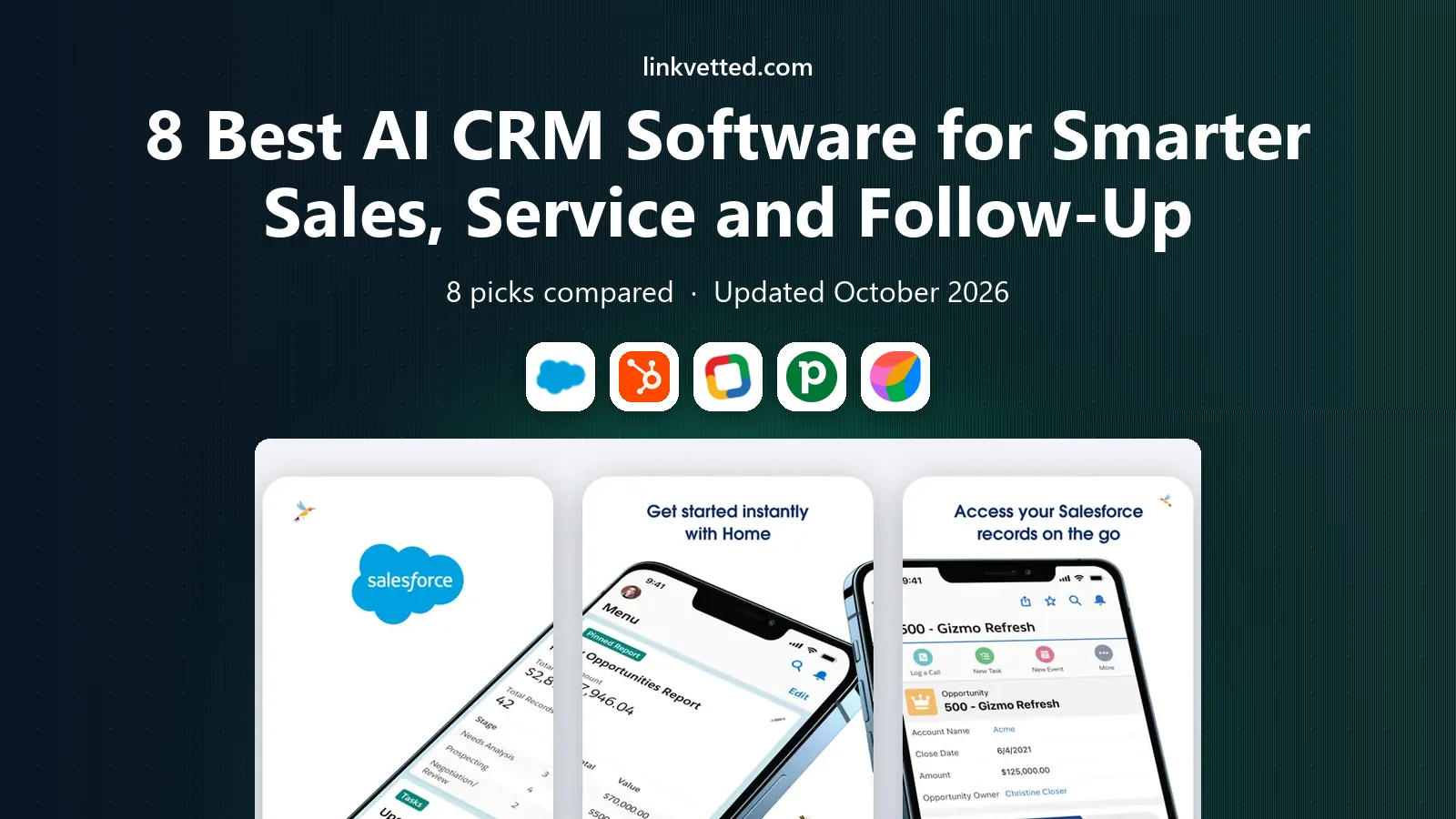
Salesforce remains the default enterprise AI CRM for large teams that need deep customisation. Its Einstein AI features cover lead and opportunity scoring, forecasting, activity capture, email drafting and summaries, and service case help, all inside a platform that can be shaped to complex sales processes. For a large organisation with multiple teams, regions and approval steps, that depth is hard to match. The trade-off is cost and setup. Starter Suite was listed at $25 per user per month in the pricing we reviewed, but useful AI features and advanced reporting often sit on higher tiers, and implementation can take weeks. Smaller teams may find HubSpot or Zoho faster to launch. Choose Salesforce if you have the scale, data and admin support to use it well, and pilot AI scoring on one pipeline before rolling it out company-wide.
- Deep AI across sales, service and marketing
- Einstein forecasting and scoring
- Vast integration and app ecosystem
- Cost and complexity rise quickly
- Implementation often needs admin or partner help
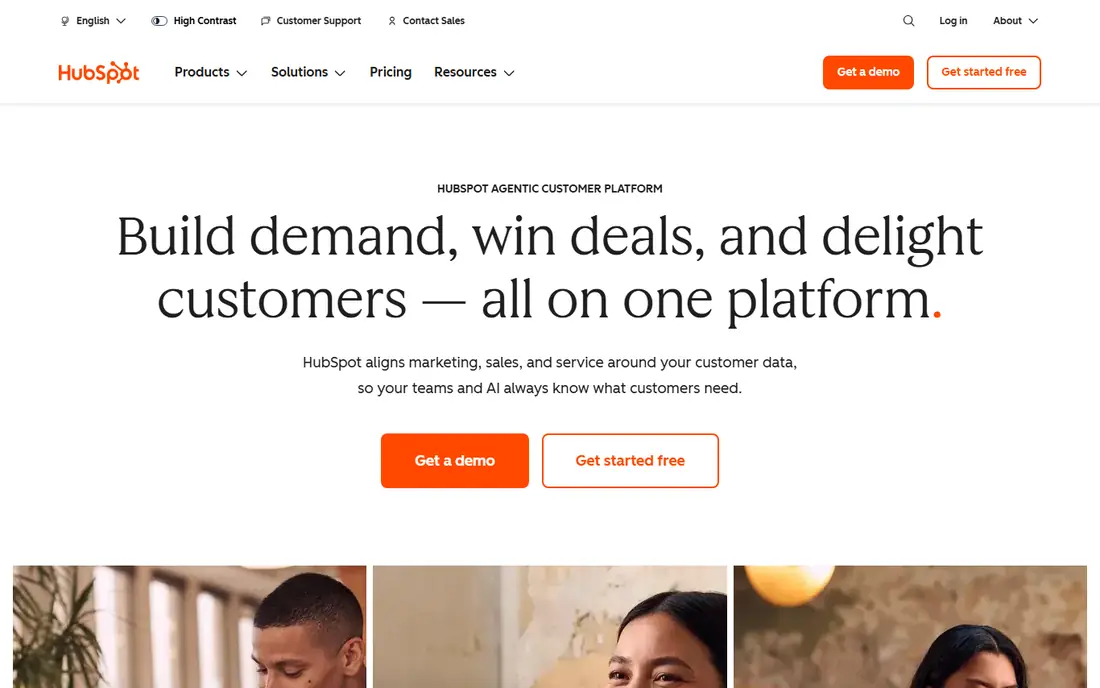
HubSpot suits teams that want sales, marketing and service in one system with AI help that is easy to reach. Its AI tools can draft emails, summarise calls and deals, score leads, suggest next steps and build reports, and they sit inside the same records your team already uses for contacts, deals and tickets. That closeness helps adoption, because reps do not need to open a separate AI tool to get help. The free CRM covers core contact and deal management, while paid Sales Hub plans start with Starter in the pricing we reviewed. Professional and Enterprise tiers add deeper AI, forecasting and automation, but the price jump is large, so map the AI features you need to a specific tier before you buy. For growing teams that value simplicity and a single system, HubSpot is a strong default.
- Free CRM to start
- AI across sales, marketing and service hubs
- Strong email, meeting and reporting tools
- Costs rise sharply at Professional and Enterprise tiers
- Onboarding fees can apply on higher plans
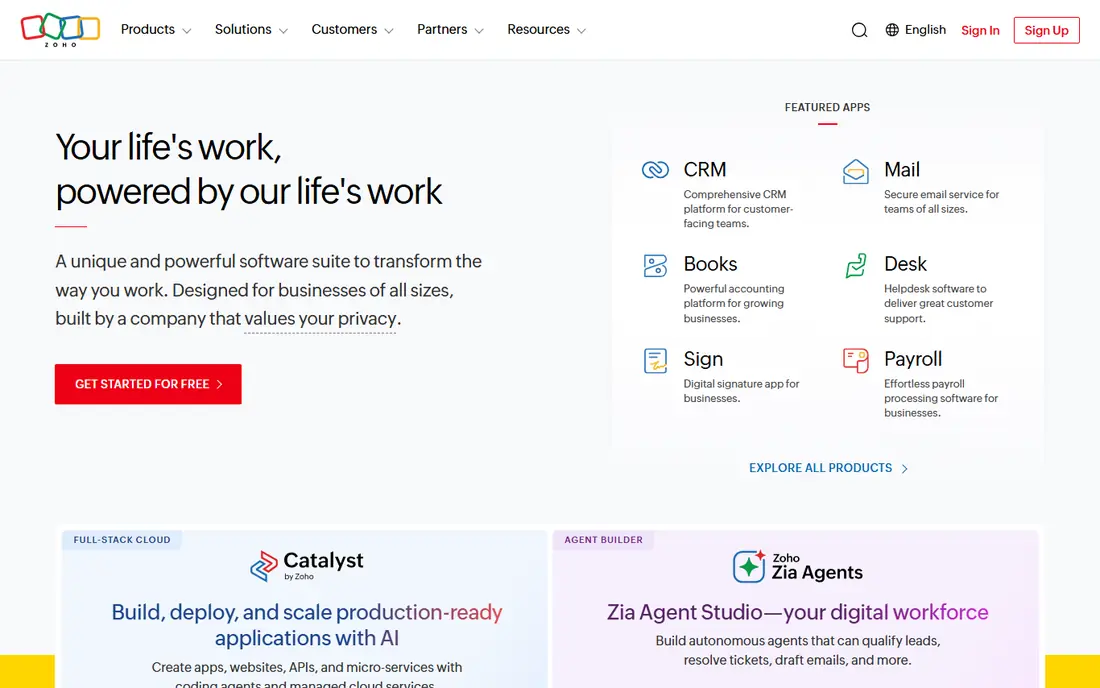
Zoho CRM offers a wide feature set at a lower price than Salesforce or HubSpot, with Zia, its AI assistant, providing lead scoring, deal predictions, anomaly detection and suggestions for best times to contact a lead. That makes it attractive for small and mid-size teams that want AI help without enterprise pricing, especially if they already use other Zoho apps for email, accounting or support. The free plan covers up to three users, and Standard was listed at $14 per user per month billed annually in the pricing we reviewed, with fuller AI features on higher tiers. The interface packs in many options, so new users should plan a short training period and a simple pipeline setup. If value and breadth matter most, and you are willing to learn the system, Zoho is hard to beat.
- Strong value for the feature set
- Zia AI for scoring, predictions and anomaly alerts
- Broad Zoho app integrations
- AI features are gated by tier
- Interface can feel dense for new users
Pipedrive suits sales teams that live in their pipeline and want AI help that stays focused on deals. Its AI sales assistant can highlight deals that need attention, suggest next steps and summarise activity, while the visual pipeline makes it easy to see where each deal stands. Reps tend to adopt Pipedrive quickly because the core job, moving deals forward, is front and centre. Pricing in the material we reviewed started at $14 per user per month billed annually, with no free plan, only a 14-day trial. That makes a trial important: load real deals, test the AI suggestions on live pipeline stages, and check whether the integrations you need, such as email and calendar sync, work cleanly. If your team needs deep marketing automation or service ticketing, a broader CRM may fit better.
- Clear visual pipeline
- AI sales assistant for deal insights
- Easy to learn for sales reps
- No free plan, only a trial
- Marketing and service features are lighter than HubSpot
Freshsales, part of Freshworks, suits smaller sales teams that want AI insights at a low starting price. Its Freddy AI features cover lead scoring, deal insights, email drafting and conversation summaries, and the built-in phone and email tools mean reps can call and follow up without switching apps. The free plan covers up to three users, which is useful for a very small team testing a CRM. Growth was listed at $9 per user per month billed annually in the pricing we reviewed, with fuller AI on Pro and Enterprise tiers. Freshsales will not match Salesforce for complex enterprise processes, but for a team that needs clean pipeline management plus practical AI help, it offers strong value. Check contact limits and integration needs on the free plan before you commit your full database.
- Low starting price
- Freddy AI for scoring, insights and summaries
- Built-in phone and email
- AI depth is lighter than enterprise rivals
- Advanced features need higher tiers
Attio is a newer CRM built for fast-moving teams that want a modern interface and AI help with data. It can enrich contact and company records, summarise activity and help with research, and its flexible data model lets teams shape records around their own process rather than forcing a rigid pipeline. That flexibility appeals to startups, agencies and partnerships teams that outgrow spreadsheets but do not want a heavy enterprise system. The trade-off is maturity. Attio's integration catalogue is smaller than Salesforce or HubSpot, and AI limits vary by plan, so check the current pricing page for the tier you need. If your team values speed, clean design and AI-assisted data work over a vast app marketplace, Attio is worth a trial. If you need deep, industry-specific integrations, test those first.
- Modern, fast interface
- AI data enrichment and research
- Flexible records and workflows
- Pricing is plan-based and needs checking for AI limits
- Smaller integration catalogue than Salesforce
Close suits inside sales teams that spend their day calling and emailing leads. It combines CRM, calling, SMS and email in one tool, so reps can dial, log and follow up without switching apps, and AI features help with call summaries and next steps. That focus makes it a good fit for outbound teams, agencies and startups where speed of follow-up decides whether a lead converts. Pricing is plan-based and calling costs can add up, so check the current plan page and model your call volume before you buy. Close is less convincing for large organisations with complex approval workflows or deep marketing automation needs. If your sales motion is high-volume outreach with fast follow-up, Close deserves a trial beside Pipedrive and Freshsales.
- Built-in calling, SMS and email
- AI call summaries and follow-up help
- Simple pipeline for inside sales
- Less suited to complex enterprise processes
- Pricing varies by calling needs
monday Sales CRM suits teams that think in boards and workflows rather than traditional pipeline lists. You can build a sales process with visual boards, automations for follow-up and status changes, and AI help for summaries and drafting, all inside the wider monday work platform. That flexibility helps teams that also manage projects, onboarding or partnerships in the same tool. Pricing in the material we reviewed started at $12 per seat per month billed annually, with a minimum of three seats, and a 14-day trial rather than a free plan. The CRM side is flexible but can feel less sales-specific than Pipedrive or Close for pure pipeline work. Choose monday if visual workflow management matters as much as deal tracking, and test automations on a real pipeline during the trial.
- Highly visual boards and automations
- AI features for summaries and drafting
- Flexible workflow building
- Needs at least three seats on paid plans
- CRM depth is lighter than dedicated sales CRMs for some teams
How we picked these
We compared vendor feature and pricing pages, documentation and public reviews, and we kept CRM platforms with built-in AI features that are available in October 2026, that cover sales use cases, and that suit a range of team sizes. We did not run controlled AI accuracy tests, so we report documented AI features and published plan terms rather than claiming measured performance. Prices change often, so confirm the plan that includes the AI features you need before you sign.
How to choose an AI CRM
Start with data quality
AI scoring and forecasting are only as good as the data behind them. Clean duplicate contacts, standardise deal stages, and make sure reps log calls and emails consistently for a few weeks before you judge AI suggestions. A CRM with great AI and messy data will still give weak recommendations.
Pilot one AI workflow
Pick one job, such as lead scoring, follow-up drafting or call summarising, and measure it for a month. Track time saved, response speed and deal movement, and ask reps whether suggestions help or distract. Expand AI only where the pilot shows a clear benefit, and keep human review for pricing, discounts and sensitive customer messages.
Check total cost by tier
List the AI features you need, then find the cheapest tier that includes all of them, including any add-ons. A low headline price can hide AI features on a higher tier, and a high tier can include onboarding fees. Compare that total across two or three finalists on the same team size and billing period.
FAQ
What is the best ai crm software for small businesses?
For most small teams, HubSpot, Zoho CRM or Freshsales are strong starting points, because they offer free plans or low starting prices with practical AI help. Pipedrive suits pipeline-focused teams, while Attio suits teams that want a modern, flexible CRM. Trial two tools with real deals before you commit, and check which tier includes the AI features you need.
How does AI help in a CRM?
AI in a CRM can score leads, predict which deals are likely to close, draft emails, summarise calls and deals, suggest next steps and flag deals that have gone quiet. It can also enrich contact data and automate routine tasks such as logging activity. The best results come when AI suggestions are reviewed by a human before they reach a customer.
Is Salesforce Einstein included in every Salesforce plan?
No. Einstein AI features vary by Salesforce edition and product, and some features need higher tiers or add-ons. Check the current Salesforce pricing and Einstein pages for the edition you plan to buy, and ask a sales representative to confirm which AI features are included in writing before you sign.
Can AI CRM tools replace sales reps?
No. AI can prioritise leads, draft messages and summarise activity, but closing deals still needs human judgment, relationship building and negotiation. The best use of AI is to remove routine work and surface the right next action, so reps spend more time talking to customers and less time updating records.
What is the best ai crm platform for lead scoring?
Salesforce, HubSpot, Zoho CRM and Freshsales all offer lead scoring with AI, but the right choice depends on your data and sales process. Score accuracy improves with clean, consistent data and a clear definition of a qualified lead. Pilot scoring on historical deals first, and compare AI scores against outcomes your team already knows.
Do AI CRM tools work with email and calendars?
Yes, most leading CRMs sync with Gmail and Outlook, log emails and meetings, and use that activity for AI summaries and suggestions. Check sync limits, privacy settings and whether AI features use email content, especially for sensitive industries. Review the vendor's data policy for the plan you will use.