Best AI Coding Platforms for Software Teams: 8 Tools Compared
Best AI coding platforms for software teams in 2026. We compare Copilot, Cursor, Windsurf and more on agent features, privacy, models, controls and pricing.
- Editor's choice
 GitHub Copilot
Teams on GitHub
Starts at$19 per user per monthVisit github.comFull review - Great alternative
 Cursor
Agent coding in an editor
Starts at$20 per monthVisit cursor.comFull review - Also consider
 Windsurf
Agentic editing with quotas
Starts at$20 per monthVisit windsurf.comFull review
TL;DR:
- GitHub Copilot is the safest default for teams already on GitHub, with Business at $19 per user per month and Enterprise at $39 per user per month.
- Cursor and Windsurf lead for agent heavy work inside an editor, with Pro plans around $20 per month and team plans around $40 per user per month.
- Amazon Q Developer, Tabnine and JetBrains AI suit teams with strict privacy, AWS or JetBrains workflows, while Sourcegraph Cody suits large codebases.
- Usage based credits and quotas now decide the real bill, so pilot with real tasks, measure credit use, and set budgets before rolling out to a whole team.
Quick comparison
| Tool | Best for | Starts at | Free plan? | |
|---|---|---|---|---|
| GitHub Copilot | Teams on GitHub | $19 per user per month | Yes | Visit |
| Cursor | Agent coding in an editor | $20 per month | Yes | Visit |
| Windsurf | Agentic editing with quotas | $20 per month | Yes | Visit |
 Amazon Q Developer | AWS focused teams | See website | Yes | Visit |
 Tabnine | Privacy focused code completion | See website | Yes | Visit |
 JetBrains AI | JetBrains IDE users | See website | Yes | Visit |
 Sourcegraph Cody | Large codebase search and chat | See website | Yes | Visit |
 Replit | Collaborative coding in the browser | See website | Yes | Visit |
The best AI coding platforms for software teams
AI coding platforms now cover completions, chat, agent mode and code review, and the right choice depends on editor, codebase size, privacy rules and budget. We compared platforms on agent features, model choice, privacy controls, admin tools and pricing, and we focused on tools that operate for software teams today.
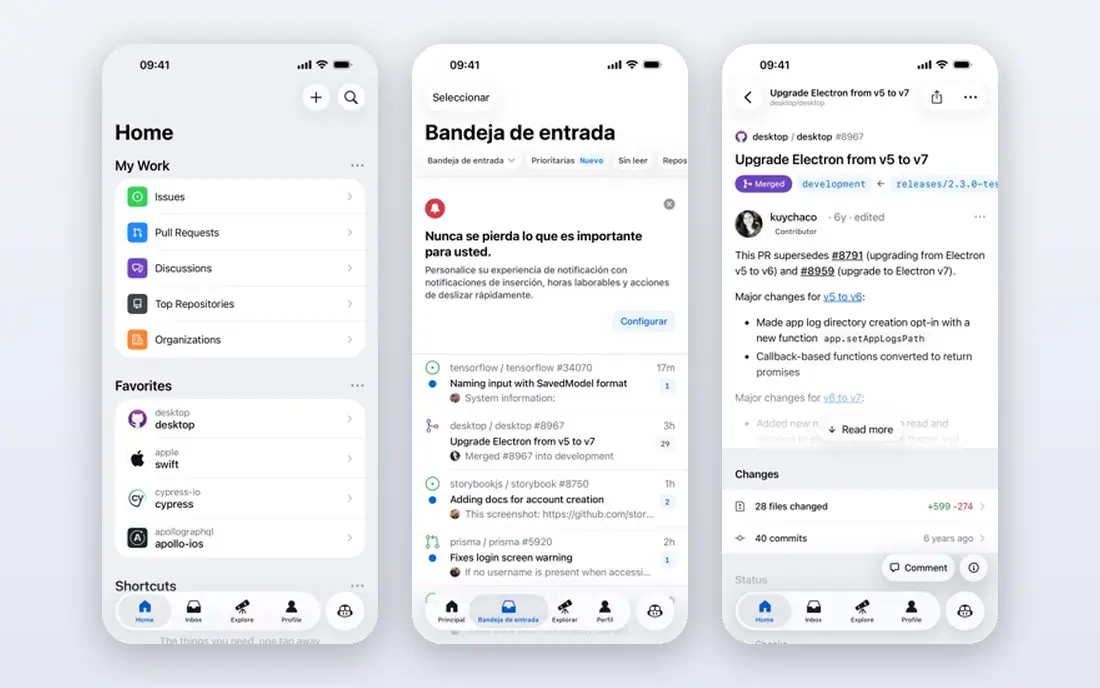
GitHub Copilot is the default pick for a team already living in GitHub. Business costs $19 per user per month and Enterprise costs $39 per user per month, with pooled AI credits per seat, and code completions stay unlimited on paid plans. Integration with pull requests, issues and code review means AI help appears where developers already work, rather than in a separate tool.
The catch is the 2026 move to AI credits. Chat, agent mode and CLI work draw from a monthly credit pool, and overage bills at $0.01 per credit unless budgets are set, so a team should pilot Copilot, measure credit use on real tasks, and set overage budgets before a full rollout. For most GitHub teams, that extra planning is worth it for the integration alone.
- Deep GitHub integration with pull requests and code review
- Business and Enterprise admin controls and IP indemnity on paid team plans
- Free tier for light use
- Usage now billed in AI credits, so heavy agent use can exceed the included allowance
- Agent features vary by editor and plan
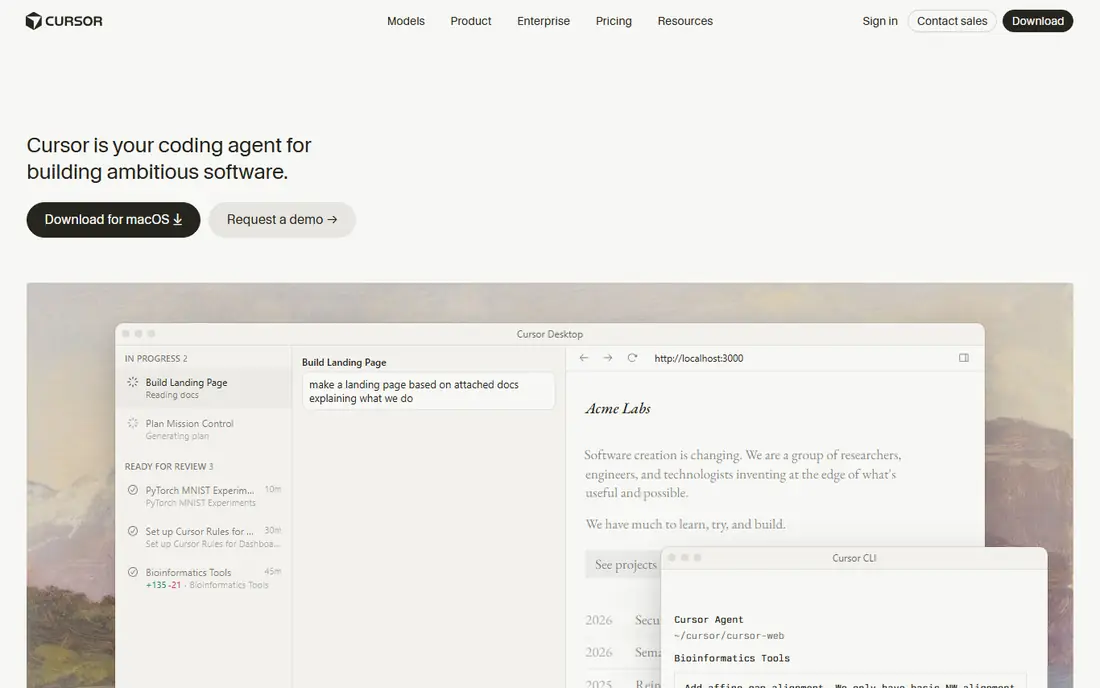
Cursor suits a team that wants AI to handle multi-file work, not just line completions. The agent can plan, edit several files, run commands and check results, and developers can switch models for different tasks. Tab completion stays fast for everyday coding, while agent mode handles refactors, new features and bug fixes that span a codebase.
The weakness is cost control. Pro costs $20 per month, Business costs $40 per user per month, and frontier model requests draw from a credit pool, so heavy agent use needs budgeting. Teams should agree when to use Auto mode, which does not draw credits in the same way, and when to spend credits on a frontier model.
- Agent mode for multi-file edits and codebase chat
- Multi-model choice
- Standalone AI first editor based on VS Code
- Team pricing rises to $40 per user per month on Business
- Heavy frontier model use can burn through credits quickly
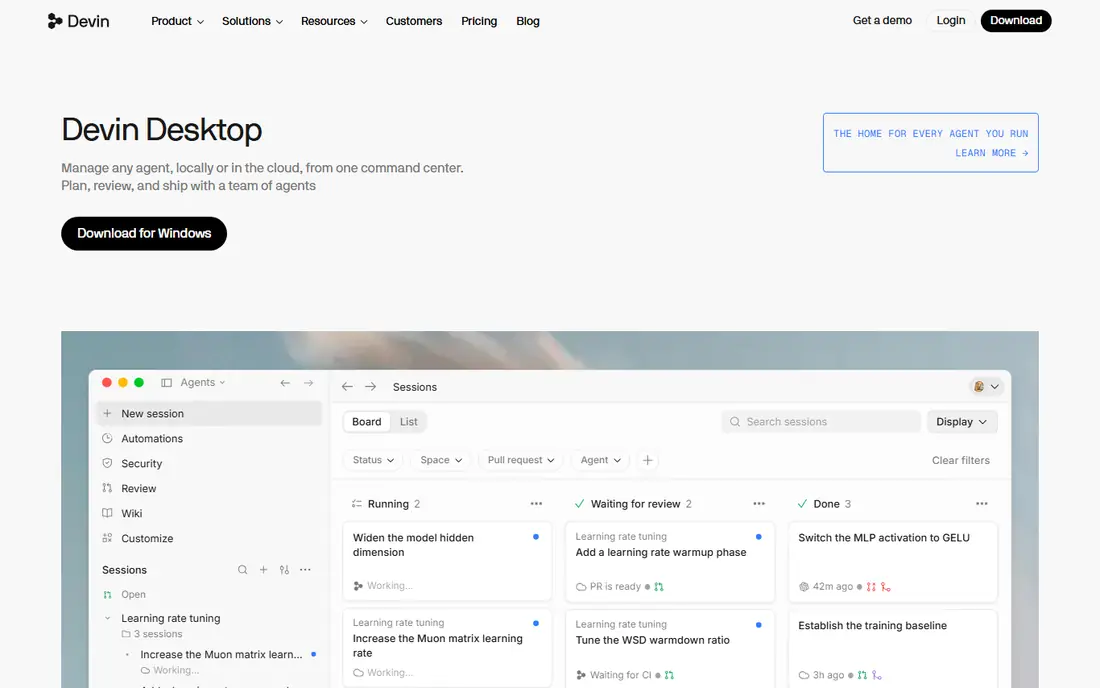
Windsurf, formerly Codeium, is the agentic rival to Cursor, built around the Cascade agent that plans tasks and keeps context across steps. The free tier offers unlimited tab completions with limited agent quota, which makes it easy to evaluate, and Pro costs $20 per month in recent pricing, with team plans around $40 per user per month. That quota model can be easier to forecast than pure credit billing for some teams.
The catch is pricing churn. Windsurf has changed its pricing and metering more than once, so a team should confirm the current Pro, team and enterprise prices on the vendor site before budgeting. If agent autonomy matters more than GitHub integration, Windsurf is a strong pilot candidate alongside Cursor.
- Cascade agent keeps context across a session
- Free tier with unlimited tab completions in recent pricing
- Simple quota system for planning use
- Pricing has changed several times, so confirm the current plan before buying
- Smaller ecosystem than Copilot or Cursor for some workflows
Amazon Q Developer fits a team building mainly on AWS. The assistant understands AWS services, can help with code, tests, documentation and upgrades, and integrates with AWS consoles and IDEs. Enterprise controls help larger organisations manage access and data use, which matters for regulated AWS workloads.
The weakness is generality. A team that works across many clouds or languages may find Cursor or Copilot more rounded for everyday coding, while Q shines on AWS specific tasks. Pilot Q on an AWS project, not just a toy example, to see whether its service knowledge saves real time.
- Strong AWS service knowledge and console integration
- Agent features for code, tests and upgrades
- Enterprise admin and privacy controls
- Best value only for teams heavily invested in AWS
- General coding features feel less polished than Cursor for some developers
Tabnine suits a team with strict privacy or compliance rules that limit sending code to a cloud model. Paid plans offer privacy controls and deployment options, including private installations for some enterprises, and the tool works across VS Code, JetBrains and other IDEs. Whole line completions help developers move faster without a full agent workflow.
The trade off is agent depth. Tabnine chat and agent features exist, but they are less central than in Cursor, so a team that wants autonomous multi-file refactors may need a second tool. For privacy first completion and chat, Tabnine remains a credible choice.
- Strong privacy stance, with options to keep code private and not train on customer code on paid plans
- Works in many IDEs
- Good whole line and function completions
- Agent features are less extensive than Cursor or Copilot agent mode
- Pricing for teams is custom in many cases
JetBrains AI is the natural pick for a team already standardised on JetBrains IDEs. Completion, chat and refactoring live inside IntelliJ IDEA, PyCharm, WebStorm and related IDEs, so developers do not need to switch editors to get AI help. Local model options on some plans also help teams with privacy concerns.
The limit is editor lock in. A team split between VS Code and JetBrains will get uneven value, and pricing details should be confirmed on the JetBrains site for the exact IDE and plan. For a JetBrains only team, though, native integration beats a generic extension.
- Native integration with IntelliJ, PyCharm and other JetBrains IDEs
- Code completion, chat and refactoring in the IDE
- Local model options on some plans
- Value depends on using JetBrains IDEs
- Pricing and model access vary by plan and region
Sourcegraph Cody suits a team with a large or complex codebase where finding and understanding code is half the work. Cody uses Sourcegraph search to ground answers in actual code, which helps with legacy systems, monorepos and onboarding new developers. Enterprise plans add controls, self hosting options and higher limits.
The weakness is overhead for small teams. Indexing, setup and pricing make Cody a better fit for larger organisations than for a five person startup, where Copilot or Cursor will be simpler. Pilot Cody on a real legacy task, such as tracing a feature across services, to judge whether search grounded answers save enough time.
- Codebase aware chat built on Sourcegraph search
- Strong for large monorepos and legacy code
- Enterprise controls and self hosting options
- Setup and indexing take effort for very large codebases
- Smaller teams may find it more than they need
Replit closes the list for teams that want coding, collaboration and deployment in the browser. Workspaces let several developers edit, run and deploy an app without local setup, and the AI agent can build features from prompts, edit code and fix errors. That speed suits prototypes, hackathons, education and small product teams.
The catch is enterprise fit. Large codebases, strict network rules and complex CI pipelines often need a local IDE tool such as Copilot or Cursor instead. Replit is best as a fast prototyping and collaboration tool, with a more traditional AI coding platform for core production work.
- Browser based workspaces with collaboration and deployment
- AI agent for building and editing apps
- Useful for prototypes, education and small teams
- Less suited to large enterprise codebases and strict on premises rules
- Agent costs and limits need careful review for team use
How we picked these
We compared official pricing and feature pages for platforms operating in October 2026, and we favoured tools with team admin controls, privacy options, agent or chat features, and a clear free tier or trial. We did not claim hands-on testing. We used GitHub Copilot Business at $19 and Enterprise at $39 per user per month, and Cursor Pro at $20 per month, as verified price anchors from 2026 pricing coverage, and we treated other team prices as variable by plan and region.
We included editor tools, cloud tools and search grounded tools, because software teams differ in editor, cloud and codebase size. Pilot two tools on the same real tasks, measure time saved and credit use, and choose on evidence, not on demo videos.
How to roll out AI coding tools to a team
Start with a small pilot, not a company wide licence. Pick a real project, a mix of junior and senior developers, and a set of tasks covering new features, bug fixes, refactors and tests. Track completion time, review comments, test pass rates and credit or quota use, and ask developers what slowed them down, not just what felt fast.
Privacy, security and review
Check what code leaves your network, whether the vendor trains on customer code, and what admin controls exist for data retention and access. Require human review of AI generated code, especially for security, authentication and data handling, and keep tests and code review as gates, not optional steps. AI output can look correct while hiding a subtle bug, so review standards matter more, not less, with AI tools.
Budget and model choice
Set a monthly budget per developer, enable overage alerts, and agree which models to use for routine versus hard tasks. Cheaper models suit completions and simple edits, while frontier models suit complex refactors, and using the right model for the task controls cost without losing quality. Review usage monthly in the pilot, then set team limits before a full rollout.
FAQ
What is the best AI coding platform for software teams?
GitHub Copilot is the safest default for GitHub teams, while Cursor and Windsurf lead for agent heavy editor work. The best choice depends on editor, codebase size, privacy rules and budget, so pilot two tools on real tasks before choosing.
How much does GitHub Copilot cost for teams?
GitHub Copilot Business costs $19 per user per month and Enterprise costs $39 per user per month, with pooled AI credits and unlimited completions on paid plans. Heavy agent use can exceed included credits and bill at $0.01 per credit, so set overage budgets.
Is Cursor better than GitHub Copilot?
Cursor is stronger for multi-file agent work inside a dedicated editor, while Copilot is stronger for GitHub integration, pull request review and teams already on GitHub. Many teams use Copilot for completions and Cursor for agent tasks, but that doubles cost, so pilot both first.
Can AI coding tools be used safely with private code?
Yes, with the right plan and controls, including privacy settings, data retention limits and admin controls, and by checking whether a vendor trains on customer code. Tabnine, JetBrains AI and enterprise plans from Copilot and Cody offer stronger privacy options, but always confirm terms for your plan.
Do AI coding tools replace developers?
No, they speed up routine coding, boilerplate and first drafts, but developers still design systems, review code, test edge cases and own security and quality. Teams that treat AI output as final without review risk bugs and security flaws, so human review remains essential.
Should a small team pay for an AI coding platform?
A small team can start with free tiers from Copilot, Cursor or Windsurf, then pay for the tool that saves the most time in a pilot. Start with one paid tool, measure credit use and time saved, and add a second tool only if it clearly covers a different job.