Best AI Chat Apps in 2026: 8 Apps Compared
Compare the best AI chat apps in 2026, from ChatGPT and Claude to Gemini and Copilot, with free plans, prices, and honest strengths for daily use today.
- Editor's choice
 ChatGPT
Everyday chat and work
Starts at$20 per monthVisit chatgpt.comFull review - Great alternative
 Claude
Long writing and analysis
Starts atSee websiteVisit claude.aiFull review - Also consider
 Gemini
Google users and research
Starts atSee websiteVisit gemini.google.comFull review
TL;DR:
- ChatGPT remains the most complete all round choice, with a free plan and a $20 per month Plus plan for heavier daily use.
- Claude suits long, careful writing and document work, while Gemini fits people already using Google services every day.
- Perplexity is the strongest pick when answers need sources you can check, rather than a confident sounding summary alone.
- Free plans are usable for casual chat, but limits on messages, images, and voice appear quickly for regular users.
Quick comparison
| Tool | Best for | Starts at | Free plan? | |
|---|---|---|---|---|
| ChatGPT | Everyday chat and work | $20 per month | Yes | Visit |
| Claude | Long writing and analysis | See website | Yes | Visit |
| Gemini | Google users and research | See website | Yes | Visit |
 Microsoft Copilot | Windows and Microsoft 365 users | See website | Yes | Visit |
 Perplexity | Sourced answers and research | See website | Yes | Visit |
 Pi | Calm, conversational help | Free | Yes | Visit |
 Poe | Trying many chatbots in one place | See website | Yes | Visit |
 Meta AI | Quick help inside Meta apps | Free | Yes | Visit |
The best ai chat apps
A good chat app should answer clearly, admit limits, and fit the way you already work. These eight cover general chat, research, writing, and casual conversation, and each one has a free way to start.
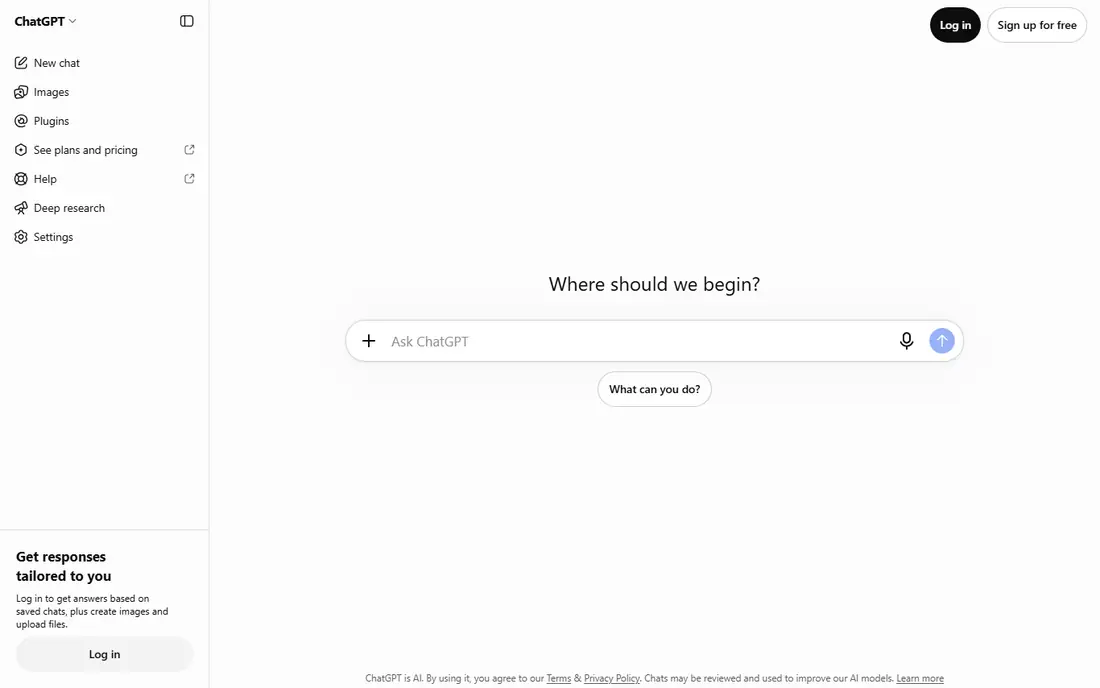
ChatGPT is our pick for most people because it handles the widest range of everyday tasks in one place. You can draft an email, plan a trip, explain a contract in plain language, or work through a spreadsheet problem without switching tools. The free plan is enough for occasional questions, and Plus adds higher limits and more advanced models for people who use it daily.
The catch is familiar to anyone who uses AI chat often. ChatGPT can sound sure about a detail that is wrong, so dates, prices, medical guidance, and legal points need a second source. It also works best when you give it clear context, such as the audience, the length, and the format you want. If you only chat a few times a week, stay on the free plan and upgrade only when you hit limits.
- Broad skills across writing, coding, and images
- Large set of tools and custom assistants
- Widely supported by other apps
- Free plan has usage limits
- Answers still need checking for facts
Claude stands out when a task involves a long document or a piece of writing that needs care. Paste in a report, ask for a summary with the key risks highlighted, and the result tends to stay organised and readable. Writers often prefer it for editing, because it explains changes rather than just rewriting a passage in a new style.
It is less of a one stop media studio than ChatGPT or Gemini. If you want frequent image creation or deep links into a broad set of third party apps, another app on this list may suit you better. For reading, thinking, and drafting, Claude is a strong second app to keep beside a general chatbot.
- Clear, well structured long answers
- Strong document handling
- Careful tone for sensitive topics
- Fewer built in app integrations than some rivals
- Image and video tools are more limited
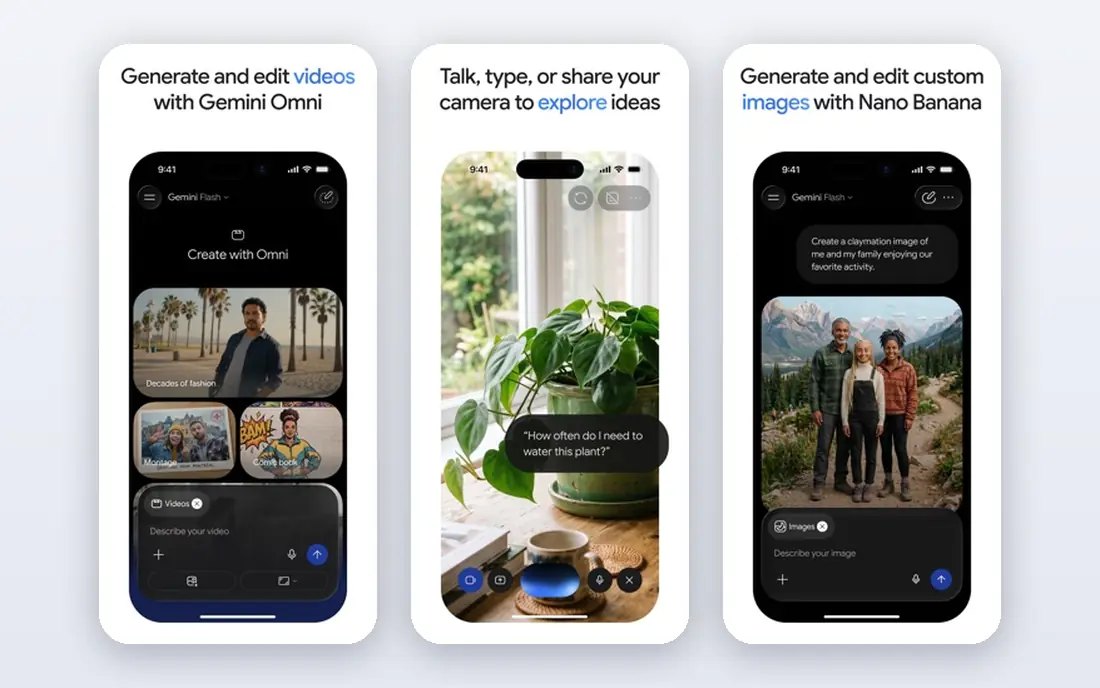
Gemini makes most sense if your work already lives in Google. It can draw on Gmail and Docs when you allow it, and it is a natural fit for checking a fact, summarising a thread, or turning notes into a draft. The web connection also helps for recent news, product details, and events that a chatbot with older training data would miss.
The trade off is consistency. Some answers are excellent, while others feel shorter than a rival would give for the same prompt. Test it on your own typical tasks, such as summarising a long email chain or planning a week of meals, before you decide whether a paid Google plan is worth it.
- Strong ties to Gmail, Docs, and Search
- Good multimodal answers
- Useful for current information
- Answers can vary in depth
- Paid features are tied to Google plans that need checking
Copilot is the path of least resistance for people who spend the day in Word, Outlook, Teams, or Excel. It can summarise a meeting, draft a reply from a thread, or help build a table from messy notes, without you learning a new interface. On Windows, it is close at hand, which matters when you want a quick answer while working.
Free Copilot covers general chat well, but the deeper Microsoft 365 features sit behind paid plans, and the exact limits change by plan and region. Check what your current Microsoft plan already includes before paying extra. If you do not use Microsoft apps much, a general chatbot will feel simpler.
- Built into Windows, Edge, and Microsoft 365
- Handy for Word, Excel, and Outlook tasks
- Web grounded answers
- Best features need a Microsoft 365 subscription
- Experience varies by app and device
Perplexity is built for a different job from most chat apps. Instead of only giving an answer, it shows where the answer came from, so you can open the source and check it. That makes it a better first stop for product comparisons, recent events, health questions that need a trusted source, and any claim you plan to repeat at work.
Creative writing and long brainstorming sessions are not its main strength. It can still draft and edit, but ChatGPT and Claude usually give richer results for stories, speeches, and marketing copy. Use Perplexity when accuracy and sources matter most, and keep a general chatbot for open ended creative work.
- Citations linked to sources
- Good for current topics
- Clear follow up questions
- Less suited to long creative writing
- Paid plan is needed for heavy research use
Pi feels more like talking with a thoughtful friend than using a work tool. It is good for thinking through a decision, practising a difficult conversation, planning a day, or talking through an idea out loud. Voice mode works well for walks and drives, when typing is not practical.
It is not the best choice for coding, detailed research, or document analysis. Pi keeps things simple on purpose, and that simplicity becomes a limit when a task needs files, tables, or many steps. For personal reflection and everyday advice, it is a pleasant, low pressure option.
- Friendly, voice friendly conversation
- Simple interface
- No subscription needed to start
- Smaller toolset than general chatbots
- Less suited to heavy work tasks
Poe solves a real problem for curious users. Instead of paying for several chatbots, you can try different models, compare answers to the same question, and learn which style you prefer. That is useful for students, writers, and small teams who want to test a model before committing to one service.
The downside is complexity. Points, model limits, and plan details take time to learn, and a beginner may prefer one clear app. If you already know you like ChatGPT or Claude, go straight to that app. If you are still deciding, Poe is a smart way to compare without opening many accounts.
- Access to many models in one app
- Easy side by side comparison
- Useful for testing prompts
- Costs depend on model use
- Interface can feel busy for beginners
Meta AI is the most convenient chatbot for people who already spend time in Meta apps. You can ask a question in a chat, get a quick summary, or generate an image without leaving the app you are using. For everyday questions, recipes, travel ideas, and simple planning, that convenience is hard to beat.
It is not a replacement for a dedicated work chatbot when a project needs long documents, careful analysis, or file handling. Check the privacy settings too, since conversations inside social apps carry different expectations from a standalone chatbot. Use Meta AI for speed, and a general chatbot for work that needs depth.
- Available in WhatsApp, Instagram, and Facebook
- Fast for quick questions
- No extra app needed for many users
- Tied to Meta services
- Less depth for long work projects
- Privacy settings need attention
How we picked these
We compared official feature pages, pricing pages, and app listings for general chatbots that are widely available in the United States in October 2026. We looked for a usable free plan or free tier, clear strengths for a real use case, and honest limits, rather than ranking by marketing claims. We also favoured apps that cover different needs, such as research, writing, Microsoft and Google workflows, and casual conversation, so readers can match an app to their own habits.
What to check before you choose
Start with how you will actually use the app each week. A student who needs sources will value citations more than image tools, while a manager who lives in Outlook will value Microsoft integration more than model choice. Try the free plan for a week on real tasks, not demo prompts, and note where you hit limits.
Privacy matters too. Read what the app stores, whether chats are used for training, and how to turn that off if the setting exists. Avoid pasting passwords, full bank details, or private health records into any chatbot. For work, check your employer policy before uploading company documents, even when the app offers a business plan.
Finally, treat every factual answer as a draft. Check dates, prices, and quotes against an original source, especially before publishing or sending them to a client. The best ai chat app for you is the one that gives useful first drafts, makes checking easy, and stays within a price you will still be happy with after three months.
FAQ
What is the best ai chat app for most people?
ChatGPT is our pick for most people because it covers writing, planning, coding help, and image tasks in one app, with a free plan for casual use. If you mainly need sourced research, add Perplexity, and if you write long documents, try Claude as well.
What is the best free ai software for chat?
ChatGPT, Claude, Gemini, Copilot, Perplexity, Pi, and Meta AI all offer free access, but each free plan has limits on messages or advanced features. Pi and Meta AI are free to start and simple for everyday questions, while ChatGPT free is broader for work tasks.
Which is the best ai chat bot app for research?
Perplexity is the strongest research choice on this list because it links answers to sources you can open and check. Gemini and Copilot also help with current information, especially when the topic is tied to web search or your email and documents.
What is the best ai chatbot platform for trying different models?
Poe is the best choice for trying many models in one place, since you can compare answers without managing several paid accounts. It is ideal for testing, but once you find a favourite model, the original app is usually simpler for daily use.
Are AI chat apps safe to use for private information?
They are useful, but you should avoid sharing passwords, account numbers, or highly sensitive personal details in any chat app. Check the privacy settings, turn off training use where offered, and follow your employer rules for work documents.
Can one AI chat app do everything?
No single app is best at every task yet. General chatbots handle most everyday work, Perplexity leads for sourced answers, and specialist tools still win for detailed coding, design, or data work. Most people get the best result from one main chatbot plus one specialist for research or writing.