Best AI Background Remover Tools in 2026: 8 Tools Compared
Compare the best AI background remover tools in 2026, from Adobe Express and Canva to PhotoRoom and remove.bg, with free options and prices. for US readers.
- Editor's choice
 Adobe Express
Free background removal
Starts atFreeVisit adobe.comFull review - Great alternative
 Canva
Cutouts inside design templates
Starts at$15 per monthVisit canva.comFull review - Also consider
 PhotoRoom
Ecommerce product photos
Starts at$12.99 per monthVisit photoroom.comFull review
TL;DR:
- Adobe Express is the best free starting point, since it removes backgrounds without a watermark in many cases and includes a full design suite.
- PhotoRoom is the best pick for online sellers, thanks to batch processing, product staging, and marketplace ready exports.
- remove.bg still sets a high bar for one click cutouts, but credit pricing adds up fast at volume.
- Canva suits people who place cutouts straight into templates, ads, and social posts, while its background remover needs Pro.
- For hard edges such as hair and fur, check the result at full size before you pay, since automatic tools vary by photo.
Quick comparison
| Tool | Best for | Starts at | Free plan? | |
|---|---|---|---|---|
| Adobe Express | Free background removal | Free | Yes | Visit |
| Canva | Cutouts inside design templates | $15 per month | Yes | Visit |
| PhotoRoom | Ecommerce product photos | $12.99 per month | Yes | Visit |
 remove.bg | One click automatic cutouts | $9 per month | Yes | Visit |
 Fotor | Budget all in one editing | $8.99 per month | Yes | Visit |
 Pixlr | Browser editing with AI cutout | See website | Yes | Visit |
 Slazzer | High volume API removal | See website | Yes | Visit |
 Pixelcut | Mobile first seller workflow | See website | Yes | Visit |
The best AI background remover tools
A good background remover should cut a subject cleanly, keep hair and edges intact, and export a transparent PNG you can use anywhere. These eight tools cover free single edits, design suites, ecommerce batch work, and developer APIs.

Adobe Express is our pick for most people who need a few clean cutouts. Upload a photo, remove the background in one click, and place the result into a social post, flyer, or presentation without leaving the app. The free plan covers background removal for many users, which makes it the best no cost starting point on this list.
Premium at $9.99 per month adds more templates, fonts, and assets, but it is not required for basic removal. If you need to process hundreds of product photos at once, PhotoRoom or an API tool will be faster, but for single edits Express is hard to beat.
- Background removal on the free plan in many cases
- No watermark on many exports
- Templates and design tools included
- Premium features need $9.99 per month
- Batch processing is limited compared with PhotoRoom
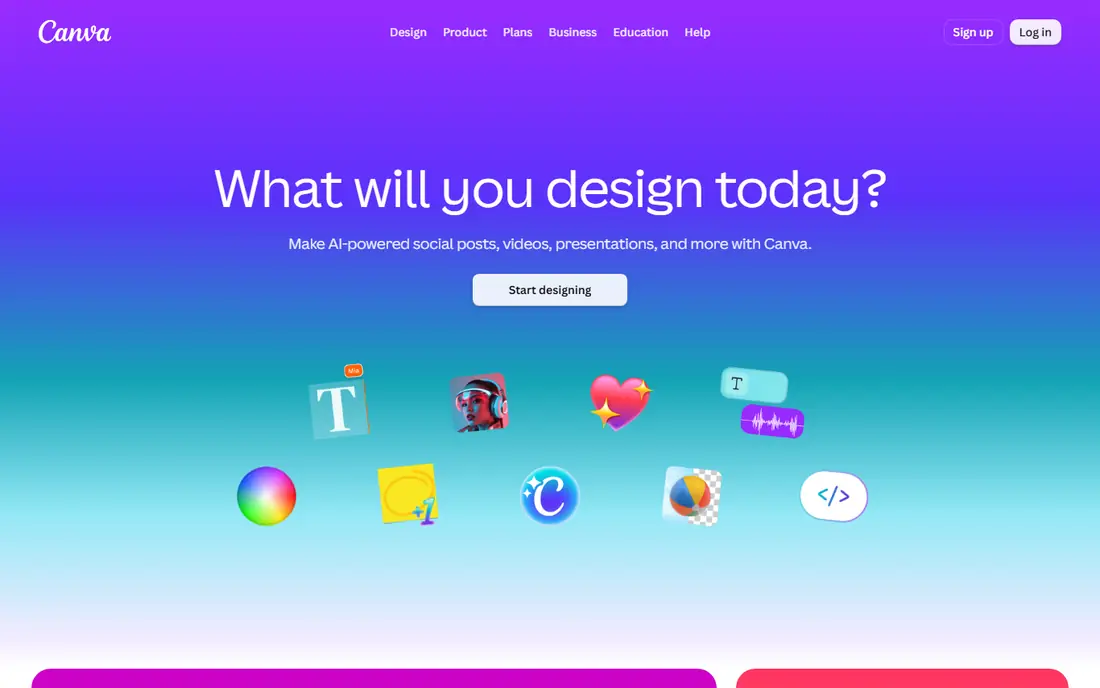
Canva suits people who design as well as edit. Once you remove a background, you can drop the cutout into a social template, ad, presentation, or product listing without exporting and reimporting files. That workflow saves time for marketers and small business owners who make graphics every week.
The catch is Pro. Background Remover is a Pro feature, with Pro listed at $15 per month in recent comparisons, though annual billing lowers the monthly equivalent. Free Canva users can still design, but they will need another tool on this list for background removal.
- Cutouts flow straight into templates
- Huge template and stock library
- Team sharing
- Background Remover needs Pro
- Edge quality is fair on hard hair photos
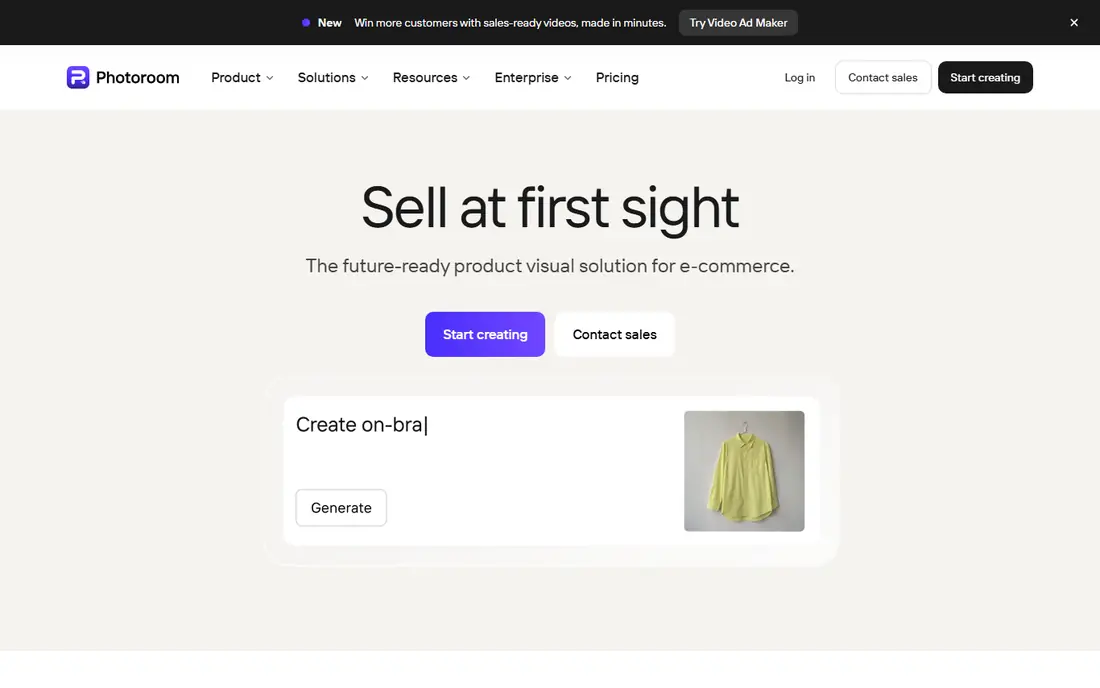
PhotoRoom is built for sellers. It removes backgrounds, stages products on clean or branded backgrounds, and exports images sized for marketplaces, all in batch. That flow matters when you list dozens of products and cannot edit each photo by hand.
The free plan gives a taste, but exports are watermarked and non commercial in many listings, so sellers should budget for Pro at $12.99 per month. Check the current Pro terms, since some older listings cite $7.50 per month on annual billing and others cite $12.99 per month. For volume sellers, the API at a low per image rate can be cheaper than a seat plan.
- Batch processing
- Product staging and backgrounds
- Marketplace ready exports
- API option
- Free exports are watermarked and non commercial in listings
- Pro price varies by billing term
remove.bg remains a benchmark for automatic cutouts. Upload a photo and it returns a clean transparent cutout in seconds, with good handling of people, products, and pets. Its API and plugins let developers and teams build removal into a larger workflow without manual work.
Credits are the limit. Plans start at $9 per month for 40 HD credits in recent listings, and heavy users will need larger packs. For occasional use, the free preview credit is enough to test quality, but for daily volume, compare the per image cost with PhotoRoom API or Slazzer before you commit.
- Very fast one click results
- Strong edge quality
- API, plugins, and bulk tools
- Credit pricing adds up at volume
- Free plan gives only limited credits
Fotor suits marketers who want one app for removal, retouching, and design. It offers AI background removal, batch edits, and templates, with Pro at $8.99 per month in recent listings. That bundle is useful when a cutout is only the first step in a larger graphic.
For the hardest edges, Fotor is a step below remove.bg and PhotoRoom. Check hair, fur, and transparent objects at full size, and use manual refinement when needed. Fotor wins on value and breadth, not on single cutout perfection.
- Background removal plus full photo editing
- Batch edits
- Design templates
- Free exports can be watermarked
- Edge refinement is weaker than dedicated cutout tools
Pixlr is the best browser only option for people who do not want to install software. It combines AI background removal with layers, filters, and text tools, so you can cut a subject and build a graphic in the same tab. That makes it useful on a shared computer or a Chromebook.
The free tier is ad supported and AI credits are limited, so heavy users will need a paid plan. Check the current Pixlr pricing page, since listings vary between $2.49 and $9.99 per month by plan. For quick, no signup style edits, Pixlr is a strong free start.
- Full browser photo editor
- AI cutout plus layers and filters
- No install needed
- Free tier is ad supported
- AI credits are limited
- Some features need a paid plan
Slazzer suits developers and teams that process images in bulk. It offers a web tool, an API, desktop apps, and a Photoshop extension, with credit packs that lower the per image cost at volume. Recent listings cite from $11 to $13.20 per month for 100 credits, plus free preview credits.
Slazzer is less friendly for a first time user who just wants one cutout. Its strength shows when you automate hundreds of images or build removal into a product pipeline. Check the current credit price on the Slazzer site, since plan prices have varied by billing term.
- API and bulk tools
- Photoshop extension
- Desktop apps
- Low per image cost at volume
- Credit pricing must be checked per plan
- Interface is more technical than Express or Canva
Pixelcut is built for sellers who work mainly on a phone. It removes backgrounds, stages products, and creates listing images with templates, all from a mobile app or web tool. That mobile focus helps sellers who photograph products at home and list them the same day.
Pro pricing varies by listing, from about $8 to $10 per month on annual billing in recent guides, so check the current Pixelcut pricing page. Free tier limits apply, and desktop users may prefer PhotoRoom for larger batch work. For phone first sellers, Pixelcut is a strong, fast option.
- Mobile first design for sellers
- Batch editing
- Templates for listings
- API option
- Pro price varies by listing
- Some features are mobile only in practice
How we picked these
We compared official pricing pages, vendor feature pages, and October 2026 background remover comparisons, and we kept only tools that remove backgrounds with AI today and export a usable transparent image. We favored tools with a free tier or trial, clear credit or subscription pricing, and a distinct role, from free single edits to ecommerce batch work to APIs. We did not claim hands-on testing, and credit prices should be rechecked on each vendor site, since they change often.
How to get a clean cutout
Start with a good photo. A subject shot against a plain, contrasting background will cut far better than a busy scene with similar colors. Good light, sharp focus, and a clear gap between subject and background matter more than which tool you pick.
Check edges at full size
Zoom to 100 percent and check hair, fur, glasses, and transparent objects. Automatic tools often leave a faint halo or cut fine strands. Use manual refinement, feathering, or a second pass in a full editor when the edge matters for print or a large product image.
Batch and file format
For product work, test batch processing on ten images before you pay for a month. Export as PNG with transparency for design use, and keep the original file in case you need to redo a cut. For web listings, export a sized JPEG on a white background as well, since some marketplaces prefer that format.
Cost per image
Compare cost per image, not just monthly price. A $9 plan with 40 credits costs more per image than a $12.99 plan with unlimited single edits, if you only need single edits. For API work, calculate credits per image at your real monthly volume, including failed or reprocessed images.
FAQ
What is the best free AI background remover tool?
Adobe Express is our pick for free background removal, since it offers removal on the free plan in many cases without a watermark on many exports. Pixlr and Fotor also offer free tiers, but with ads or watermarks on some exports. Test your exact photo free before you pay.
Is remove.bg still the best AI background remover?
remove.bg remains one of the best for one click quality, especially for people and products. It is not the cheapest at volume, and its credit model suits occasional or API use more than unlimited daily edits. For free single edits, Adobe Express is better, and for ecommerce batch work, PhotoRoom is better.
Does Canva background remover need Pro?
Yes, Background Remover in Canva is a Pro feature in current listings. Free Canva users can design and edit in other ways, but they need Pro, listed at $15 per month, or another tool on this list for background removal.
What is the best AI background remover app for sellers?
PhotoRoom is our pick for sellers, thanks to batch processing, product staging, and marketplace ready exports. Pixelcut is the best mobile first alternative, while Slazzer and PhotoRoom API suit high volume automated work.
Can AI background removers handle hair well?
They handle simple hair and fur better than they did a few years ago, but fine strands, glasses, and transparent objects still cause errors. Check edges at full size, and use manual refinement in Photoshop, Pixlr, or a similar editor for print quality work.
Is there a free AI background remover with no watermark?
Adobe Express offers watermark free removal in many cases on its free plan, which is why it leads this list for free use. Some other free tools watermark exports or limit resolution, so check the export terms for your exact plan before you rely on a free tier for client work.