Best AI Agent Platform in 2026: 9 Platforms Compared
Compare the best AI agent platform options for building custom agents, including LangGraph, CrewAI, Copilot Studio, and Agentforce for developers and teams.
- Editor's choice
 LangGraph
Custom stateful agent flows
Starts atFreeVisit langchain.comFull review - Great alternative
 CrewAI
Multi agent team workflows
Starts atFreeVisit crewai.comFull review - Also consider
 Microsoft Copilot Studio
Microsoft 365 enterprises
Starts atSee websiteVisit microsoft.comFull review
TL;DR:
- The best AI agent platform for a developer differs from the best platform for a business team that wants no code agents.
- LangGraph and CrewAI suit code first teams building custom agents, while Copilot Studio and Agentforce suit enterprise ecosystems.
- n8n and Dify suit teams that want visual workflows with self hosting or low code options.
- Governance, permissions, and human approval matter more than model choice once agents touch real systems.
- Our pick for most developers is LangGraph, with Microsoft Copilot Studio as the pick for Microsoft 365 organisations.
Quick comparison
| Tool | Best for | Starts at | Free plan? | |
|---|---|---|---|---|
| LangGraph | Custom stateful agent flows | Free | Yes | Visit |
| CrewAI | Multi agent team workflows | Free | Yes | Visit |
| Microsoft Copilot Studio | Microsoft 365 enterprises | See website | Free trial | Visit |
 Salesforce Agentforce | CRM based agents | See website | No | Visit |
 Google Vertex AI Agent Builder | Google Cloud teams | See website | Free trial | Visit |
 n8n | Visual workflow agents | Free | Yes | Visit |
 Dify | Open source visual agent builder | Free | Yes | Visit |
 OpenAI Agents SDK | OpenAI first developers | See website | Yes | Visit |
 UiPath | Automation led enterprise agents | See website | Free trial | Visit |
The best AI agent platforms
We compared these platforms on builder type, model choice, tool integrations, governance, observability, and pricing clarity, and the nine below cover code first, low code, and enterprise buyers.
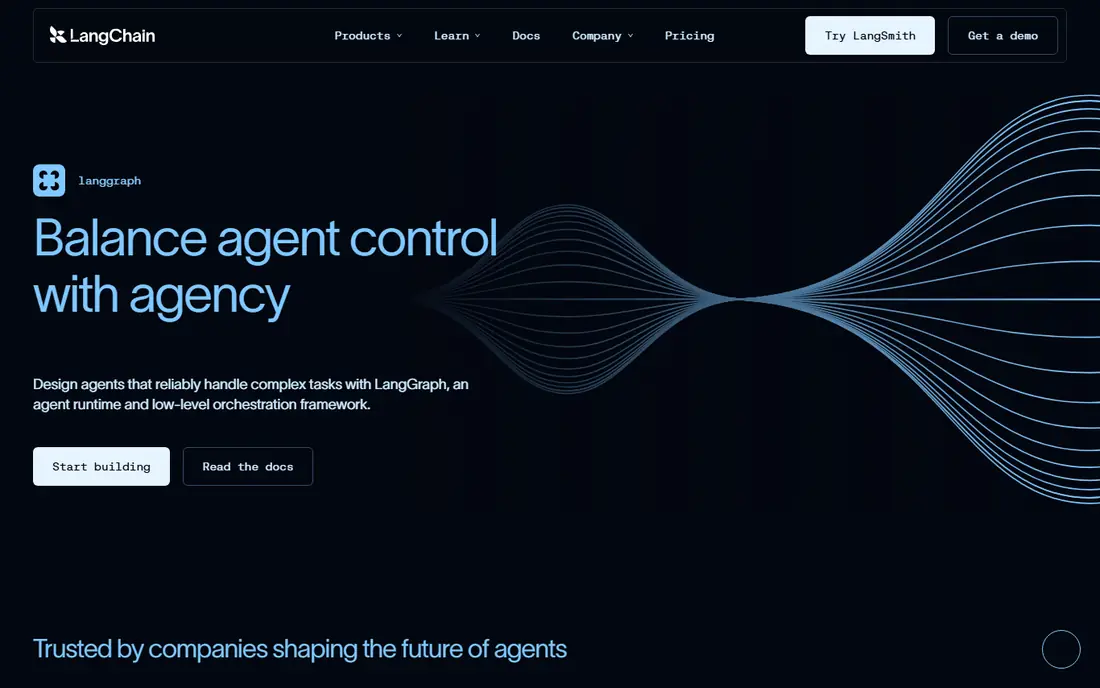
LangGraph is the safest pick for most new production agent projects that need explicit control. It models agents as state graphs, so you can define loops, branches, human approval steps, and retries in a way that is easier to reason about than a free form prompt chain. Its link to LangChain gives access to many model and tool integrations, while LangSmith adds tracing and evaluation. The trade off is engineering effort. LangGraph is a framework, not a managed platform, so your team owns deployment, monitoring, security, and cost control. If you want a no code builder, choose Copilot Studio or Dify instead, but if you want fine grained control over agent behaviour, LangGraph is hard to beat.
- Stateful graph based orchestration
- Large integration ecosystem
- LangSmith observability
- Requires strong engineering skill
- Deployment and governance are your responsibility
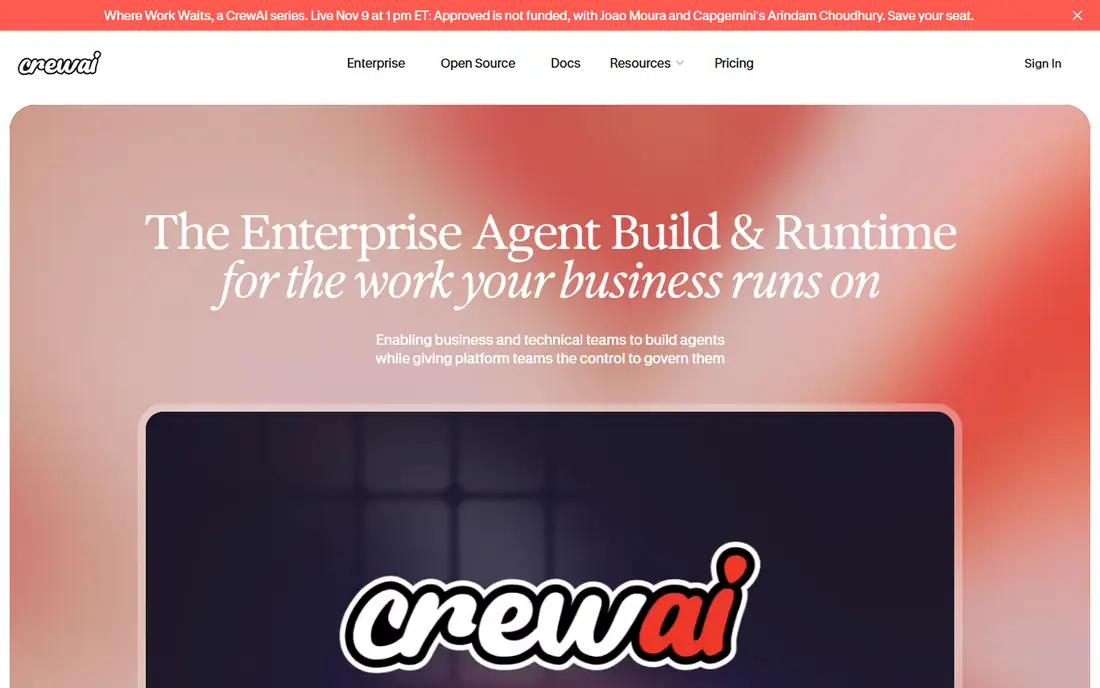
CrewAI is the fastest route to a multi agent prototype where each agent has a role, goal, and set of tools. You can define a researcher, a writer, and a reviewer, for example, and let them hand work to each other with guardrails and memory. That role based model maps well to real team workflows, which is why many developers reach for it first. CrewAI is still code first, so a business team without developers will find a visual builder easier. Hosted pricing also varies with use, so a prototype that is cheap to run can become costly at scale if agents loop or call models repeatedly. Set limits and approvals early, and test with small tasks first.
- Role based multi agent design
- Fast prototyping
- Hosted and open source options
- Less suited to pure no code teams
- Costs vary with hosted use
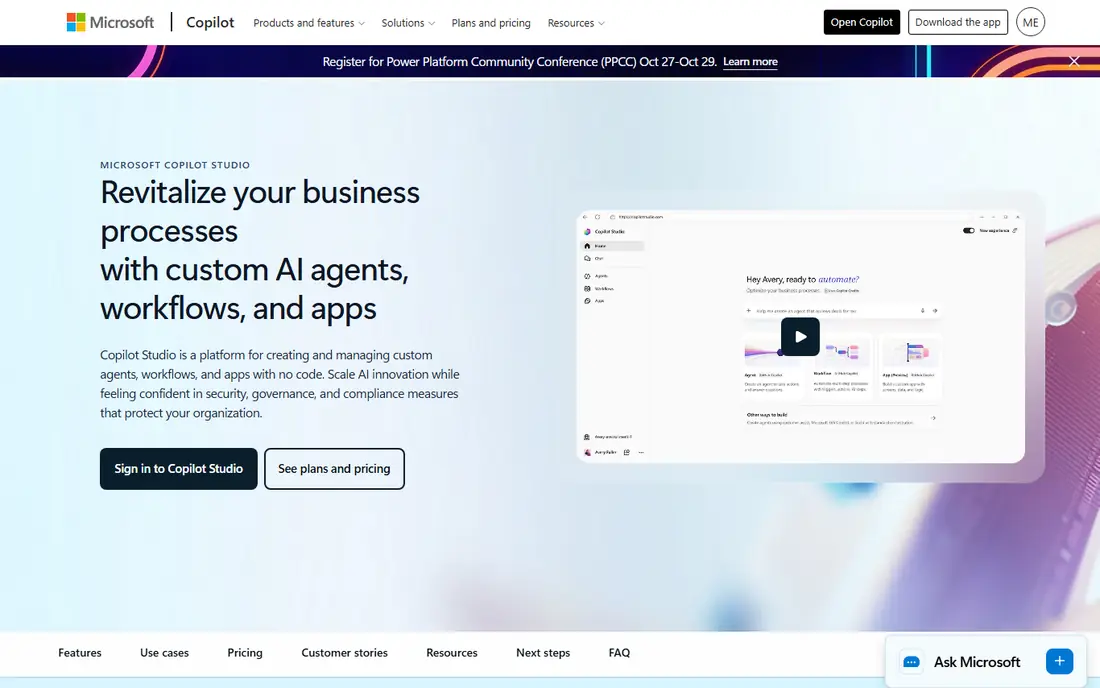
Microsoft Copilot Studio suits organisations already using Microsoft 365, Teams, SharePoint, and Azure, since agents can draw on that data and those tools with tenant governance. Business users can build agents with a visual builder, while developers can extend them with code and connectors. That combination makes it practical for internal support, HR, and operations agents. The limit is ecosystem fit. Outside Microsoft 365, its value drops, and its credit based pricing can be hard to predict until you see real usage. If your company runs on Microsoft tools, Copilot Studio is a strong default, but if you are cloud neutral, compare it with Vertex AI Agent Builder and n8n first.
- Deep Microsoft 365 and Azure integration
- Governance and connectors
- No code builder
- Best value inside Microsoft ecosystem
- Credit based pricing needs care
Salesforce Agentforce is built for companies that live in Salesforce, where agents need to read and update customer records, cases, and orders. Agents can be designed around specific actions, with guardrails that limit what they can do without human approval, which matters when an agent touches customer data or money. Its CRM context gives it an advantage over a generic agent builder for sales and service work. The drawback is lock in and cost. Agentforce makes most sense if you already use Salesforce, and its usage based pricing means a busy agent can cost more than expected. If you are not a Salesforce shop, a platform such as Copilot Studio, Vertex AI, or LangGraph will usually be a better fit.
- Deep Salesforce CRM integration
- Action based agent design
- Enterprise governance
- Requires Salesforce investment
- Pricing is usage based and needs care
Vertex AI Agent Builder suits engineering teams on Google Cloud that need a production runtime, monitoring, and grounding in their own data. Agents can use Gemini models, Vertex Search, and BigQuery, which helps when answers must come from company documents or databases rather than general knowledge. Its cloud scale deployment is a real strength for larger systems. Billing can be complex, since it spans several Google Cloud services, and the builder is less friendly for non technical teams than Copilot Studio. If your team already runs on Google Cloud and has engineering capacity, Vertex AI is a strong choice, but a business team should look at a no code platform first.
- Google Cloud runtime and grounding
- Gemini models
- Search and BigQuery integration
- Complex multi service billing
- Less friendly for non technical teams
n8n is a practical choice for teams that want visual workflows plus AI agents, without giving up control over data. You can build a workflow with nodes, add LLM and agent steps, write code where needed, and self host the whole system if data sovereignty matters. Its integration library is broad, and its community templates speed up common automations. Self hosting is also its main cost in effort, since you own updates, security, and scaling. Cloud pricing is based on executions, so an agent that loops or retries can use more executions than a simple workflow. For a team comfortable with low code and some operations work, n8n offers flexibility that many managed platforms do not.
- Visual workflow builder
- Self hosting option
- Broad integrations and code support
- Self hosting needs DevOps skill
- Execution based pricing can rise with use
Dify suits product teams and prototypers who want a visual builder with open source portability. You can build agents and workflows on a canvas, add retrieval from your own documents, and self host the core system or use its managed cloud. That combination makes it fast to test an idea and still portable if you later move infrastructure. Its governance and enterprise controls are lighter than Microsoft, Salesforce, or Google platforms, so a regulated enterprise may need extra controls around it. For a startup or product team that wants to prototype quickly and keep costs low, Dify is a strong and approachable option.
- Visual agent and workflow builder
- RAG and knowledge base tools
- Self hosting option
- Managed cloud pricing varies
- Enterprise governance is lighter than big vendors
OpenAI Agents SDK, part of OpenAI's agent platform work, suits developers who already build on OpenAI models and want a clear way to define agents, tools, and handoffs. Its primitives are straightforward, its documentation is developer friendly, and its link to OpenAI's models and tools reduces integration work for OpenAI first teams. For a prototype or a production agent on OpenAI, it is a natural starting point. The limit is vendor tie in. If you later want to switch models, you may need to rework parts of your agent, and deployment, observability, and governance remain your responsibility unless you add other tools. Compare it with LangGraph if you need model flexibility and stateful control across providers.
- Tight OpenAI model integration
- Clear agent and tool primitives
- Growing ecosystem
- Tied to OpenAI models and pricing
- Managed deployment is your responsibility
UiPath suits enterprises that already automate business processes and now want agents to handle steps that need judgment, not just rules. Its platform combines robotic process automation with agent capabilities, enterprise governance, and integrations with many business systems, which helps when an agent must work across legacy tools. For a large automation estate, that breadth is valuable. Smaller teams may find UiPath complex and enterprise priced, and a visual tool such as n8n or Dify may be faster for a first agent. If your company already uses UiPath for automation, extending it to agents is a logical step, but if you are starting fresh, test a simpler platform first.
- Strong automation heritage
- Enterprise governance
- Broad business system integrations
- Can be complex for small teams
- Pricing is enterprise focused
How we picked these
We compared official feature pages, pricing pages, product documentation, privacy policies, and public reviews, with weight on builder type, model flexibility, tool integrations, governance, observability, and real production use. A platform made the list only if it was active in October 2026 and clearly supported building and running AI agents, whether as code, low code, or managed service. Where pricing was usage based or quoted, we wrote See website rather than repeating a single figure as a full price.
How to choose an agent platform without regret
Start with the job the agent will do and the systems it must touch, not the model. An agent that answers HR questions needs different data, permissions, and approvals from an agent that updates CRM records or runs a workflow. Write down the trigger, the data sources, the actions, and the human approval points before you compare platforms.
Put governance before demo flair
Check permissions, audit logs, data residency, and approval steps early, especially if the agent will read customer data or take actions in other systems. Ask who can build an agent, who can publish it, and how you can stop it quickly if it behaves badly. A platform that looks impressive in a demo but lacks those controls will be hard to approve for production use.
Test with a small, measurable task
Pick one task with a clear success measure, such as resolving a support question or drafting a report from internal documents, and run it on two platforms. Measure accuracy, cost per run, time to build, and how often a human had to intervene. That small test tells you more than a feature matrix, and it reveals hidden costs such as model calls, retries, and execution charges.
Plan for evaluation and cost control
Agents fail in ways that simple software does not, including looping, hallucinating a tool call, or using the wrong data. Set up tracing, evaluation, and cost alerts from the start, and limit tool permissions to the minimum needed. Review agent logs regularly in the first weeks, and keep a human in the loop for any action that affects money, customers, or compliance.
FAQ
What is the best AI agent platform for beginners?
Dify and n8n are good beginner friendly options, with visual builders, free self hosted cores, and templates to start from. Microsoft Copilot Studio is also approachable for business users inside Microsoft 365, while LangGraph and CrewAI suit developers. Start with a small task, use a free plan or trial, and only move to a paid platform when you need governance or scale.
What is the best platform to build custom AI agents?
LangGraph is the strongest choice for custom agents that need stateful control, branching, and human approval, while CrewAI suits multi agent teams with roles and handoffs. OpenAI Agents SDK suits OpenAI first developers, and Vertex AI Agent Builder suits Google Cloud teams. Choose based on your model preference, engineering skill, and whether you need cross provider flexibility.
What are the best AI agent tools for business teams?
Microsoft Copilot Studio suits Microsoft 365 businesses, Salesforce Agentforce suits Salesforce businesses, and UiPath suits automation led enterprises. Dify and n8n suit smaller business teams that want visual builders without enterprise contracts. The best business tool is usually the one that fits your existing systems, since data and permissions matter more than a generic feature list.
What is the best AI agents platform for multi agent systems?
CrewAI is a strong multi agent choice because agents are defined by role, goal, and tools, with handoffs and guardrails built in. LangGraph also supports multi agent systems through graph based orchestration, with more explicit control over state and flow. Test both on a small multi agent task, and choose CrewAI for faster prototyping or LangGraph for finer control.
How much do AI agent platforms cost?
Costs vary from free open source frameworks to usage based cloud platforms and quote based enterprise contracts, and most managed platforms charge by credits, executions, actions, or model usage. Always test with a real task to see cost per run, and set limits on loops and retries. A platform that looks cheap for a demo can become expensive at production volume if agents run frequently.
Do I need to code to build an AI agent?
No, platforms such as Microsoft Copilot Studio, Dify, and n8n offer visual or no code builders that let business users create agents without writing code. Code first platforms such as LangGraph, CrewAI, and OpenAI Agents SDK offer more control, but they require engineering skill. Start no code if you want a quick prototype, and move to code when you need custom logic or tighter control.