Best Accounting Software for Tax Returns in 2026: 9 Tools Compared
Compare the best accounting software for tax returns in 2026, with bookkeeping, filing, Schedule C support, and business return tools compared for filers.
- Editor's choice
 TurboTax
Guided individual and business filing
Starts atSee websiteVisit turbotax.intuit.comFull review - Great alternative
 H&R Block
Filing with office and online help
Starts atSee websiteVisit hrblock.comFull review - Also consider
 FreeTaxUSA
Low-cost federal filing
Starts atFreeVisit freetaxusa.comFull review
TL;DR:
- The best accounting software for tax returns pairs clean year-round bookkeeping with a clear path to filing, not just a tax form at year end.
- TurboTax, H&R Block, FreeTaxUSA, TaxSlayer, and TaxAct suit individuals and sole proprietors filing their own returns.
- QuickBooks Online, Xero, and FreshBooks suit businesses that need books, invoices, and tax-ready reports first, then a filing step.
- Cash App Taxes is the lowest-cost filing route for simple returns, but it offers less live help than paid rivals.
- This article is general information, not tax advice, so check a tax professional for complex returns, multi-state filings, or business entities.
Quick comparison
| Tool | Best for | Starts at | Free plan? | |
|---|---|---|---|---|
| TurboTax | Guided individual and business filing | See website | Yes | Visit |
| H&R Block | Filing with office and online help | See website | Yes | Visit |
| FreeTaxUSA | Low-cost federal filing | Free | Yes | Visit |
 TaxSlayer | Budget self-employed filing | See website | Yes | Visit |
 TaxAct | Experienced DIY filers | See website | Yes | Visit |
 Cash App Taxes | Truly free simple filing | Free | Yes | Visit |
 QuickBooks Online | Bookkeeping that feeds tax prep | See website | Free trial | Visit |
 Xero | Small business books and reports | See website | Free trial | Visit |
 FreshBooks | Invoicing and simple business books | See website | Free trial | Visit |
The best accounting software for tax returns
We compared official pricing, form coverage, and bookkeeping features for tools that still operate in October 2026. The list mixes filing software for individuals with accounting software for businesses, because the right tool depends on whether you need books all year or just a return at year end.

TurboTax is our pick for most individuals who want a guided filing experience and are willing to pay for it. The interview flow asks plain questions, imports many income and investment forms, and checks common deductions and credits as you go. Business editions cover sole proprietors, partnerships, S corps, and C corps, though entity returns need the matching business product.
The catch is total cost. Paid tiers, state filing, and expert help add up, and the free tier covers only simple returns. If your return is simple, FreeTaxUSA or Cash App Taxes may file the same forms for less. If your return includes investments, rental income, or self-employment, TurboTax guidance can save time and reduce errors.
- Guided interview flow
- Strong imports for investments and income forms
- Live expert help options
- Higher price than budget rivals
- State filing adds cost
- Upsells appear during filing

H&R Block suits filers who want both online filing and the option to talk to a person in an office. Online products cover individuals and self-employed filers, while business products cover partnerships, S corps, and C corps. That mix helps a small business owner who starts online and later wants in-person help for a complex year.
The downside is cost and variability. Paid plans, state filing, and office services increase the total, and office availability depends on location and tax season demand. Check the total checkout price, including state, before you start, and confirm which forms your tier covers.
- Online plus in-office help
- Broad entity coverage in business products
- Clear accuracy support
- Paid tiers and state costs add up
- In-office help varies by location and season
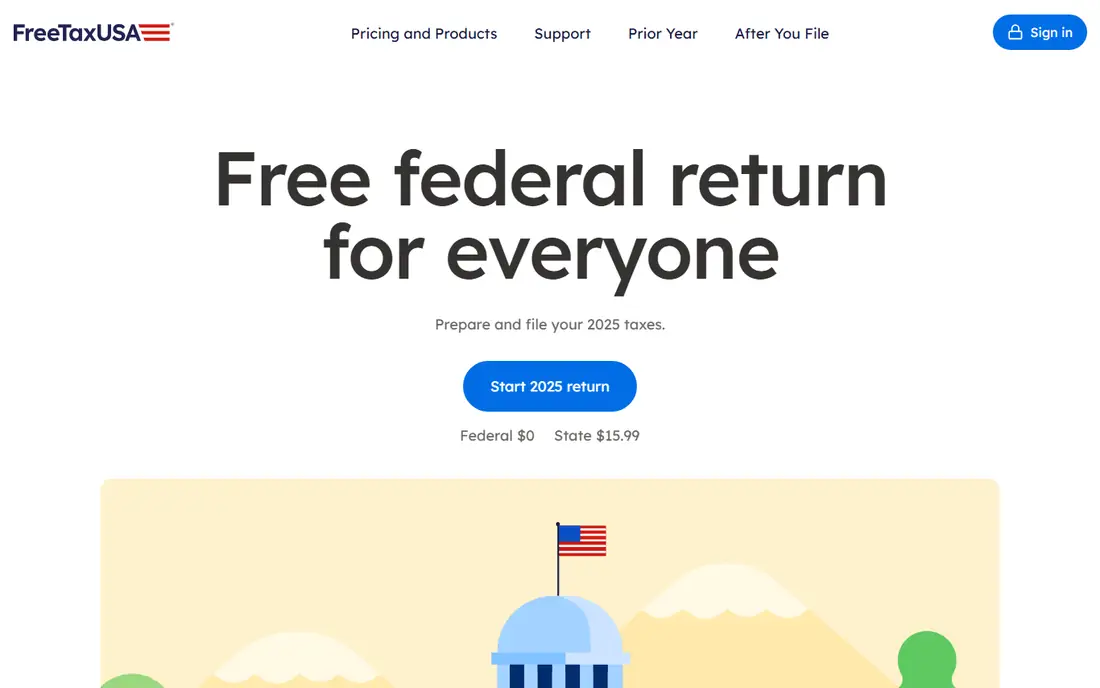
FreeTaxUSA is the best value pick for filers who are comfortable answering tax questions without heavy guidance. Federal filing is free for many returns, including Schedule C, and state filing costs far less than most rivals. That makes it a strong choice for self-employed filers, investors, and households with several forms who do not need live coaching.
The trade-off is help. Support is more limited than TurboTax or H&R Block, and the flow expects you to know which forms apply. If you are confident about your return and want the lowest filing cost, FreeTaxUSA is hard to beat. If you need step-by-step coaching, a guided rival may be worth the extra cost.
- Free federal filing for many forms
- Low state price
- Handles Schedule C and complex forms
- Less live help than TurboTax or H&R Block
- Interface is simpler and less guided
TaxSlayer fits self-employed and gig workers who want a low-cost filing route with Schedule C support. Paid tiers are cheaper than TurboTax for many filers, and the flow covers common self-employment deductions, estimated tax reminders, and business expenses. For a freelancer with one Schedule C and modest investment income, it is a practical middle ground.
The catch is polish and help. The interface is simpler than TurboTax, and live help is limited on lower tiers, so you should know your forms or be willing to read guidance carefully. Check the current tier price and state cost, because tax-season pricing changes, and confirm your forms are covered before you enter data.
- Low-cost paid tiers
- Self-employed support
- Flat-fee style pricing on many products
- Less polished interface than TurboTax
- Live help is thinner on lower tiers
TaxAct suits experienced filers who want broad coverage without paying TurboTax prices for guidance they do not need. It covers individuals, sole proprietors, partnerships, S corps, and C corps in matching products, and its accuracy support is a selling point for filers who want backup if a provider error causes a problem. That mix makes it a good choice for a confident DIY filer with a business return.
The limit is guidance. TaxAct expects more tax knowledge than TurboTax, so a first-time filer with a complex return may feel lost. If you know your forms and want solid coverage at a mid-range price, TaxAct fits. If you need coaching, pay for a guided tier or talk to a professional.
- Broad form coverage
- Business entity products
- Accuracy and legal-fee support on some plans
- Less hand-holding than TurboTax
- Paid tiers and state costs add up
Cash App Taxes is the lowest-cost filing option for simple returns, with free federal and state filing for eligible filers and a clean, simple flow. It suits a W-2 employee with common credits and deductions who wants to file without paying for features that are not needed. The lack of heavy upsells is a welcome change from many rivals.
The catch is scope and help. Live help is limited, and complex business returns, multi-state complexity, or specialist forms may not fit. If your return is simple and you are comfortable filing alone, Cash App Taxes saves the full filing fee. If your return is complex, use a paid tool or a professional.
- Free federal and state filing for eligible returns
- Simple flow
- No upsell-heavy checkout
- Limited live help
- One state filing limit on some returns
- Less suited to complex business returns
QuickBooks Online is the pick for a business that needs clean books all year, not just a return in spring. It tracks income, expenses, invoices, and bank feeds, and produces profit and loss, balance sheet, and tax summary reports that an accountant or a filing tool can use. Sharing access with an accountant is simple, which helps at year end.
The honest point is that QuickBooks is accounting software first. It does not file your return by itself in the same way TurboTax does, so you still need a filing product or a professional for the final return. For a business with regular transactions, that year-round bookkeeping is worth the monthly cost, because it makes tax prep faster and less error-prone.
- Full bookkeeping, invoicing, and payroll links
- Tax-ready reports
- Accountant sharing
- Monthly cost adds up
- Tax filing itself needs a separate step or accountant
- Learning curve for new users
Xero suits small businesses that want clean, cloud-based books with strong bank reconciliation and invoicing, plus reports an accountant can use at tax time. The interface is clear, collaboration with an accountant is built in, and the report set covers the core numbers a tax preparer needs. For a service business with regular invoices, it is a calm, reliable choice.
The limit is US tax depth. Xero payroll and direct US tax filing links are thinner than QuickBooks in the US, so many US firms still use a separate filing tool or accountant for the return. If your priority is clean books and accountant sharing, Xero fits. If you want the closest US tax integration, QuickBooks may fit better.
- Clean invoicing and bank reconciliation
- Tax-ready reports
- Good accountant collaboration
- US payroll and tax filing links are thinner than QuickBooks
- Monthly cost for full features
FreshBooks is best for freelancers and small service firms whose main tax need is clean income and expense records tied to invoices. Invoicing, payment links, expense tracking, and simple reports cover most of what a sole proprietor needs to hand to an accountant or enter into a filing tool. The interface is simpler than full accounting software, which helps a non-accountant owner.
The catch is depth. FreshBooks is not a full double-entry system in the same way as QuickBooks or Xero, and it does not file tax returns itself. For a simple service business, that simplicity is a plus. For a business with inventory, payroll, or entity returns, a fuller accounting tool plus a filing product is a better fit.
- Simple invoicing and expense tracking
- Client-friendly payment links
- Accountant reports
- Less full accounting depth than QuickBooks or Xero
- Tax filing needs a separate tool or accountant
How we picked these
We compared official pricing pages, form coverage, and bookkeeping features for tools that still operate in October 2026. We did not claim hands-on testing, and we did not invent prices, form lists, or guarantee terms. Where pricing varies by tier, state, or season, we list See website and advise checking the current checkout total before filing.
How to choose: filing tool or accounting tool
Ask whether your main problem is filing one return or keeping books all year. If you only need a return, pick a filing tool such as TurboTax, FreeTaxUSA, or TaxSlayer. If you run a business with regular income and expenses, pick an accounting tool such as QuickBooks Online or Xero first, then use its reports for filing.
Keep records clean all year
Record income and expenses monthly, keep receipts for deductions, and reconcile bank accounts before year end. Clean books reduce filing time, lower the chance of a missed deduction, and make an accountant review cheaper. A filing tool cannot fix a year of messy records at the last minute.
FAQ
Which accounting software is best for tax returns?
For filing, TurboTax is the best guided pick, FreeTaxUSA is the best value pick, and TaxSlayer suits budget self-employed filers. For year-round books, QuickBooks Online is the best pick for most US small businesses, with Xero as a strong alternative. Pick filing software for a return and accounting software for books.
Can QuickBooks file my tax return?
QuickBooks Online prepares tax-ready reports and shares books with an accountant, but it does not file a full tax return by itself in the same way TurboTax does. Most businesses use QuickBooks for books, then file through TurboTax Business, H&R Block Business, TaxAct Business, or an accountant. Check the current Intuit product links before buying.
What is the cheapest way to file a tax return?
Cash App Taxes offers free federal and state filing for eligible simple returns, and FreeTaxUSA offers free federal filing with a low state price. Both suit confident filers with simple to moderate returns. Complex returns, business entities, or multi-state filings may need a paid tier or a professional, even if the headline price is free.
Do I need accounting software if I am self-employed?
If you have regular business income and expenses, accounting software or at least a clean expense system helps at tax time, because it tracks deductions and produces a Schedule C summary. A simple freelancer may manage with FreshBooks or a spreadsheet, while a growing business benefits from QuickBooks Online or Xero. Keep records monthly, not just in tax season.
Is this article tax advice?
No, this article is general information, not tax advice, and it does not replace a qualified tax professional. Tax rules, deductions, and filing deadlines change, and they depend on your income, state, and business type. For complex returns, entity changes, or a tax dispute, talk to a licensed tax professional before filing.
How do I choose between TurboTax and FreeTaxUSA?
Choose TurboTax if you want guided help, strong imports, and live expert options and are willing to pay more. Choose FreeTaxUSA if you are confident about your forms and want the lowest federal filing cost. Both cover many common forms, so check form coverage, state price, and total checkout cost for your exact return.