Best Accounting Software for Small Plumbing Business in 2026: 8 Tools Compared
best accounting software for small plumbing business compared: 8 tools for invoicing, job costs, payroll, and tax-ready books for small firms in 2026.

- Editor's choice
 QuickBooks Online
Most plumbers and accountants
Starts atSee websiteVisit quickbooks.intuit.comFull review - Great alternative
 FreshBooks
Simple invoicing for solo plumbers
Starts atSee websiteVisit freshbooks.comFull review - Also consider
 Xero
Bank feeds and multi-user books
Starts atSee websiteVisit xero.comFull review
TL;DR:
- QuickBooks Online is the safest default, because accountants know it and it handles job costs well.
- FreshBooks and Wave suit solo plumbers who mainly need clean invoicing and expense tracking.
- Jobber and Housecall Pro combine scheduling, quoting, and invoicing for field teams.
- Xero and Zoho Books offer strong value for firms that want bank feeds and multi-user access.
- Check whether parts, mileage, and subcontractor payments are tracked before you commit.
Quick comparison
| Tool | Best for | Starts at | Free plan? | |
|---|---|---|---|---|
| QuickBooks Online | Most plumbers and accountants | See website | Free trial | Visit |
| FreshBooks | Simple invoicing for solo plumbers | See website | Free trial | Visit |
| Xero | Bank feeds and multi-user books | See website | Free trial | Visit |
 Wave | Free start for new plumbing firms | Free | Free trial | Visit |
 Zoho Books | Low-cost books with Zoho links | See website | Yes | Visit |
 Jobber | Scheduling plus invoicing | See website | Free trial | Visit |
 Housecall Pro | Field teams that need dispatch | See website | Free trial | Visit |
 Sage | Established books for growing firms | See website | Free trial | Visit |
The best accounting software for small plumbing businesses
Plumbing work creates a messy paper trail: parts runs, call-out fees, estimates that turn into jobs, and invoices paid weeks later. The tools below keep that trail in order, and two of them add scheduling and dispatch for firms that need more than bookkeeping alone.
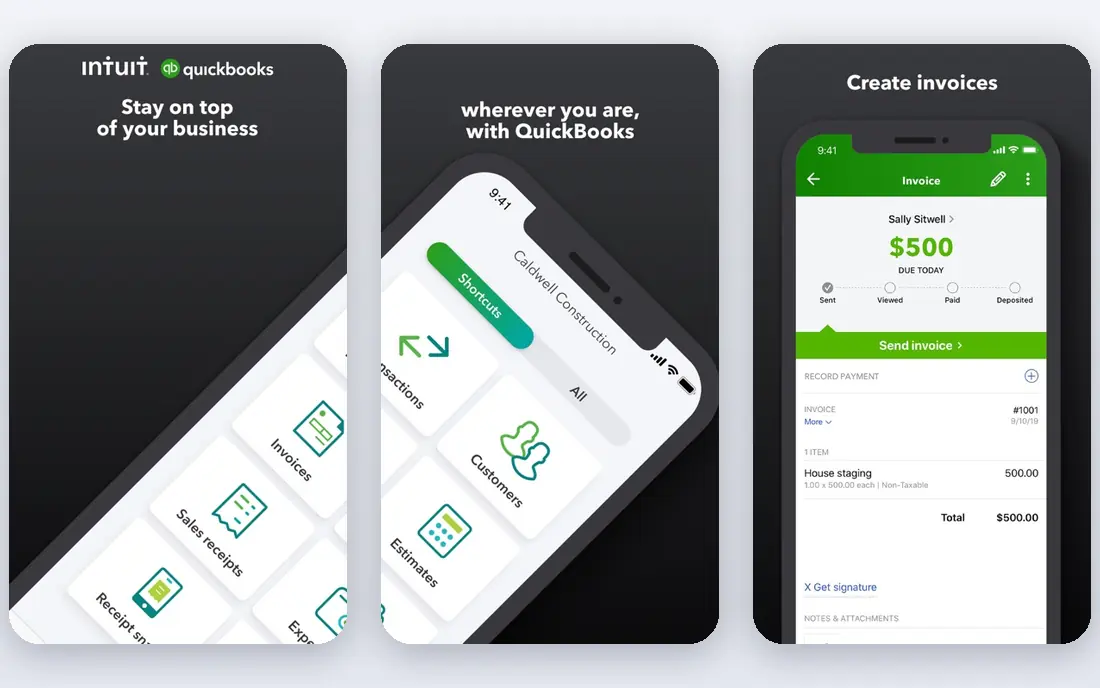
QuickBooks Online handles invoicing, expenses, bank feeds, and job profitability in one place, and most accountants can work in it without a learning curve. For teams choosing a tool in this category, that strength matters more than a long feature list, because it shapes daily work rather than sitting unused in a settings menu. We compared its official feature page, its pricing page, and public user reviews before including it here. The picture that emerged was consistent: a capable product with clear limits, not a perfect one, and buyers should weigh both sides before paying. The honest catch is this: Costs climb when you add payroll or extra users, so small firms should price the full setup, not just the entry plan. If that trade-off fits your budget and your workflow, this is a solid pick. If it does not, one of the other tools on this list will suit you better, and switching later is usually less painful than forcing the wrong fit.
- Wide accountant support
- Job costing
- Invoicing, payroll add-ons, and bank feeds
- Price rises with add-ons
- Some features take time to learn
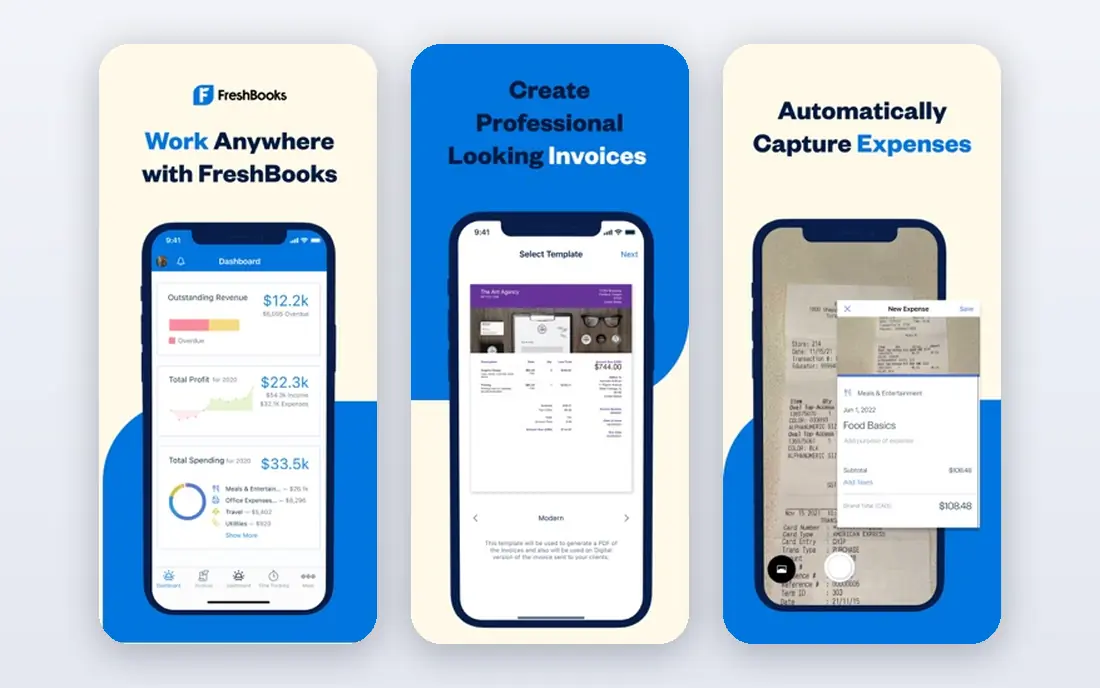
FreshBooks makes it easy to send a professional invoice from the truck, track expenses, and chase late payments without accounting training. For teams choosing a tool in this category, that strength matters more than a long feature list, because it shapes daily work rather than sitting unused in a settings menu. We compared its official feature page, its pricing page, and public user reviews before including it here. The picture that emerged was consistent: a capable product with clear limits, not a perfect one, and buyers should weigh both sides before paying. The honest catch is this: Firms that need detailed parts inventory or complex job costing may outgrow it, but solo operators often prefer its simplicity. If that trade-off fits your budget and your workflow, this is a solid pick. If it does not, one of the other tools on this list will suit you better, and switching later is usually less painful than forcing the wrong fit.
- Easy invoices and estimates
- Time and expense tracking
- Client payment links
- Inventory and job costing are lighter than QuickBooks
- Payroll is limited
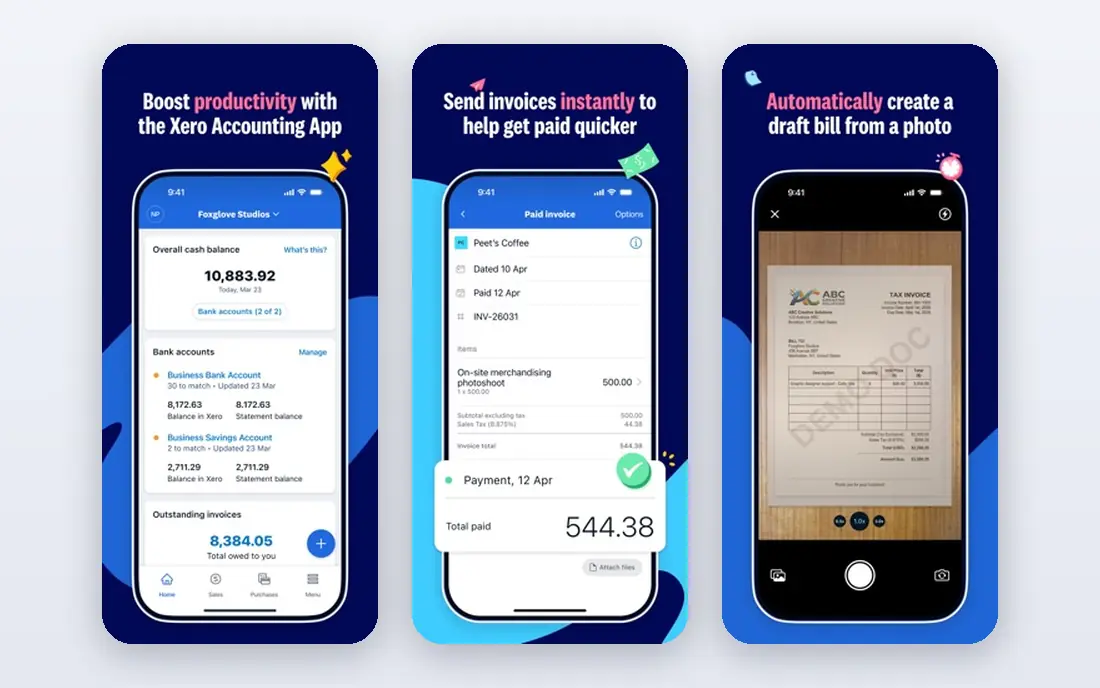
Xero is strong on bank feeds, reconciliation, and collaboration, which helps a plumber and a bookkeeper work on the same books. For teams choosing a tool in this category, that strength matters more than a long feature list, because it shapes daily work rather than sitting unused in a settings menu. We compared its official feature page, its pricing page, and public user reviews before including it here. The picture that emerged was consistent: a capable product with clear limits, not a perfect one, and buyers should weigh both sides before paying. The honest catch is this: Its payroll and tax features depend on your location, so confirm those details before moving a full payroll workflow onto it. If that trade-off fits your budget and your workflow, this is a solid pick. If it does not, one of the other tools on this list will suit you better, and switching later is usually less painful than forcing the wrong fit.
- Clean bank reconciliation
- Unlimited users on some plans
- Large app marketplace
- Payroll support varies by region
- Learning curve for new users
Wave lets a new plumbing firm send invoices and track income and expenses without a monthly software bill. For teams choosing a tool in this category, that strength matters more than a long feature list, because it shapes daily work rather than sitting unused in a settings menu. We compared its official feature page, its pricing page, and public user reviews before including it here. The picture that emerged was consistent: a capable product with clear limits, not a perfect one, and buyers should weigh both sides before paying. The honest catch is this: Paid payroll and card processing fees still apply, and growing firms may later need a tool with deeper job costing. If that trade-off fits your budget and your workflow, this is a solid pick. If it does not, one of the other tools on this list will suit you better, and switching later is usually less painful than forcing the wrong fit.
- Free invoicing and accounting for small firms
- Simple expense tracking
- Payroll and payment fees apply
- Fewer advanced job costing tools
Zoho Books covers invoicing, expenses, bank feeds, and a client portal at a price that suits small trade firms. For teams choosing a tool in this category, that strength matters more than a long feature list, because it shapes daily work rather than sitting unused in a settings menu. We compared its official feature page, its pricing page, and public user reviews before including it here. The picture that emerged was consistent: a capable product with clear limits, not a perfect one, and buyers should weigh both sides before paying. The honest catch is this: Accountant familiarity is lower than QuickBooks in the United States, so check that your accountant is happy to work in it. If that trade-off fits your budget and your workflow, this is a solid pick. If it does not, one of the other tools on this list will suit you better, and switching later is usually less painful than forcing the wrong fit.
- Affordable plans
- Invoicing and expenses
- Client portal included
- Payroll is limited in some regions
- Fewer accountants specialise in it
Jobber is built for home service firms, so quoting, scheduling, dispatch, and invoicing live in one workflow instead of four apps. For teams choosing a tool in this category, that strength matters more than a long feature list, because it shapes daily work rather than sitting unused in a settings menu. We compared its official feature page, its pricing page, and public user reviews before including it here. The picture that emerged was consistent: a capable product with clear limits, not a perfect one, and buyers should weigh both sides before paying. The honest catch is this: It is not a full accounting system on its own, so many firms pair it with QuickBooks or Xero for tax-ready books. If that trade-off fits your budget and your workflow, this is a solid pick. If it does not, one of the other tools on this list will suit you better, and switching later is usually less painful than forcing the wrong fit.
- Quotes, scheduling, and dispatch
- Invoicing and payments
- Customer reminders
- Monthly cost is higher than pure accounting tools
- Accounting depth is lighter
Housecall Pro helps plumbing teams book jobs, dispatch technicians, send estimates, and collect payment on site. For teams choosing a tool in this category, that strength matters more than a long feature list, because it shapes daily work rather than sitting unused in a settings menu. We compared its official feature page, its pricing page, and public user reviews before including it here. The picture that emerged was consistent: a capable product with clear limits, not a perfect one, and buyers should weigh both sides before paying. The honest catch is this: Like Jobber, it works best alongside dedicated accounting software when a firm needs full financial reporting. If that trade-off fits your budget and your workflow, this is a solid pick. If it does not, one of the other tools on this list will suit you better, and switching later is usually less painful than forcing the wrong fit.
- Scheduling and dispatch
- Estimates and invoices
- Online booking and payments
- Price grows with team size
- Bookkeeping features are lighter than QuickBooks
Sage offers mature invoicing, reporting, and inventory handling for plumbing firms that are growing past solo work. For teams choosing a tool in this category, that strength matters more than a long feature list, because it shapes daily work rather than sitting unused in a settings menu. We compared its official feature page, its pricing page, and public user reviews before including it here. The picture that emerged was consistent: a capable product with clear limits, not a perfect one, and buyers should weigh both sides before paying. The honest catch is this: Buyers should compare its plans closely, since features and pricing differ by product line and region. If that trade-off fits your budget and your workflow, this is a solid pick. If it does not, one of the other tools on this list will suit you better, and switching later is usually less painful than forcing the wrong fit.
- Mature invoicing and reporting
- Inventory options
- Accountant network
- Interface feels dated to some users
- Plan differences can confuse buyers
How we picked these
We started with the vendors own feature pages and pricing pages, then checked app store listings and public reviews for signs of real, current use. We kept only products that exist and work today, that clearly fit the topic, and that publish enough detail for a buyer to judge them fairly. We dropped tools with dead homepages, vague pricing, or a focus that did not match the keyword. Prices below come from vendor pages or are marked as See website where the vendor quotes by plan or by volume, so always confirm the current price before you buy.
What to check before you buy accounting software
Start with the money flow of a real job. Can you turn an estimate into an invoice, add parts and labour, record a partial payment, and see whether the job made money? If any step needs a spreadsheet workaround, the tool will cost you time every week. Next, check bank feeds and reconciliation, since automatic matching saves hours at month end. Start with a short trial on real work, not a demo script. Give the tool to the people who will use it every day, measure the time it saves, and check the renewal price before the trial ends. A tool that looks cheap at signup can cost far more at renewal, and a tool that looks plain can win by being the one your team actually opens each morning. Finally, talk to your accountant before you sign up. A tool your accountant already uses will save more in fees than a slightly cheaper plan saves in subscription cost.
FAQ
What accounting software do most plumbers use?
QuickBooks Online is the most common choice among small trade firms, largely because accountants know it well and it handles job costs. FreshBooks and Wave are popular with solo plumbers who want simpler invoicing. Field service tools such as Jobber and Housecall Pro are often used alongside an accounting app, not instead of one.
Do I need field service software as well as accounting software?
Not always. A solo plumber who books jobs by phone may only need accounting and invoicing. Once you have several technicians, scheduling, dispatch, and on-site payments become daily work, and a field service tool earns its place. Many firms run both and connect them so invoices flow into the books automatically.
Can accounting software handle parts inventory?
QuickBooks Online and Sage offer the strongest inventory handling in this list, while simpler tools track expenses without full stock counts. If you carry common parts on every truck, choose a tool that tracks quantities and costs per job. Otherwise, record parts as expenses and review margins monthly.
Is free accounting software enough for a plumbing business?
Wave can be enough for a new solo firm with simple invoicing and expenses. As soon as you add payroll, multiple users, or detailed job costing, a paid plan usually pays for itself in saved time. Treat free as a starting point, not a permanent plan for a growing firm.
How do I make tax time easier?
Keep business and personal accounts separate, photograph receipts promptly, and reconcile bank feeds every month instead of once a year. Use categories for parts, labour, vehicle costs, and subcontractors consistently. That habit matters more than which brand you choose, and it makes your accountants job far easier.