Best Accounting Software for Real Estate Agents in 2026: 8 Tools Compared
Find the best accounting software for real estate agents and realtors in 2026, from general ledgers to rental and brokerage tools, with prices and trade-offs.

- Editor's choice
 QuickBooks Online
Agents and brokerages with a US accountant
Starts at$38 per monthVisit quickbooks.intuit.comFull review - Great alternative
 Xero
Agents who want clean books and multi-currency
Starts at$25 per monthVisit xero.comFull review - Also consider
 Zoho Books
Budget-conscious agents in the Zoho system
Starts atFreeVisit zoho.comFull review
TL;DR:
- Agents who only need books should start with QuickBooks Online, Xero, or Zoho Books, while landlords and managers need property-specific tools.
- Property tools win on rent, owner statements, and tax summaries, but they cost more once the unit count grows.
- Commission tracking is the feature most general tools miss, so agents with a team should check it before buying.
- Stessa and Baselane suit solo landlords on a budget, while Buildium and AppFolio suit management companies at scale.
Quick comparison
| Tool | Best for | Starts at | Free plan? | |
|---|---|---|---|---|
| QuickBooks Online | Agents and brokerages with a US accountant | $38 per month | Free trial | Visit |
| Xero | Agents who want clean books and multi-currency | $25 per month | Free trial | Visit |
| Zoho Books | Budget-conscious agents in the Zoho system | Free | Yes | Visit |
 FreshBooks | Solo agents who bill clients and track time | $23 per month | Free trial | Visit |
 Stessa | Buy-and-hold landlords tracking rentals | Free | Yes | Visit |
 Baselane | Landlords who want banking and books together | Free | Yes | Visit |
 Buildium | Property managers needing trust accounting | $62 per month | Free trial | Visit |
 AppFolio | Mid to large portfolios and management firms | See website | No | Visit |
The best accounting software for real estate agents
Real estate agents need more than a generic ledger. Commissions, splits, mileage, rental income, and owner reporting all pull in different directions. The list below separates general accounting tools from property tools, so you can match the software to how you actually earn and report income.
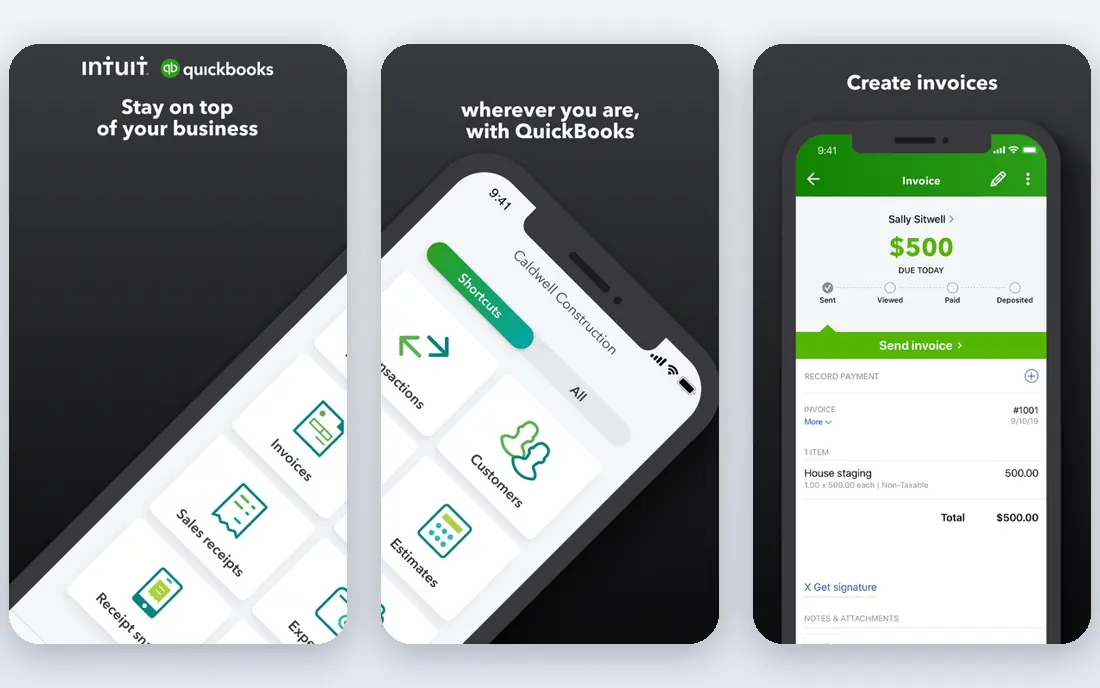
Our first pick in this group is worth a close look. QuickBooks Online fits agents whose accountant already works in QuickBooks and who want a ledger that any US bookkeeper can read. Classes and locations can track income by property or agent, and bank feeds, invoicing, and reports cover most brokerage bookkeeping.
In practice, its main strengths are Widely used by US accountants, classes for property tracking, payroll and payments add-ons in combination. That mix helps a small team get a working result without adding another vendor for every step, and it keeps the day-to-day workflow in one place. Check the limits on the plan you choose, because entry tiers often cap the volume, seats, or features that matter most after the first month.
The catch is that it is not built for rentals. Property-level reporting needs a higher plan, and commission splits often need a workaround or an add-on. If that limit is a deal breaker, one of the other options on this list will fit better. For the right buyer, though, the trade-off is clear and the price is easy to justify against the time it saves.
- Widely used by US accountants
- Classes for property tracking
- Payroll and payments add-ons
- Rental features need setup
- Entry plan limits users
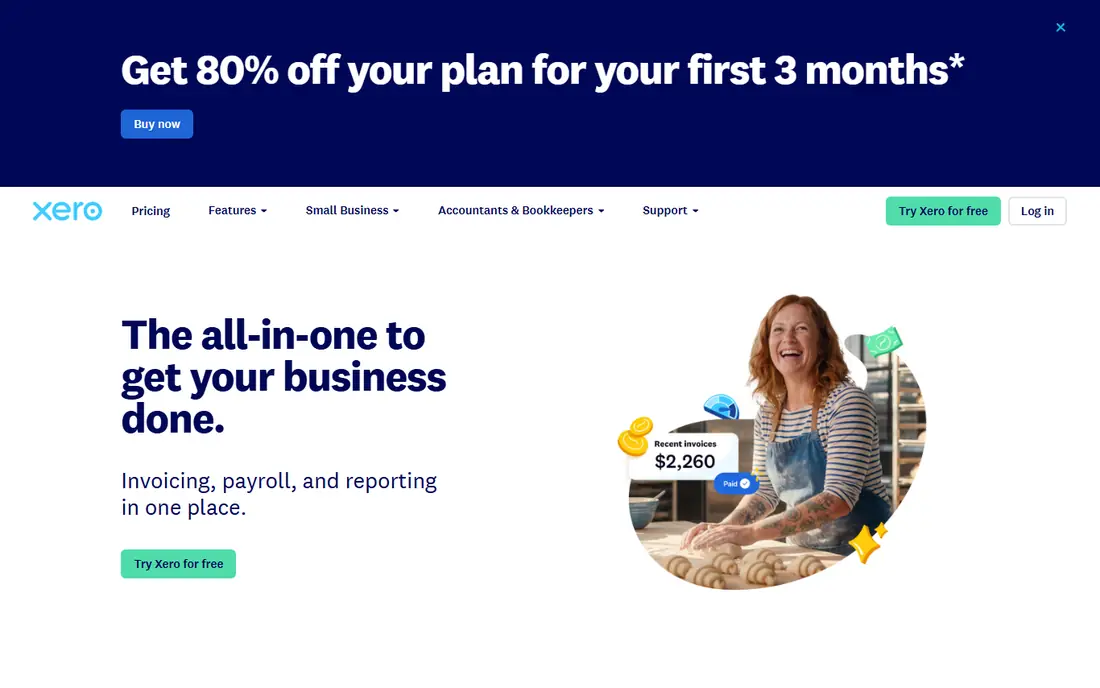
This one suits a narrower buyer, and that focus is its appeal. Xero fits agents and small brokerages that want clear reconciliation and room to add users without paying per seat. Bank feeds, invoicing, expense claims, and project tracking cover agent income and deal costs, and the app market adds CRM and property tools.
In practice, its main strengths are Clean bank reconciliation, unlimited users on plans, large app ecosystem in combination. That mix helps a small team get a working result without adding another vendor for every step, and it keeps the day-to-day workflow in one place. Check the limits on the plan you choose, because entry tiers often cap the volume, seats, or features that matter most after the first month.
The catch is the entry cap. Twenty invoices and five bills a month suit only a very light workload, so most agents need the mid tier. If that limit is a deal breaker, one of the other options on this list will fit better. For the right buyer, though, the trade-off is clear and the price is easy to justify against the time it saves.
- Clean bank reconciliation
- Unlimited users on plans
- Large app ecosystem
- Entry plan caps invoices and bills
- US payroll needs a partner
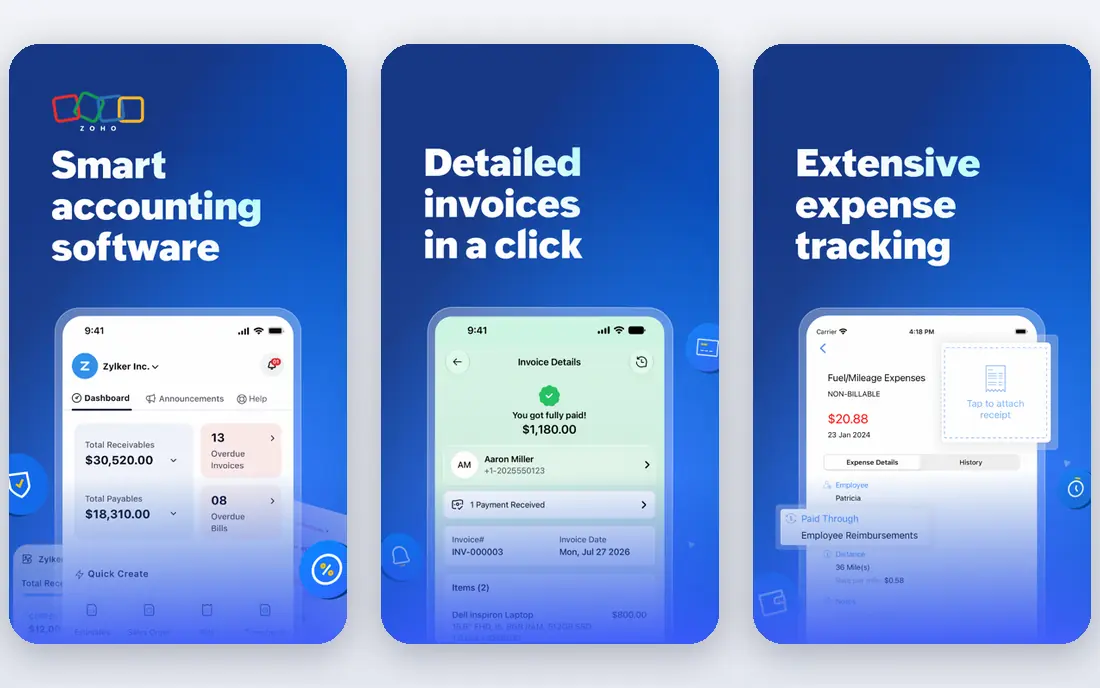
If you want a proven option with a large community, start here. Zoho Books fits agents already using Zoho CRM who want accounting without a large monthly bill. Invoicing, expenses, bank feeds, and client statements cover agent work, and the free tier helps new agents keep books from the first deal.
In practice, its main strengths are Free tier for small revenue, solid invoicing and reports, Zoho CRM integration in combination. That mix helps a small team get a working result without adding another vendor for every step, and it keeps the day-to-day workflow in one place. Check the limits on the plan you choose, because entry tiers often cap the volume, seats, or features that matter most after the first month.
The catch is scale. Invoice limits and separate payroll mean growing teams should price the paid tier and any add-ons together. If that limit is a deal breaker, one of the other options on this list will fit better. For the right buyer, though, the trade-off is clear and the price is easy to justify against the time it saves.
- Free tier for small revenue
- Solid invoicing and reports
- Zoho CRM integration
- Free tier limits invoices
- US payroll is separate
This choice stands out for teams that value simplicity over breadth. FreshBooks fits solo agents and small teams that live in invoices, retainers, and client billing. Estimates, invoices, expenses, and time tracking are easy to use, and clients can pay online without a separate billing tool.
In practice, its main strengths are Simple invoicing, time tracking, client-friendly payment links in combination. That mix helps a small team get a working result without adding another vendor for every step, and it keeps the day-to-day workflow in one place. Check the limits on the plan you choose, because entry tiers often cap the volume, seats, or features that matter most after the first month.
The catch is client limits. The entry plan covers only a few billable clients, so a busy agent can be pushed to a higher tier sooner than expected. If that limit is a deal breaker, one of the other options on this list will fit better. For the right buyer, though, the trade-off is clear and the price is easy to justify against the time it saves.
- Simple invoicing
- Time tracking
- Client-friendly payment links
- Billable client caps
- Limited inventory and property features
For buyers who care most about cost control, this option deserves attention. Stessa fits landlords who own rentals and want income, expenses, and tax summaries by property. Bank and property connections pull transactions into property reports, and Schedule E style summaries help at tax time.
In practice, its main strengths are Free rental bookkeeping, property-level reports, tax-ready summaries in combination. That mix helps a small team get a working result without adding another vendor for every step, and it keeps the day-to-day workflow in one place. Check the limits on the plan you choose, because entry tiers often cap the volume, seats, or features that matter most after the first month.
The catch is scope. It tracks rentals well, but it is not built for agent commissions, brokerage splits, or team payroll. If that limit is a deal breaker, one of the other options on this list will fit better. For the right buyer, though, the trade-off is clear and the price is easy to justify against the time it saves.
- Free rental bookkeeping
- Property-level reports
- Tax-ready summaries
- Not a brokerage tool
- Advanced features need a paid plan
This is a strong middle option, with fewer surprises than some rivals. Baselane fits individual landlords who want rent, banking, and bookkeeping in one place. Separate accounts per property, automated categorization, and rent collection reduce the spreadsheet work that eats up month end.
In practice, its main strengths are Free core banking and bookkeeping, rent collection, property reports in combination. That mix helps a small team get a working result without adding another vendor for every step, and it keeps the day-to-day workflow in one place. Check the limits on the plan you choose, because entry tiers often cap the volume, seats, or features that matter most after the first month.
The catch is that it is landlord-first. Agents who need brokerage accounting, commission plans, or multi-agent reporting should look elsewhere. If that limit is a deal breaker, one of the other options on this list will fit better. For the right buyer, though, the trade-off is clear and the price is easy to justify against the time it saves.
- Free core banking and bookkeeping
- Rent collection
- Property reports
- Advanced tools need a paid tier
- Not for large brokerages
We include this one because it solves a specific job unusually well. Buildium fits professional property managers who need trust accounting, owner reporting, and tenant workflows in one system. Rent collection, ledgers, maintenance, and 1099 tools sit beside the accounting, which cuts the need to reconcile several apps.
In practice, its main strengths are Trust accounting, owner statements, rent and maintenance workflows in combination. That mix helps a small team get a working result without adding another vendor for every step, and it keeps the day-to-day workflow in one place. Check the limits on the plan you choose, because entry tiers often cap the volume, seats, or features that matter most after the first month.
The catch is price and setup. At sixty-two dollars a month to start, it suits managers with enough units to spread the cost, not a single rental. If that limit is a deal breaker, one of the other options on this list will fit better. For the right buyer, though, the trade-off is clear and the price is easy to justify against the time it saves.
- Trust accounting
- Owner statements
- Rent and maintenance workflows
- Starts higher than landlord tools
- Learning curve for small teams
This final pick rounds out the list with a different trade-off from the leaders. AppFolio fits mid to large portfolios that need automation, scale, and a single system for accounting and operations. Automated income and expense work, owner statements, and resident tools help large teams handle volume without adding staff at the same rate.
In practice, its main strengths are Automation at scale, AI-assisted accounting, owner and resident portals in combination. That mix helps a small team get a working result without adding another vendor for every step, and it keeps the day-to-day workflow in one place. Check the limits on the plan you choose, because entry tiers often cap the volume, seats, or features that matter most after the first month.
The catch is commitment. Pricing is quoted, minimums apply, and small landlords will find lighter tools cheaper and faster to start. If that limit is a deal breaker, one of the other options on this list will fit better. For the right buyer, though, the trade-off is clear and the price is easy to justify against the time it saves.
- Automation at scale
- AI-assisted accounting
- Owner and resident portals
- Quote-based pricing
- Minimum unit requirements
How we picked these
We compared official pricing pages, feature lists, and public reviews, and we separated general accounting from property accounting because the two jobs differ. We favored tools that are live in October 2026, publish clear pricing or a clear quote path, and produce reports an accountant can use. This is not tax advice, and agents should confirm deduction and filing rules with their own accountant.
What real estate agents should check before buying
Start with your income type. A sales agent needs commission and split tracking. A landlord needs property-level income and expenses. A manager needs trust accounting and owner statements. One tool rarely does all three well, so pick the job you do most.
Ask about commissions and taxes
Check how splits, referral fees, mileage, and marketing costs are recorded, and what tax summary the tool produces. A clean Schedule E or brokerage profit report saves more at tax time than a pretty dashboard.
Price it at your real unit count
Per-unit plans look cheap at five doors and expensive at fifty. Flat-rate plans look dear at first and cheaper as you grow. Model both at double your current count before you sign a yearly plan.
FAQ
What is the best accounting software for realtors?
For most sales agents, QuickBooks Online is the safest default because US accountants know it well. Xero suits agents who want clean reconciliation and unlimited users, while Stessa suits landlords more than sales agents.
What is the best accounting software for a real estate brokerage?
A brokerage should check commission splits, agent reporting, and payroll before choosing. QuickBooks Online and Xero can work with the right setup, but a brokerage with many agents may need a property or brokerage add-on.
What is the best tax software for realtors?
Accounting software is not tax filing software. Use accounting software to keep clean books through the year, then use tax software or an accountant to file. Clean property and commission records make filing faster and reduce missed deductions.
Do landlords need different software from agents?
Yes, in most cases. Landlords need rent, property expenses, and owner or tax summaries by property. Agents need deal income, splits, and client billing. Tools like Stessa, Baselane, and Buildium are built for the landlord side.
Can free accounting software work for a new agent?
Yes, for a light workload. Zoho Books and Stessa offer free tiers that cover basic books, but watch invoice, client, or property limits. Move to a paid plan when limits force workarounds or when you add a team.