8 Best Accounting Software for Businesses of Every Size
Compare the best accounting software for businesses, from free tools for new firms to full platforms for growing teams, with current pricing and trade-offs.

- Editor's choice
 QuickBooks Online
US small businesses that want broad accountant support and integrations
Starts at$38 per monthVisit quickbooks.intuit.comFull review - Great alternative
 Xero
Growing teams that need many users and clean bank reconciliation
Starts at$25 per monthVisit xero.comFull review - Also consider
 Wave
Solo operators and new businesses that need free core bookkeeping
Starts atFreeVisit waveapps.comFull review
TL;DR:
- QuickBooks Online remains the safest default for US businesses whose accountant already uses it.
- Xero suits teams with many users, since its plans do not charge per seat in the same way as rivals.
- Wave and Zoho Books offer genuine free tiers for very small businesses and new firms.
- FreshBooks suits service businesses that live in invoices and time tracking.
- Larger firms should shortlist Sage Intacct or NetSuite rather than stretching a small-business tool past its limits.
Quick comparison
| Tool | Best for | Starts at | Free plan? | |
|---|---|---|---|---|
| QuickBooks Online | US small businesses that want broad accountant support and integrations | $38 per month | No | Visit |
| Xero | Growing teams that need many users and clean bank reconciliation | $25 per month | No | Visit |
| Wave | Solo operators and new businesses that need free core bookkeeping | Free | Yes | Visit |
 FreshBooks | Service businesses, agencies, and freelancers that bill for time | $23 per month | No | Visit |
 Zoho Books | Budget-conscious firms, especially those already using Zoho apps | $20 per month | Yes, for businesses with annual revenue under $50,000 | Visit |
 Sage Accounting | Small businesses that want straightforward bookkeeping from an established vendor | See website | No | Visit |
 Sage Intacct | Mid-size firms that need multi-entity, project, and advanced reporting control | See website | No | Visit |
 FreeAgent | UK small businesses, freelancers, and contractors that want tax-aware bookkeeping | See website | No | Visit |
The best accounting software for businesses
QuickBooks Online
Best for: US small businesses that want broad accountant support and integrations
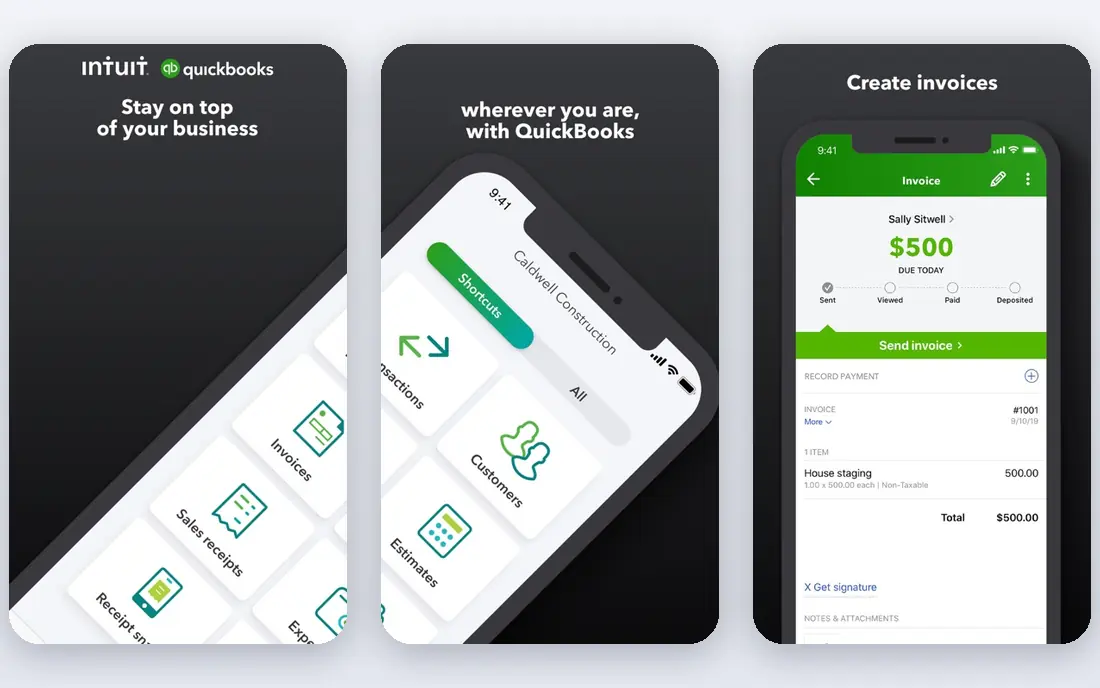
QuickBooks Online is the default answer for a reason. Most US accountants know it, most banks connect to it, and most add-on tools integrate with it first. Invoicing, expense tracking, bank reconciliation, and reporting cover the core needs of a growing business, and payroll can be added without switching systems.
The downside is cost and complexity. Higher plans jump in price, and a new user may need help setting up the chart of accounts. If your accountant already works in QuickBooks, that familiarity usually outweighs the higher monthly fee.
- Widest US accountant network
- Strong invoicing, payroll add-ons, and app integrations
- Scales from solo to mid-size
- Price rises steeply on higher plans
- Interface can feel busy for a first-time user
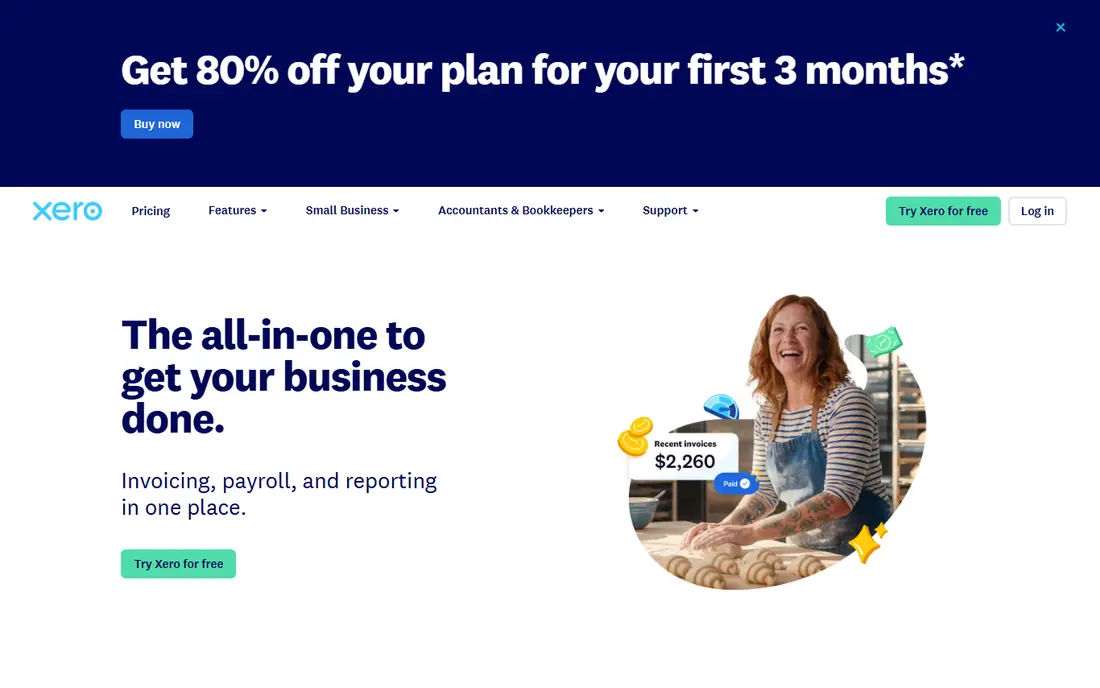
Xero takes a different approach to seats. Instead of charging per user, it lets a team invite as many people as needed, which helps firms where several staff touch the books. Bank reconciliation is smooth, the dashboard is easy to read, and the app marketplace covers payroll, inventory, and reporting.
Watch the limits on the entry plan, which caps monthly invoices and bills. Teams that outgrow those caps should budget for the next tier. For a business with several users and steady invoice volume, Xero often works out cheaper than a per-seat rival.
- Unlimited users on paid plans
- Strong app marketplace
- Clear bank feeds and reconciliation
- Lowest plan caps invoices and bills
- Payroll is an add-on in some regions

Wave gives a new business a real double-entry bookkeeping system at no monthly cost. Unlimited invoices and estimates, expense tracking, and basic reports cover the early stage well. The design is plain and easy to follow, which helps owners who do their own books.
As volume grows, Wave shows its limits. Automated bank feeds sit on the paid Pro plan, and payroll is a separate add-on. Still, for a sole proprietor or side business, Wave is the best free starting point before moving to a paid platform.
- Free invoicing, estimates, and bookkeeping
- Simple design for non-accountants
- Low barrier to start
- Bank feeds and payroll need paid plans or add-ons
- Fewer advanced features than QuickBooks or Xero
FreshBooks
Best for: Service businesses, agencies, and freelancers that bill for time
FreshBooks was built around getting paid. Invoices look clean, clients can pay online, and time tracking flows straight into a bill. For consultants, designers, and agencies, that workflow saves more time than a long list of accounting features they never use.
The trade-off is depth. Lower plans limit billable clients, and inventory or complex reporting is thinner than in QuickBooks or Xero. If your business sells services and bills by the hour or project, FreshBooks fits well. If you sell stock, compare Xero or QuickBooks first.
- Excellent invoicing and time tracking
- Client-friendly payment pages
- Easy to learn
- Client limits on lower plans
- Lighter on inventory and deep accounting than QuickBooks
Zoho Books
Best for: Budget-conscious firms, especially those already using Zoho apps
Zoho Books packs a lot of accounting into a low price. Invoicing, expenses, bank reconciliation, projects, and automation rules are all present, and the free tier helps a new business start without a monthly bill. Firms already using Zoho CRM or Zoho Inventory get extra value from shared data.
The main caution is ecosystem fit. Zoho Books works well on its own, but its strongest case is for teams already committed to Zoho. If you use a different CRM and payroll tool, check those integrations before switching.
- Free tier for small firms
- Strong automation and workflows
- Integrates with Zoho CRM, Inventory, and Payroll
- Best value inside the Zoho system
- Standalone users get less benefit from the integrations
Sage Accounting
Best for: Small businesses that want straightforward bookkeeping from an established vendor
Sage Accounting suits owners who want a steady, established tool rather than the newest interface. Invoicing, expenses, cash flow views, and bank connections cover daily bookkeeping, and regional versions help with local tax and reporting needs. Sage also offers a path up to Sage 50 and Sage Intacct as a firm grows.
Pricing varies by country and plan, so use the local Sage site for a firm number. For a small business with simple needs and a preference for an established brand, Sage is a solid, low-drama choice.
- Long track record in accounting
- Clear invoicing and bank reconciliation
- Regional versions for local tax rules
- Pricing and plans vary by country, so comparison takes more work
- Interface is less modern than Xero or FreshBooks
Sage Intacct
Best for: Mid-size firms that need multi-entity, project, and advanced reporting control
Sage Intacct is a step up from small-business accounting. It handles multiple entities, departments, projects, and locations with reporting that slices results by dimension rather than by a rigid chart alone. Controls, approvals, and audit trails suit firms that answer to auditors or investors.
This is not a tool to buy on impulse. Pricing is quoted, implementation takes planning, and staff need training. For a firm that has outgrown QuickBooks or Xero on reporting and controls, Intacct is a credible next stage.
- Strong multi-entity and dimensional reporting
- Good controls and audit trails
- Scales beyond small-business tools
- Quote-based pricing
- Setup and training take longer than a small-business app
FreeAgent
Best for: UK small businesses, freelancers, and contractors that want tax-aware bookkeeping
FreeAgent is designed for the UK market, with tax timelines, VAT handling, and contractor workflows built in rather than bolted on. Invoicing, expenses, bank feeds, and payroll links cover a small firm well, and the interface stays friendly for owners without accounting training.
US businesses should look elsewhere, since FreeAgent is UK focused. For a UK freelancer, contractor, or small limited company, it is one of the easiest accounting tools to run day to day.
- Built around UK tax, including self assessment and VAT
- Simple invoicing and expense capture
- Good for contractors
- Less suited to US businesses
- Fewer integrations than QuickBooks or Xero
How we picked these
We compared vendor pricing pages, plan limits, and product scope, and we favored tools that are actively maintained and widely used by accountants. We included free, mid-price, and enterprise options so a new business and a mid-size firm could both find a fit. We left out tools that are only invoicing apps with no real bookkeeping behind them.
Choosing the right accounting software for your business
Start with your accountant. If you work with one, ask which system they prefer, since their familiarity will save you fees and errors at year end. If you do your own books, favor a tool you understand on the first trial, not the one with the longest feature list.
Next, map your volume and users. Count monthly invoices, bills, and bank transactions, and count how many people need access. A plan that caps invoices or charges per seat can become expensive fast. Xero helps on users, Wave and Zoho Books help on price, and QuickBooks helps on accountant access.
Finally, test bank feeds, invoicing, and reporting with real data during a trial. Connect a bank account, send a test invoice, reconcile a week of transactions, and run a profit and loss report. A tool that passes that loop without workarounds is the right one, even if a rival looks cheaper on paper.
FAQ
What is the best accounting software for a new business?
Wave and Zoho Books are strong free starting points for a new business with low volume. QuickBooks Online and Xero suit new firms that expect fast growth or work with an accountant. Start free if cash is tight, and move to a paid plan when invoice limits or bank feed needs force the change.
Is QuickBooks or Xero better for a small business?
QuickBooks suits US businesses whose accountant already uses it and who want the widest integration set. Xero suits teams with many users and businesses that need multi-currency support on higher plans. Both cover core accounting well, so the deciding factors are usually accountant preference and seat costs.
Can I use free accounting software for my business?
Yes, for a very small business with simple income and expenses. Wave offers free bookkeeping and invoicing, and Zoho Books offers a free tier for firms under a revenue threshold. As transaction volume, payroll, and reporting needs grow, a paid plan usually becomes worth the cost.
Does accounting software replace an accountant?
No, it records and organizes your finances, but it does not replace professional advice on tax, structure, and compliance. Use the software for daily books and reports, and use an accountant for year-end filings, tax planning, and decisions with legal or financial consequences.
How much should a business budget for accounting software?
Most small businesses pay from free to about $85 per month for core accounting, with payroll and advanced features adding cost. Mid-size firms on Sage Intacct or NetSuite pay quoted enterprise prices. Budget for the plan you will need in six months, not just the entry plan you can use today.
Sources
https://quickbooks.intuit.com https://www.xero.com https://www.waveapps.com https://www.freshbooks.com https://www.zoho.com/books https://www.sage.com https://www.sageintacct.com https://www.freeagent.com