Alternatives to Kindle in 2026: 8 E-Readers Compared
Looking for alternatives to Kindle? We compare 8 Kobo, Boox and PocketBook e-readers on price, format support, library borrowing and colour screens in 2026.
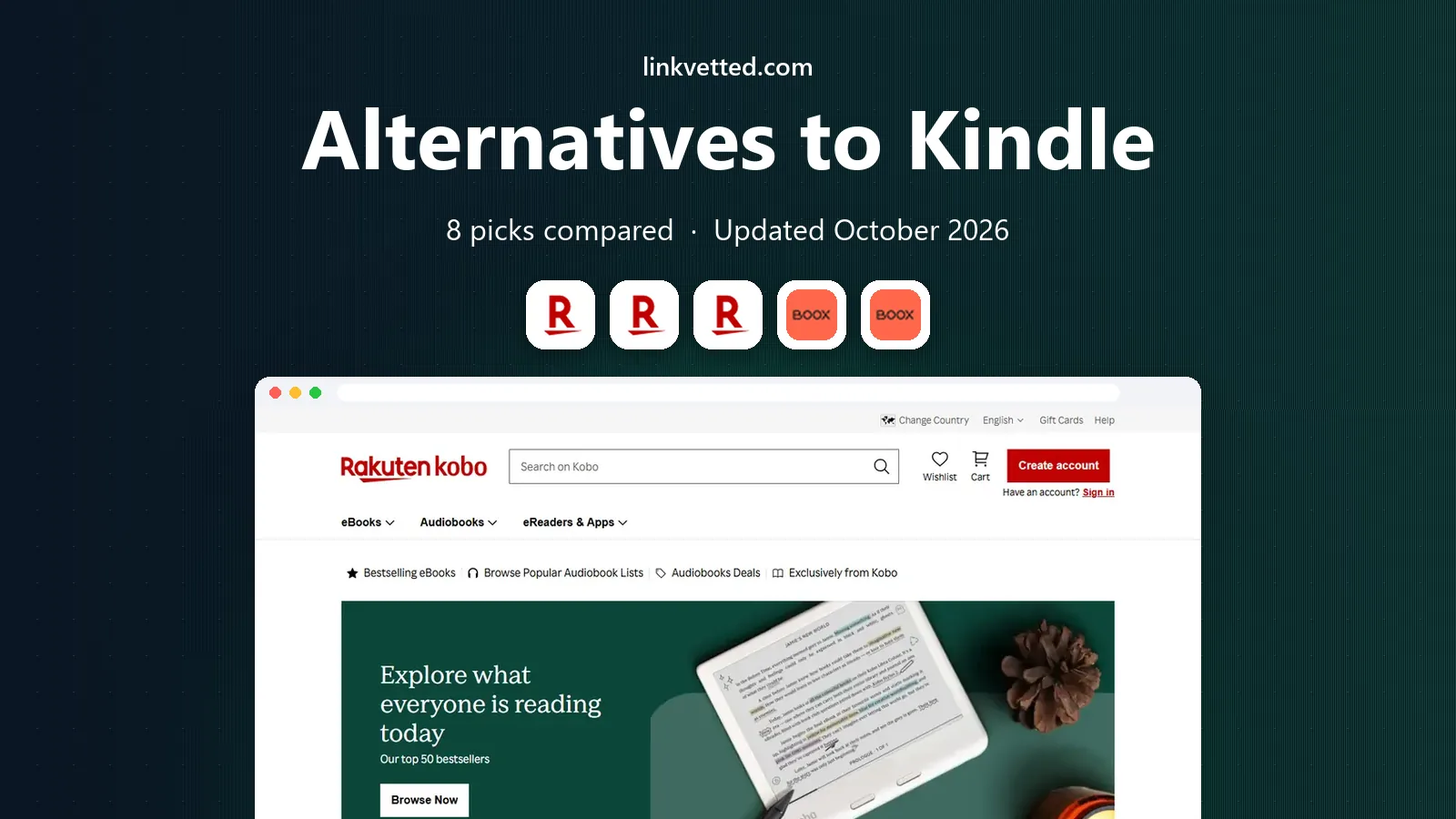
- Editor's choice
 Kobo Libra Colour
Colour reading, notes and page buttons
Starts at$259.99Visit kobo.comFull review - Great alternative
 Kobo Clara BW
Low-cost daily novel reading
Starts at$129.99Visit kobo.comFull review - Also consider
 Kobo Clara Colour
Colour reading in a small device
Starts at$179.99Visit kobo.comFull review
TL;DR:
- Kobo Libra Colour is our pick for most readers who want colour, buttons and library borrowing in one device.
- Kobo Clara BW is the best value pick for readers who mainly read novels in black and white.
- Boox devices suit readers who want Android apps and wide file support, but they need more setup than Kobo or PocketBook.
- PocketBook readers suit people with large EPUB, PDF and audiobook collections they already own.
- Colour E Ink looks softer than a phone screen, so buy colour only if you read comics, magazines or illustrated books.
Quick comparison
| Tool | Best for | Starts at | Free plan? | |
|---|---|---|---|---|
| Kobo Libra Colour | Colour reading, notes and page buttons | $259.99 | No | Visit |
| Kobo Clara BW | Low-cost daily novel reading | $129.99 | No | Visit |
| Kobo Clara Colour | Colour reading in a small device | $179.99 | No | Visit |
 Onyx Boox Page | Android reading apps on E Ink | $219.99 | No | Visit |
 Onyx Boox Palma 2 | One-handed reading on the move | See website | No | Visit |
 PocketBook Era | Large owned EPUB and audiobook libraries | $199 | No | Visit |
 PocketBook Era Color | Colour comics and wide format support | $259.99 | No | Visit |
 PocketBook Verse Pro | Waterproof reading on a budget | See website | No | Visit |
The best alternatives to Kindle
These picks focus on dedicated e-readers, not phones or tablets, because a dedicated reader gives longer battery life and less distraction. We compared official feature pages, pricing, format lists and library support.

Kobo Libra Colour is the closest all-round replacement for a Kindle for readers who want to leave Amazon behind without giving up a polished store. It has a 7-inch colour E Ink screen, 32 GB of storage, water resistance and an adjustable warm light. The asymmetrical grip and page-turn buttons make one-handed reading easy, and the screen rotates for left or right hand use.
The case for Kobo is strongest on files and borrowing. It reads EPUB files natively, so books bought outside the Kobo store or borrowed through supported public libraries fit with less fuss. Colour highlights and optional stylus notes suit comics, cookbooks and study material. The catch is that colour E Ink is muted by design, so novels alone do not justify the higher price over a monochrome Kobo.
- 7-inch colour screen
- Physical page-turn buttons
- Built-in library borrowing support
- Colour pages look greyer than monochrome screens
- Stylus sold separately
Kobo Clara BW is the pick for readers who want a simple device and a low price. Its 6-inch black and white screen is sharp for text, and the device is light enough to hold for long sessions. It also supports the same Kobo store and library borrowing features as its larger siblings, so the reading experience does not feel stripped back.
The trade-offs are clear and fair at this price. There are no physical buttons, so every page turn is a tap or swipe, and colour content shows in greyscale. For novels, essays and short stories, that rarely matters. If you read comics or illustrated books often, step up to a colour model instead.
- Sharp 6-inch monochrome screen
- Light and pocketable
- Library borrowing support
- No page-turn buttons
- No colour for comics
Kobo Clara Colour brings colour to the compact Clara body, which makes it a good middle ground. It suits readers who want colour covers, comics and highlighted notes but do not want a larger or heavier reader. It is also waterproof, so bath and poolside reading carry less risk.
Compared with Libra Colour, you give up the buttons, the grip shape and stylus note-taking. That is a real loss for annotators, but many readers will not miss those features. If size and price matter more than buttons, Clara Colour is the sensible colour pick.
- Compact colour screen
- Waterproof design
- Library borrowing support
- Smaller screen than Libra Colour
- No page-turn buttons
Onyx Boox Page suits readers who want more than one bookstore on a single device. It runs Android, so you can install reading apps and manage files from cloud storage services. It has a 7-inch monochrome screen, page-turn buttons, a speaker and a microSD slot, which together make it a flexible tool for large libraries.
The catch is complexity. Android on E Ink needs patience, because apps built for phones do not always refresh well on a slow screen. Readers who want a device that just works out of the box may prefer Kobo. Readers who enjoy tweaking settings and using several reading apps will get more from the Page.
- Android app support
- Page-turn buttons
- Expandable storage
- More setup than Kobo
- App performance varies on E Ink
Onyx Boox Palma 2 is shaped like a phone, which makes it easy to carry in a jacket pocket and hold with one hand. It runs Android reading apps, so it works as a second device for people who want to read without phone notifications. Its size is the point, and it fits commutes and short reading sessions well.
The small screen is also its limit. Dense PDFs, magazines and comics feel cramped, and long novels are fine but less comfortable than on a 7-inch reader. Buy it as a portable companion, not as your only reader if you read large-format material.
- Phone-sized and very portable
- Android app support
- Long battery life for its size
- Small screen for PDFs
- No page-turn buttons
PocketBook Era is built for readers who already own files. It supports a wide range of ebook and comic formats, plus audiobooks, and its built-in speaker and text-to-speech give options when you want to listen instead of read. The 7-inch screen, page buttons and waterproof body make it a strong daily reader.
PocketBook does not match Kobo for store polish or Boox for apps. Its menus can feel busy at first, and finding settings takes a little practice. If your library is mostly your own files, that trade is worth it, because fewer conversions and fewer format errors save time over months of reading.
- Wide format support
- Built-in speaker and text-to-speech
- Waterproof design
- Smaller app ecosystem than Boox
- Interface takes time to learn
PocketBook Era Color pairs the standard Era strengths with a colour E Ink screen. That makes it a good fit for comics, illustrated nonfiction and magazines, while still handling EPUB files and audiobooks well. It has 32 GB of storage, a waterproof body and a speaker, so it works as a single device for reading and listening.
As with other colour E Ink readers, colour is soft and pages look darker than on a monochrome screen. That matters less for comics than for plain novels. If you read mostly text, the cheaper Era gives the same core features with a clearer text page.
- 7-inch colour screen
- Wide format support
- Speaker and text-to-speech
- Colour screen is darker than monochrome
- Higher price than the standard Era
PocketBook Verse Pro is a compact, waterproof reader for people who want PocketBook format support without paying for a 7-inch screen. It suits commuters, bath readers and anyone who wants a light device that survives splashes. Its format support covers the common ebook types most readers actually use.
The limits are size and screen type. Small text in PDFs can feel tight, and colour content shows in greyscale. For novels and standard ebooks, those limits rarely get in the way. It is a practical second reader or a first reader for buyers who want durability at a lower cost.
- Compact 6-inch screen
- Waterproof design
- Wide format support
- Smaller screen than Era models
- No colour screen
How we picked these
We compared official product pages, pricing pages, format lists and library support, plus app store listings and public reviews where they clarified real-world use. We favoured readers that are sold now, support common formats, and give a clear way to buy or borrow books. We left out devices that are discontinued or sold only through unclear third-party listings.
We also weighed the reason people leave Kindle. Some want open file support, some want library borrowing, and some want colour or Android apps. No single reader wins on every point, so the list mixes simple readers with flexible ones and notes the trade in each write-up.
What to check before you switch
Your current books
Kindle books bought from Amazon do not transfer freely to other readers in most cases. Check which of your books are also available as EPUB files, through a library, or in another store before you sell your old device. Keeping a phone app for Amazon books can ease the move.
Library borrowing
Kobo has built-in library borrowing in supported regions, while other readers rely on apps or file transfers. If borrowing is central to your reading, confirm that your local library works with the reader you choose. A quick check with your library avoids disappointment after purchase.
Colour versus monochrome
Colour E Ink suits comics, covers and highlighted notes, but text pages look greyer and darker than on a monochrome screen. If you read mostly novels, a monochrome reader gives clearer text and a lower price. If you read illustrated books weekly, colour is worth the extra cost.
Storage and accessories
Most readers here have enough storage for thousands of novels, but audiobooks and comics fill space faster. Check whether the model has expandable storage before you buy, and budget for a case. A stylus, where supported, is usually sold separately.
FAQ
What are the best kindle alternatives?
Kobo Libra Colour is our top pick for most readers, Kobo Clara BW is the best value pick, and Boox Page suits readers who want Android apps. PocketBook Era is a strong choice for owned files and audiobooks. The best pick depends on whether you value colour, buttons, apps or format support most.
Can I read Kindle books on a Kobo or PocketBook?
In general, books bought from Amazon stay tied to Amazon apps and devices, and DRM-protected Kindle files do not open directly on Kobo or PocketBook readers. DRM-free EPUB files and books from other stores work well on both brands. Keep the Kindle app on a phone or tablet if you still want access to your Amazon library.
Is Kobo better than Kindle for library books?
For many US readers, yes, because Kobo has built-in library borrowing through OverDrive in supported regions. That lets you borrow ebooks directly on the device where your library supports it. Kindle also supports library borrowing through Libby in the US, so check your local library before deciding.
Do colour e-readers look like tablets?
No. Colour E Ink is muted and paper-like, with softer colours and a greyer page than a phone or tablet screen. That soft look is easier on the eyes for long reading, but it will not match a tablet for photos or video. Buy colour for comics and illustrations, not for photo viewing.
Which alternative is best for PDFs?
Larger screens handle PDFs better, so a 7-inch reader beats a 6-inch reader for documents, and a 10-inch Boox tablet beats both for full-page PDFs. For short articles and forms, any reader here works. For textbooks and scanned pages, consider a larger E Ink tablet instead.
How long does an e-reader battery last?
Battery life varies with light level, Wi-Fi use and page turns, but most dedicated readers last weeks on a single charge with moderate daily reading. Android readers tend to drain faster when apps run in the background. Turning off Wi-Fi when you are not downloading books helps.