Alternatives to HeyReach in 2026: 8 LinkedIn Tools Compared
Looking for HeyReach alternatives in 2026? We compare 8 LinkedIn outreach tools on safety, campaigns, pricing, inboxes and CRM integrations for teams.
- Editor's choice
 Lemlist
Multichannel outreach
Starts atSee websiteVisit lemlist.comFull review - Great alternative
 Reply.io
Sales outreach sequences
Starts atSee websiteVisit reply.ioFull review - Also consider
 Instantly
Email plus LinkedIn steps
Starts atSee websiteVisit instantly.aiFull review
TL;DR:
- Lemlist and Reply are our top picks for teams that want multichannel outreach beyond LinkedIn alone.
- Expandi and Dripify suit LinkedIn-first teams that want campaign automation and safety controls.
- Instantly suits email-heavy teams that also want light LinkedIn steps.
- LinkedIn outreach tools carry account risk, so keep daily limits low, personalise messages and follow LinkedIn rules.
- Trial with one small campaign and one sender account before you move a whole team.
Quick comparison
| Tool | Best for | Starts at | Free plan? | |
|---|---|---|---|---|
| Lemlist | Multichannel outreach | See website | Free trial | Visit |
| Reply.io | Sales outreach sequences | See website | Free trial | Visit |
| Instantly | Email plus LinkedIn steps | See website | Free trial | Visit |
 Expandi | LinkedIn-first automation | See website | Free trial | Visit |
 Dripify | LinkedIn campaign automation | See website | Free trial | Visit |
 Waalaxy | Simple LinkedIn prospecting | See website | Free trial | Visit |
 Zopto | LinkedIn lead generation | See website | Free trial | Visit |
 MeetAlfred | LinkedIn and email outreach | See website | Free trial | Visit |
The best alternatives to HeyReach
HeyReach is a LinkedIn outreach tool for agencies and sales teams. The alternatives here cover LinkedIn-first tools and multichannel tools that add email and calls. We compared official feature pages, pricing models, safety controls and CRM integrations.
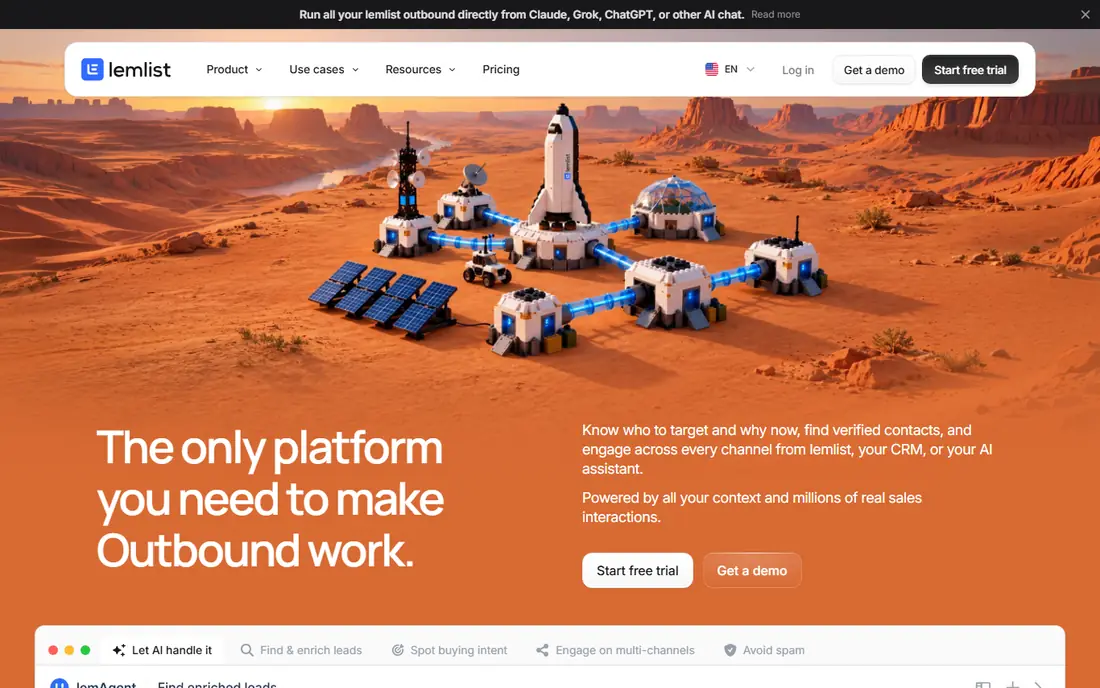
Lemlist suits teams that want LinkedIn as one step in a wider outreach sequence, not the only channel. You can mix email, LinkedIn visits, connection requests and calls, with personalisation fields and images to make messages feel less templated. Reporting shows reply rates by step, so you can see whether LinkedIn or email drives replies.
The trade is focus. A LinkedIn-only team may find Lemlist broader than needed, and seat pricing adds up for a large agency. If your team already runs email outreach and wants to add LinkedIn safely, Lemlist is a strong HeyReach alternative.
- Email, LinkedIn and call steps in one sequence
- Personalisation features
- Team reporting
- LinkedIn steps are part of a broader tool, not a LinkedIn-only focus
- Pricing rises with seats

Reply is a sales engagement platform that covers email, LinkedIn, calls, SMS and WhatsApp steps in one sequence. It suits sales teams that want one place to manage prospecting, with CRM sync to HubSpot, Salesforce and Pipedrive. AI tools can draft message variants, though you should edit them before sending.
Reply is more complex than a simple LinkedIn tool, and teams that only need LinkedIn may pay for channels they never use. For a sales team that already sequences email and LinkedIn together, Reply gives a cleaner workflow than juggling two tools.
- Multichannel sequences
- AI message help
- CRM integrations
- Learning curve for advanced sequences
- Pricing needs care for large teams
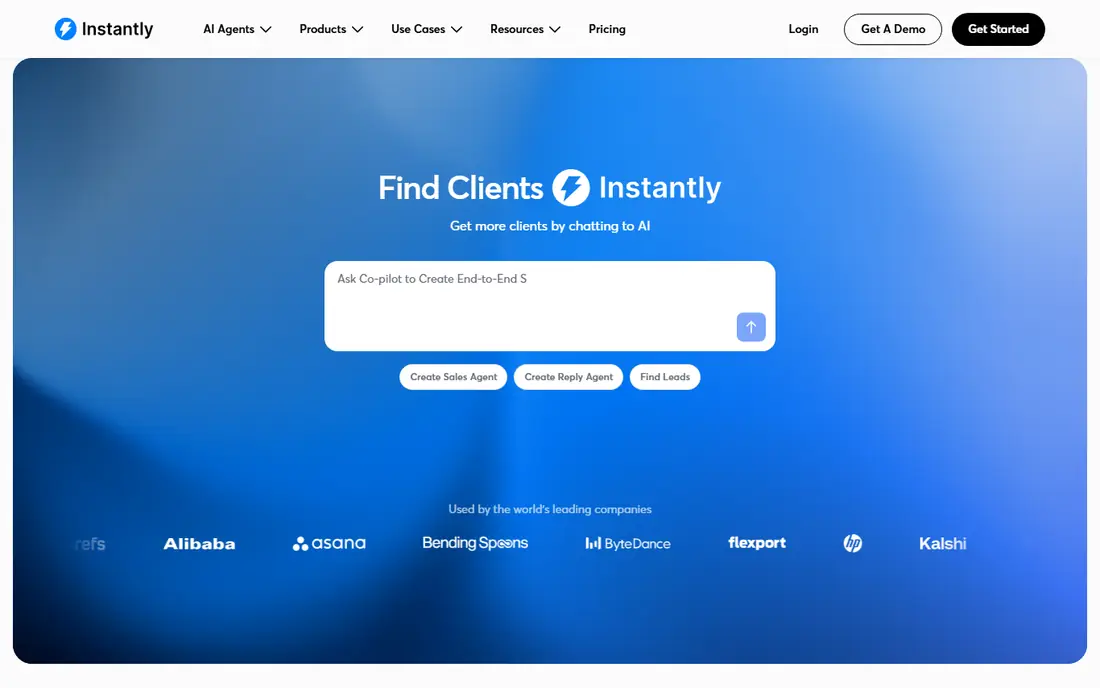
Instantly is best known for cold email, with inbox setup, warm-up and rotation tools that help deliverability. It also supports LinkedIn steps in sequences, which makes it a fit for teams that lead with email and add LinkedIn touches. Its lead finder can help build lists, though list quality still needs manual checks.
If LinkedIn is your main channel, Expandi or Dripify will feel more focused. If email drives most replies and LinkedIn is a supporting step, Instantly gives better email tooling than most LinkedIn-first tools.
- Strong email deliverability tools
- Inbox rotation
- Lead database add-ons
- LinkedIn features are lighter than LinkedIn-first tools
- Email focus dominates
Expandi is a cloud-based LinkedIn automation tool, which means campaigns run without keeping a browser open. It offers connection campaigns, message sequences, safety limits, random delays and analytics, plus integrations with CRMs and webhooks. That setup suits agencies that manage several LinkedIn accounts.
No automation tool removes LinkedIn risk. Keep daily connection and message volumes low, target relevant prospects, and personalise first messages. Expandi gives controls to help, but aggressive settings can still lead to account restrictions, so start conservatively.
- Cloud-based LinkedIn automation
- Safety limits and delays
- Campaign analytics
- LinkedIn-only focus
- Pricing is per seat
- Account risk remains with any automation
Dripify offers a visual builder for LinkedIn campaigns, with steps for profile visits, follows, connection requests, messages and endorsements. Its safety controls include daily limits and delays, and its dashboard shows campaign performance by step. Agency features help teams manage multiple client accounts.
Dripify is narrower than Lemlist or Reply, since it does not try to cover full email outreach in the same depth. For a LinkedIn-first team that wants a clear visual campaign flow, that focus is a plus. For a multichannel team, pair it with an email tool instead of forcing it to do both jobs.
- Visual campaign builder
- LinkedIn safety controls
- Team and agency features
- LinkedIn-only scope
- Advanced features are on higher plans
Waalaxy is one of the easier LinkedIn tools to start with, with campaign templates and list building from LinkedIn searches. It supports LinkedIn steps plus email follow-ups, which suits small teams and solo prospectors who want results without a long setup. Its interface is clearer than many agency-focused tools.
Analytics and agency controls are lighter than Expandi or Dripify, so large teams may outgrow it. For a small team testing LinkedIn outreach, Waalaxy is a low-friction HeyReach alternative, provided you keep volumes modest and messages relevant.
- Easy campaign setup
- LinkedIn and email sequences
- Lead lists from LinkedIn search
- Simpler analytics than Expandi
- Higher plans needed for team features
Zopto is a cloud-based LinkedIn lead generation tool with targeting filters, campaign sequences and reporting. It suits businesses that want done-for-you style campaign setup with support, rather than building every sequence from scratch. Its filters help narrow LinkedIn searches by role, industry and location.
Pricing is a drawback for small teams, since Zopto sits above budget tools such as Waalaxy. It also focuses on LinkedIn, so email-heavy teams need a second tool. If LinkedIn lead generation is your main growth channel and you want support, Zopto is worth a trial.
- Cloud-based LinkedIn campaigns
- Targeting filters
- Live chat support
- Pricing is higher than some rivals
- LinkedIn-only focus
MeetAlfred, formerly Alfred, combines LinkedIn automation with email campaigns and CRM sync. It suits teams that want LinkedIn and email in one tool without moving to a full sales engagement platform. Team features help agencies manage seats and campaigns across clients.
The interface packs in many features, so new users may need time to learn campaign settings and safety limits. As with all tools here, keep daily volumes low and personalise messages. MeetAlfred is a practical middle ground between LinkedIn-only tools and large sales platforms.
- LinkedIn and email campaigns
- CRM integrations
- Team management
- Interface can feel busy
- Pricing varies by plan and seats
How we picked these
We compared official feature pages, pricing models, safety controls and integration lists, plus public reviews from agencies and sales teams. We required each tool to support LinkedIn outreach now, to publish pricing or trial information, and to offer safety controls such as daily limits or delays. We excluded tools that only scrape LinkedIn data without outreach, since they do not replace HeyReach.
We also weighed account risk honestly. LinkedIn restricts automation that violates its terms, and no vendor can guarantee an account will never be restricted. Tools that encourage very high daily volumes scored lower, while tools with clear safety guidance scored higher, even if their feature lists were shorter.
How to use LinkedIn outreach safely
Keep volumes low and human
Start with a small number of connection requests and messages per day, well below any tool maximum. Use delays between actions, take weekends off, and pause campaigns if reply rates fall. A slow campaign that lasts is worth more than a fast campaign that gets an account restricted.
Personalise the first message
Mention a real detail from the prospect profile, post or company, and explain why you are reaching out in one or two sentences. Avoid generic pitches, long first messages and immediate sales links. Personalisation improves replies and reduces spam reports, which also protects your account.
Target narrowly and clean lists
Build lists by role, industry and location, then remove irrelevant prospects by hand. A small, relevant list beats a large, random list for replies and for safety. Review bounced or ignored prospects regularly, and do not re-add people who declined or reported a message.
Track replies, not just sends
Measure reply rate, positive reply rate and meetings booked, not only connection acceptance. If a campaign gets many accepts but no replies, the message needs work. If a campaign gets spam reports, pause it, rewrite the message and narrow the list before you restart.
FAQ
What are the best HeyReach alternatives?
Lemlist and Reply suit multichannel teams, while Expandi and Dripify suit LinkedIn-first teams. Waalaxy suits small teams that want simple setup, and Instantly suits email-heavy teams. The best HeyReach alternative depends on whether LinkedIn is your main channel or one step in a wider sequence.
Is LinkedIn automation safe?
Automation carries risk, because LinkedIn limits automated activity and can restrict accounts that send too many requests or spammy messages. Safety controls, low volumes, relevant targeting and personal messages reduce risk, but they do not remove it. Use a dedicated sender account for testing, and never automate on your main personal account without accepting that risk.
Can I use these tools with my CRM?
Yes, most tools here integrate with HubSpot, Salesforce, Pipedrive or Zapier, though depth varies. Check whether contacts, replies and campaign status sync both ways, or only one way. A one-way sync can create duplicate records if your sales team also works in the CRM.
Do I need a Sales Navigator account?
Not always, but Sales Navigator helps with advanced search, lead lists and InMail for many LinkedIn outreach teams. Some tools work with a standard LinkedIn account, while others recommend Sales Navigator for better targeting. Check each tool requirements page before you pay for both tools.
How many LinkedIn connection requests should I send per day?
Keep it low, especially on a new account, and increase slowly only if reply rates stay healthy and no warnings appear. Many safety guides suggest starting well below tool maximums and focusing on relevance. If you are unsure, send fewer, better-targeted requests rather than more generic ones.
What is the difference between HeyReach and Expandi?
Both are LinkedIn outreach tools for agencies and sales teams, with campaigns, safety controls and analytics. HeyReach is known for agency features and inbox management, while Expandi is known for cloud-based LinkedIn campaigns. Compare pricing per seat, safety controls and CRM integrations on a small trial before you switch a whole team.